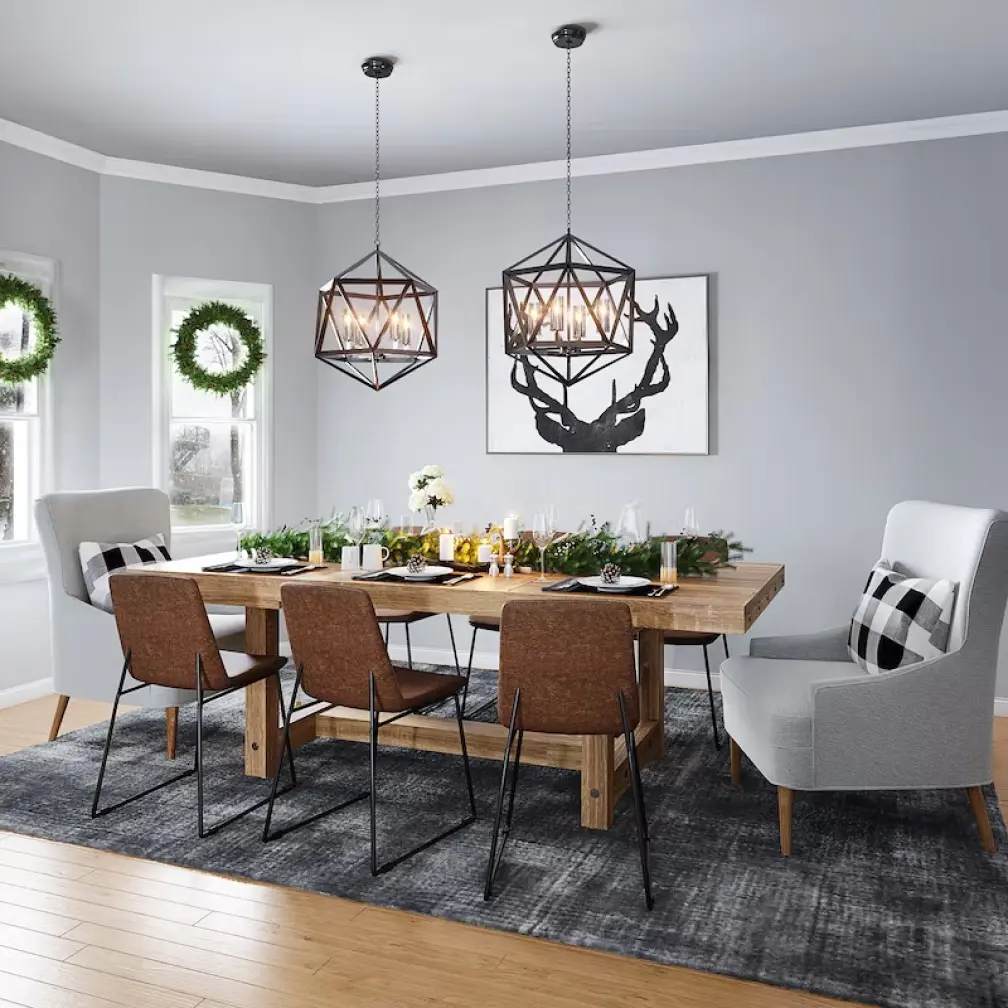
I’ve been slowly renovating a flat, and paying a designer for concept renders was quietly draining my budget. So I tried Archi AI — upload a photo of a room, pick a style, and let AI restyle it. Here’s my honest, hands-on review.
1. What Is Archi AI?
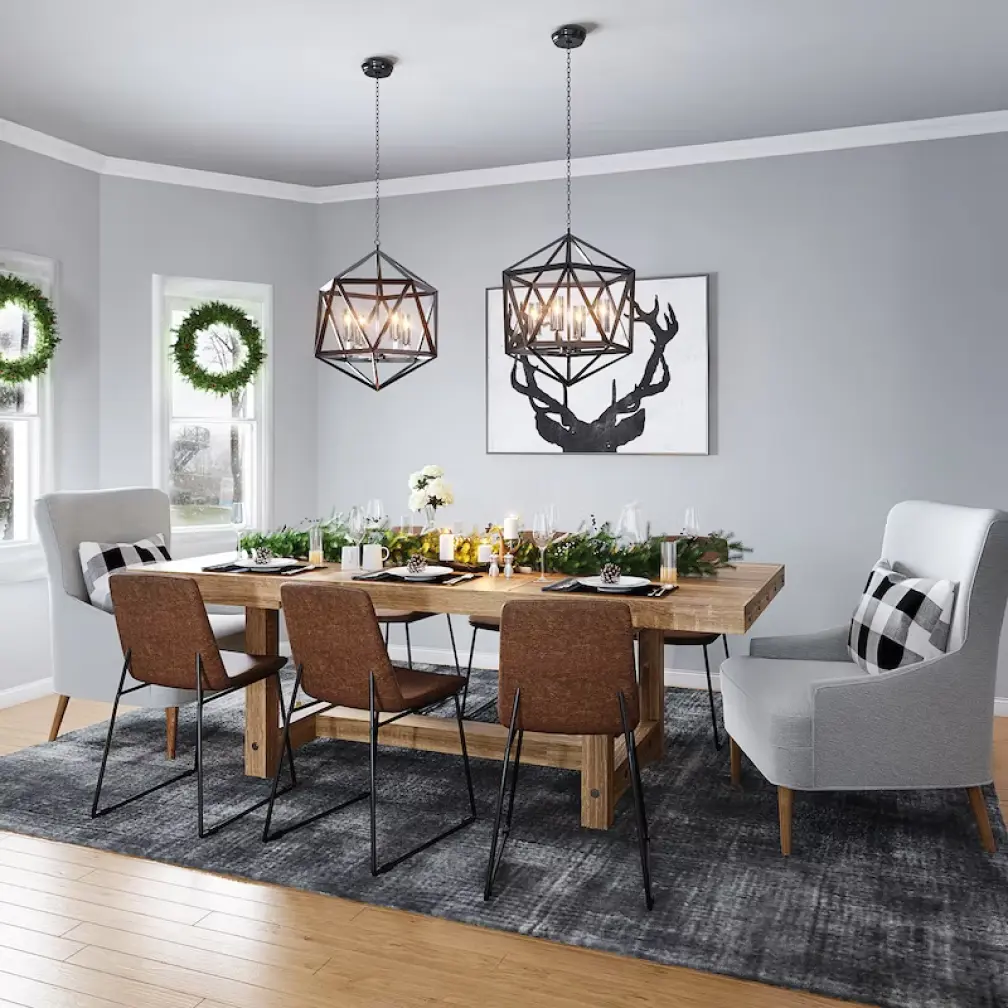
Archi AI is an AI-powered interior and exterior design tool. You upload a picture of your space, fill out a short form to select the style you’re after, and press “Generate” to produce multiple redesigned versions of that room or exterior. It’s aimed at homeowners, renters, and real-estate stagers who want professional-looking design visualizations without hiring a designer.
2. Who Is Archi AI Best For?
✅ Homeowners planning a renovation
If you want to see what a room could look like in different styles before spending on furniture or contractors, Archi turns a phone photo into styled concepts fast.
✅ Real-estate agents and virtual stagers
Empty or dated listings can be virtually staged across room types — living room, bedroom, kitchen, bathroom, dining room — to help buyers picture the space.
✅ Renters who can’t make permanent changes
It’s a low-cost way to experiment with looks and decor ideas without touching the actual space.
❌ Professionals needing precise CAD floor plans
Archi generates styled visualizations, not measured architectural drawings, so it won’t replace CAD software.
❌ Anyone expecting buildable construction specs
The output is inspiration and staging, not engineering documentation.
3. Core Features Breakdown
3.1 Upload & Redesign
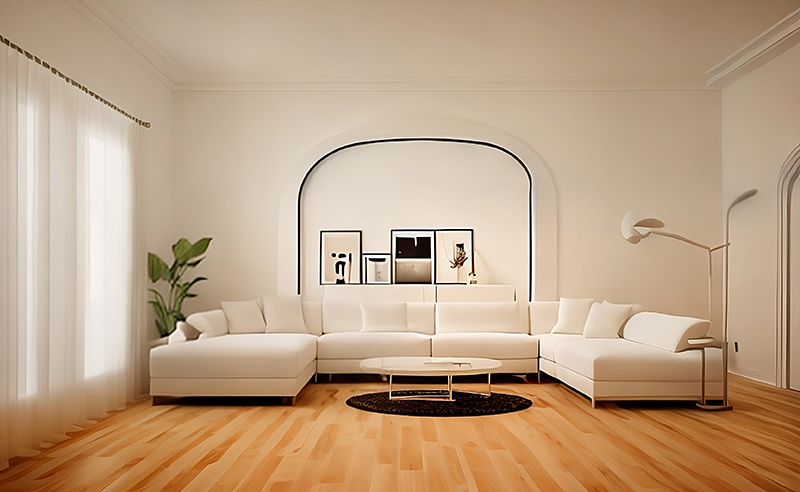
The whole workflow is three steps: upload a picture, choose a style via a short form, and generate. It’s genuinely simple.
3.2 Interior & Exterior
Unlike some tools that only do interiors, Archi handles exterior spaces too, so you can restyle facades and outdoor areas.
3.3 Multiple Room Types
It supports staging living rooms, bedrooms, kitchens, bathrooms, and dining rooms, each with style-appropriate results.
3.4 Multiple Design Variations
Each generation produces several different designs of your space, so you can compare directions rather than settling for one output.
4. Pricing
Archi lets you start designing for free. Beyond the free entry point it offers monthly plans described by render volume — one tier around 100 renders per month and a higher tier with unlimited renders per month. The exact dollar figures weren’t exposed on the public page at the time of my review (they appear after you enter the app), so I won’t quote numbers I couldn’t verify — check the current in-app pricing before subscribing.
5. Pros & Cons
Pros: Dead-simple three-step workflow; covers both interior and exterior; multiple variations per generation; free tier to try it; far cheaper than hiring a designer for concepts.
Cons: Public pricing figures not clearly listed; output is styling/visualization, not CAD or buildable plans; AI results can occasionally distort fine details.
6. Archi AI vs Traditional Interior Design Software
Traditional tools like SketchUp or professional design suites give you precise control and measurements but demand a real learning curve. Archi trades that precision for speed and accessibility: you get styled concepts in seconds from a single photo, with no modeling skills. If you need accurate plans, stick with CAD; if you want fast inspiration and staging, Archi is the lighter, quicker option.
7. Final Verdict: Is Archi AI Worth It in 2026?
For quick design inspiration, virtual staging, and “what could this room look like” experiments, Archi AI is a genuinely useful, low-effort tool, and the free start makes it easy to test. Just go in knowing it produces visualizations, not construction-grade plans, and confirm the current pricing in-app before committing.
Frequently Asked Questions
How does Archi help me design my home?
You upload a photo of a room or exterior, pick a style, and it generates several redesigned versions so you can visualize different looks.
What type of spaces can I create with Archi?
Both interiors and exteriors, including living rooms, bedrooms, kitchens, bathrooms, and dining rooms.
How realistic are the results?
The AI renders are designed to look photorealistic, though as with any generative tool fine details can occasionally look off.
Is there a free option?
Yes, you can start designing for free before moving to a paid render plan.
Can Archi replace an interior designer?
It’s great for concepts and inspiration, but it produces visualizations rather than professional plans or project management.
👉 Where to Get Archi AI
You can start designing for free here: Try Archi AI.
Affiliate disclosure: this post contains an affiliate link. If you sign up through it I may earn a commission at no extra cost to you. All opinions are my own based on hands-on testing.