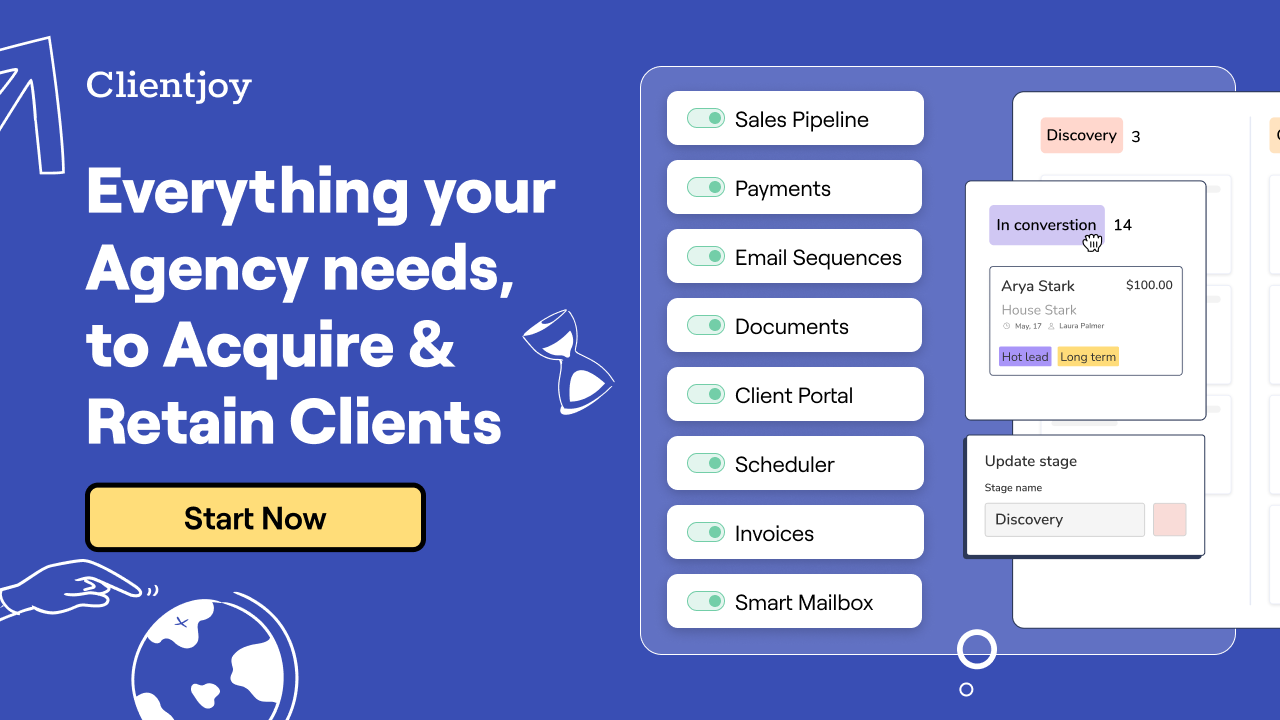
If you went solo or run a tiny agency, you know the chaos: leads in your inbox, proposals in one tool, contracts in another, invoices somewhere else, and your clients constantly emailing “where do I find…?” Clientjoy promises to pull that entire mess into one place — from prospect to payment. I put it through real client work, and here’s my honest Clientjoy review for 2026.
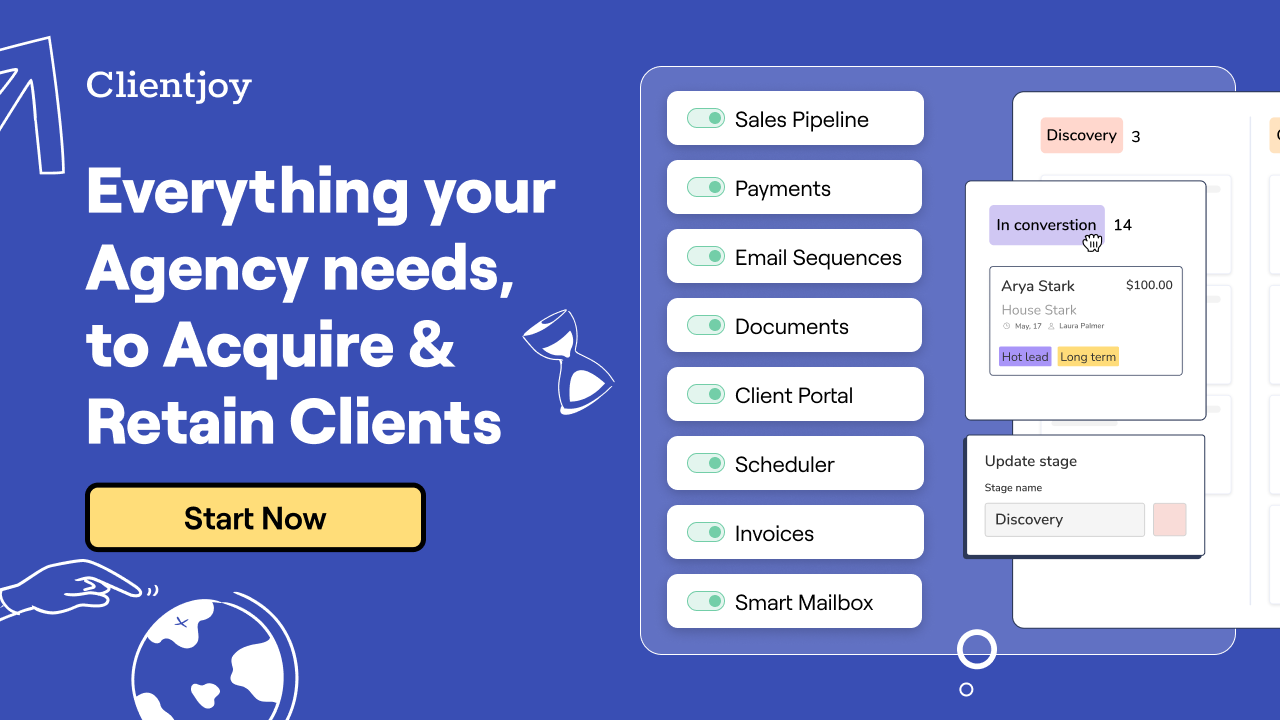
1. What Is Clientjoy?
Clientjoy is an all-in-one CRM built specifically for freelancers, consultants, solopreneurs and small teams. It lets you manage your leads, proposals, clients and invoices in one place — unifying the whole journey from prospecting to getting paid, rather than stitching together five separate apps.
The pitch resonates with anyone who’s gone independent: “You didn’t go solo to do paperwork.” Clientjoy handles the back-office grind — sales pipeline, e-signatures, scheduling, a white-label client portal, and invoicing/payments — so you can spend your time delivering work and selling, not chasing admin.
2. Who Is Clientjoy Best For?
✅ You’ll love Clientjoy if…
You’re a freelancer, creative, coach, consultant, or small 0–1 team that handles your own sales, onboarding, contracts and billing. If you’re tired of juggling separate tools for proposals, e-sign, scheduling and invoices — and you want a polished, white-labeled experience for your clients — this is built for you. It’s especially strong if client experience is part of how you win referrals.
❌ Clientjoy may not be for you if…
You’re a large enterprise needing deep, highly customized CRM workflows and many integrations beyond the essentials, or you already run a mature stack and don’t want to consolidate. Heavy-duty sales orgs may outgrow the solopreneur-focused feature set.
3. Core Features Breakdown
3.1 A white-labeled client portal
This is my favorite part. Clientjoy gives your clients one branded place — your domain, your logo, your colors — to find everything: updates, files (via Data Rooms), invoices and documents, instead of digging through email threads. You can even build onboarding templates so you stop asking every client for the same things.

3.2 Prospect-to-close sales tools
On the front end, you convert visitors with web forms, track deals in a custom sales pipeline, integrate two-way with your email and calendar, and book more meetings with a public scheduler. There’s e-sign for proposals, contracts and estimates, email sequences to warm up cold leads, and JoyAssist — Clientjoy’s own AI writer — to draft cold emails and replies.

3.3 Invoicing and getting paid on time
Clientjoy supports one-time, split and recurring invoices, connects with Stripe, PayPal and Payoneer, bills in multiple currencies, and sends automated payment reminders. Reports and analytics help you plan expenses — the kind of cash-flow visibility solo operators usually lack.
3.4 Data Rooms and document management
Data Rooms give you and your clients a shared space to exchange files securely, while document templates with items and packages speed up proposals and quotes. It’s the connective tissue that keeps everything — and everyone — on the same page.

4. Pricing
Clientjoy’s pricing is simple and starts with a free trial (no credit card required, cancel anytime). The Starter plan is $44/month billed annually ($49 monthly) and includes up to 5 team members, 25 client accounts, 50 client users and listings management for 25 locations — best for independent businesses. The Premium plan (most popular) is $89/month billed annually ($99 monthly) and adds up to 10 team members, 100 client accounts, unlimited client users, and listings plus review management for 100 locations. Clientjoy also runs occasional promotional deals, so it’s worth checking the current offer. Prices are accurate as of this review — confirm on the official site before subscribing.
5. Pros & Cons
✅ True all-in-one — pipeline, proposals, e-sign, portal and invoicing together.
✅ White-label client portal for a premium client experience.
✅ JoyAssist AI and email sequences to speed up outreach.
✅ Flexible invoicing with Stripe/PayPal/Payoneer and multi-currency.
✅ Free trial, no card, cancel anytime.
❌ Built for small teams — large enterprises may outgrow it.
❌ Client-account caps on each tier to watch as you scale.
❌ Best value requires annual billing; monthly costs more.
6. Clientjoy vs a Stack of Separate Tools
The DIY alternative is a separate proposal tool, an e-sign app, a scheduler, an invoicing platform and a CRM — each with its own subscription, login and learning curve, and none of them talking to each other. Clientjoy consolidates all of that into one system at a single predictable price, with a unified client portal on top. You lose a little best-in-class depth in each individual category, but for most solopreneurs the time saved and the cohesive client experience easily win.
7. Final Verdict: Is Clientjoy Worth It in 2026?
For freelancers, consultants and small agencies, Clientjoy is a strong yes. It directly attacks the admin sprawl that eats solo operators’ time, and the white-labeled portal genuinely elevates how clients perceive you — which drives referrals. The caveats are minor for the target user: account caps per tier and an enterprise feature ceiling. With a no-card free trial, you can move your next client into it and feel the difference before paying. If you’re drowning in tools, this is well worth the test drive.
Frequently Asked Questions
What is Clientjoy?
It’s an all-in-one CRM for freelancers, consultants and small teams that manages leads, proposals, e-sign, a client portal and invoicing in one place.
How much does Clientjoy cost?
Starter is $44/month and Premium is $89/month (both billed annually; $49 and $99 monthly). Both include a free trial with no credit card required.
Does Clientjoy have a white-label client portal?
Yes — you can use your own domain, logo and colors to give clients a branded portal for updates, files, invoices and documents.
What payment processors does it support?
Clientjoy connects with Stripe, PayPal and Payoneer, supports multiple currencies, and offers one-time, split and recurring invoices with automated reminders.
Is there a free trial?
Yes — you can start free with no credit card, and cancel anytime.
Where to Get Clientjoy
You can start your free trial here: Try Clientjoy free →
Affiliate disclosure: This post contains an affiliate link. If you sign up through it, I may earn a commission at no extra cost to you. I only recommend tools I’ve genuinely found useful.