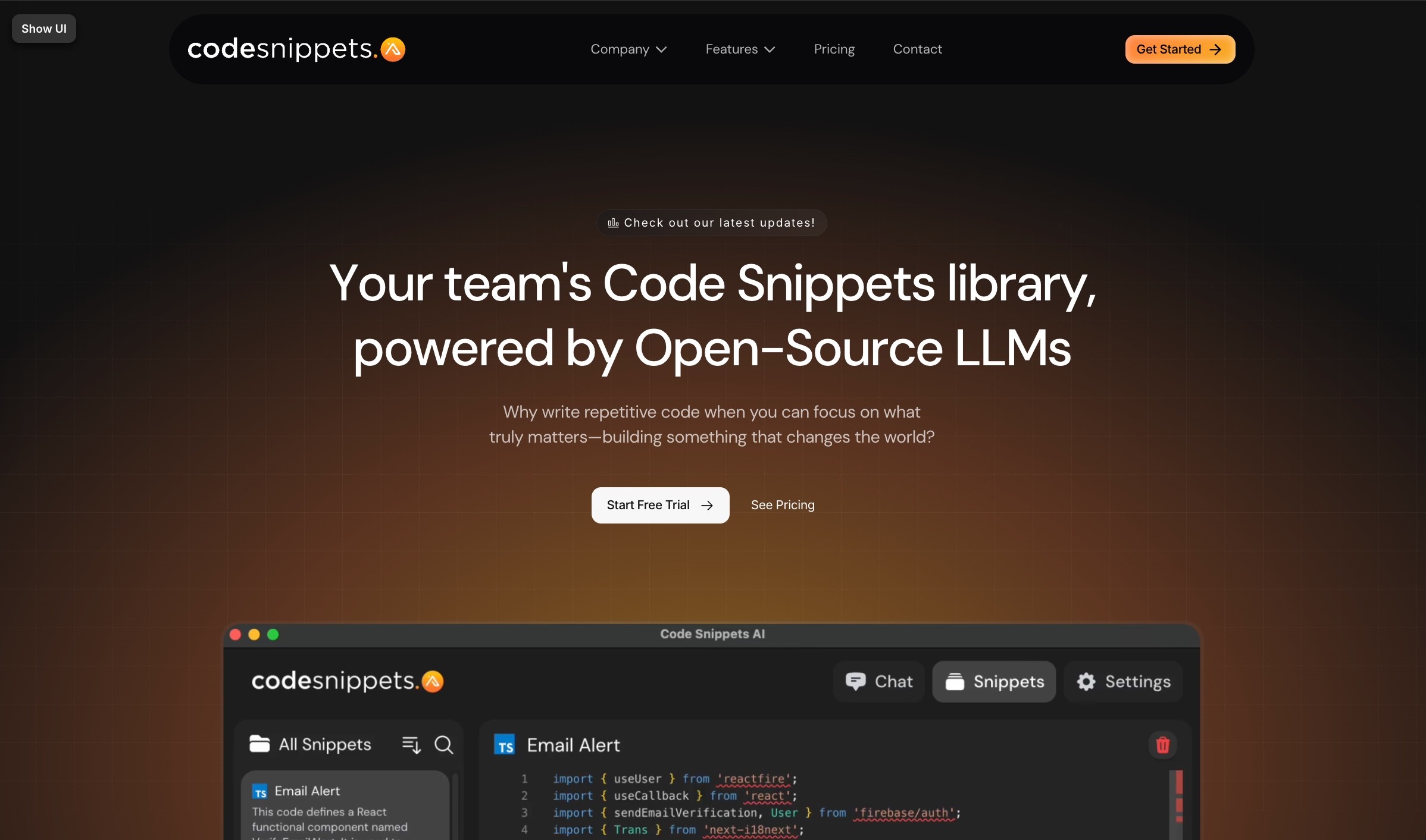
As a developer, I have a graveyard of half-remembered code snippets scattered across Notes, Gists, and random files. When I found Code Snippets AI — a team snippet library with AI baked in — I was curious whether it could finally tame that chaos. Here’s my honest, first-person review.

1. What Is Code Snippets AI?
Code Snippets AI is a professional code-snippet management tool for teams, combined with contextually-rich AI chat. You store your reusable snippets in a secure, shared library, and the AI is integrated directly with that library — so you can build new features, fix bugs, add comments, and understand your codebase with your own snippets as context. A standout detail: it’s powered by open-source AI, and on the free tier you bring your own AI key (OpenRouter for online LLMs, or Ollama for fully local models). It ships as desktop apps for Mac and Windows, plus a VSCode integration.

2. Who Is Code Snippets AI Best For?
✅ Development teams sharing reusable code
The snippet library plus user management (owners, admins, members) makes it ideal for teams that reuse code across projects.
✅ Privacy-focused developers
Because you can run local LLMs via Ollama and bring your own key, it suits devs who don’t want code leaving their machine.
✅ Solo devs who hate re-writing boilerplate
Even on the free tier you get a snippet library and desktop apps — handy for stopping repetitive coding.
❌ Non-coders
This is a developer tool through and through; there’s nothing here for people who don’t write code.
❌ Those wanting a bundled, managed AI with no setup
The free tier requires bringing your own AI key, so if you want zero-config AI, expect some setup.
3. Core Features Breakdown
3.1 Secure snippet library with AI
Store and organize reusable snippets in a shared library, with the AI drawing on them for context-aware assistance.
3.2 Open-source & local AI options
Bring your own key for online LLMs via OpenRouter, or run local models with Ollama — a genuinely privacy-friendly approach.
3.3 Team management & controls
Manage members with roles (owner/admin/member), track real-time LLM usage, and generate AI context for snippets to improve documentation.
3.4 IDE & browser integration
Native Mac and Windows desktop apps, a VSCode integration, plus an AI Chrome extension on paid plans, and local codebase indexing for better context.
4. Pricing
Pricing is reported exactly as displayed (the site defaults to yearly billing, which it says saves 20% versus monthly). Basic is Free: bring your own AI key, online LLMs from OpenRouter, local LLMs from Ollama, save up to 5 snippets, and free desktop apps. Pro (most popular) is $7.5/month per user with a 14-day free trial: adds the AI Chrome extension, team members, the full AI-powered snippets library, local codebase indexing, and email support. Enterprise is $12.5/month with a 14-day trial: everything in Pro plus advanced security, unlimited user accounts, 24/7 priority support, and unlimited snippets. Confirm live pricing and billing terms on their page before subscribing.
5. Pros & Cons
Pros: Genuinely useful free tier; open-source AI with bring-your-own-key and local (Ollama) support for privacy; team snippet library with role-based management; VSCode integration and Mac/Windows desktop apps; local codebase indexing on paid plans; affordable per-user pricing ($7.5–$12.5/mo); 14-day free trial on paid tiers.
Cons: Free tier requires bringing your own AI key (setup friction); only 5 snippets on Basic; developer-only audience; usage/costs of your own LLM key are separate; some advanced features gated behind Enterprise.
6. Code Snippets AI vs GitHub Copilot
Copilot is an autocomplete-first AI coding assistant baked into your editor; it’s excellent at in-line suggestions but doesn’t give you a shared, curated snippet library or bring-your-own-key/local-model flexibility. Code Snippets AI approaches from the library angle: your team’s reusable code becomes the AI’s context, and you control which models power it (including local ones). If your priority is a governed, shareable snippet knowledge base with privacy options, this fits; if you mainly want the best raw autocomplete, Copilot leads.
7. Final Verdict: Is Code Snippets AI Worth It in 2026?
For development teams that want to stop losing knowledge in scattered snippets — and care about running AI on their own terms — Code Snippets AI is a smart, privacy-conscious pick. The open-source, bring-your-own-key/local-model approach genuinely sets it apart, and the free tier plus 14-day trials make it low-risk to evaluate. Solo non-team users get less out of it, but for teams the per-user pricing is fair. Recommended — start free, trial Pro if the library clicks.
Frequently Asked Questions
What is Code Snippets AI?
A team code-snippet management tool with integrated, context-aware AI chat, powered by open-source models and your own snippet library.
Do I need my own AI key?
On the free Basic plan, yes — you bring your own key (OpenRouter for online LLMs, or Ollama for local models).
How much does it cost?
Basic is free, Pro is $7.5/month per user, and Enterprise is $12.5/month, with 14-day free trials on paid plans (yearly billing shown).
Does it work with VSCode?
Yes — there’s a VSCode integration, plus Mac and Windows desktop apps and an AI Chrome extension on paid plans.
Can I run AI locally for privacy?
Yes — it supports local LLMs via Ollama, so your code can stay on your machine.
👉 Where to Get Code Snippets AI
If you want an AI-powered team snippet library you control, start free here: Visit Code Snippets AI →
Affiliate disclosure: This post contains an affiliate link. If you sign up through it, I may earn a commission at no extra cost to you. My assessment is based only on real, publicly available product information.