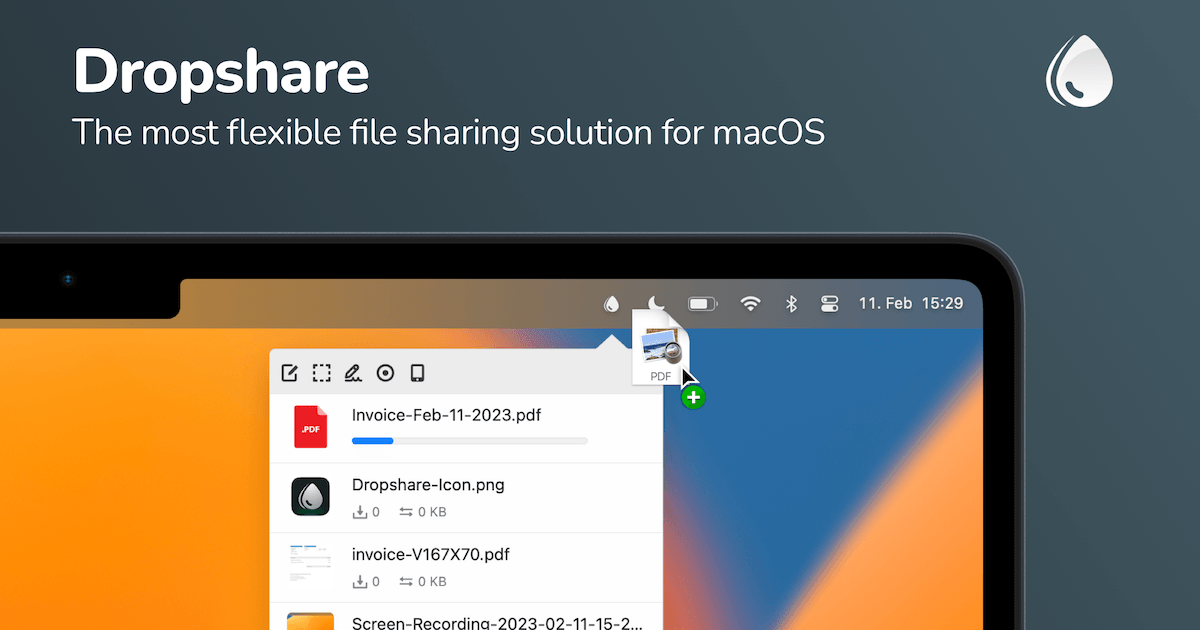
I take a lot of screenshots and screen recordings, and for years my workflow was a clumsy dance of upload, wait, copy link, paste. When I finally tried Dropshare on my Mac, that whole ritual collapsed into a single drag-and-drop. Here’s my honest, first-person take after living with it.
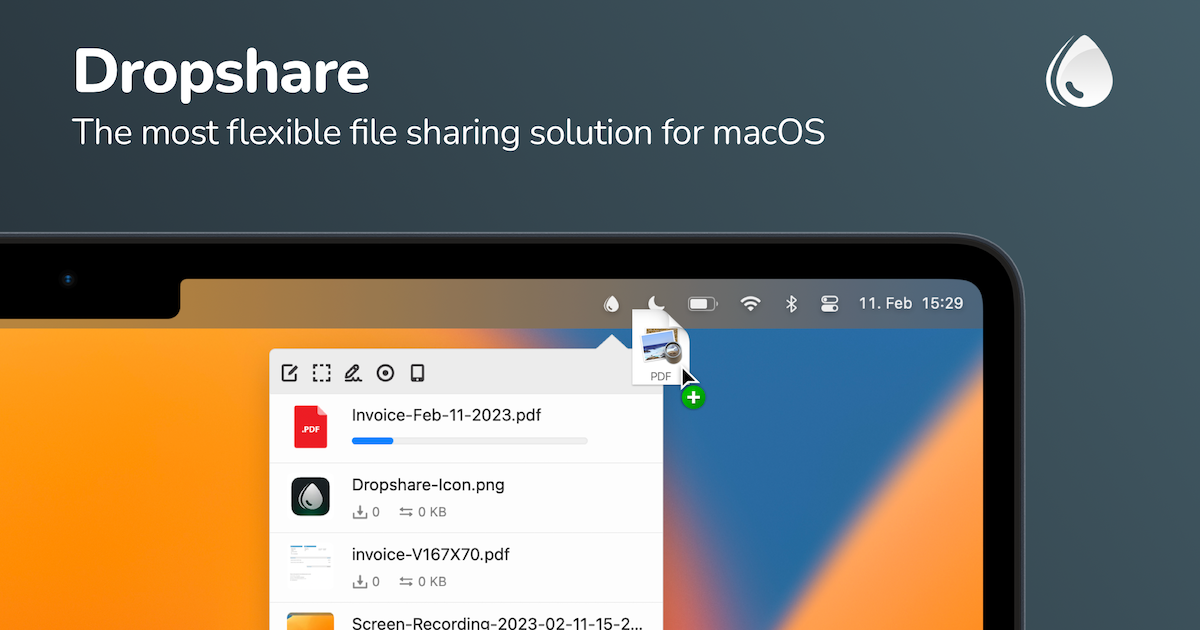
1. What Is Dropshare?
Dropshare is a native macOS and iOS app that lets you upload screenshots, screen recordings, files, and folders to your own trusted storage and instantly share them as a link. The key differentiator: it’s bring-your-own-storage. Rather than locking you into one company’s cloud, it connects to 36+ storage providers (S3, your own server, and many more), so your data stays your choice. It’s founder-built — independently developed and supported since 2013 by its creator, Timo — which shows in how focused and polished the app feels.
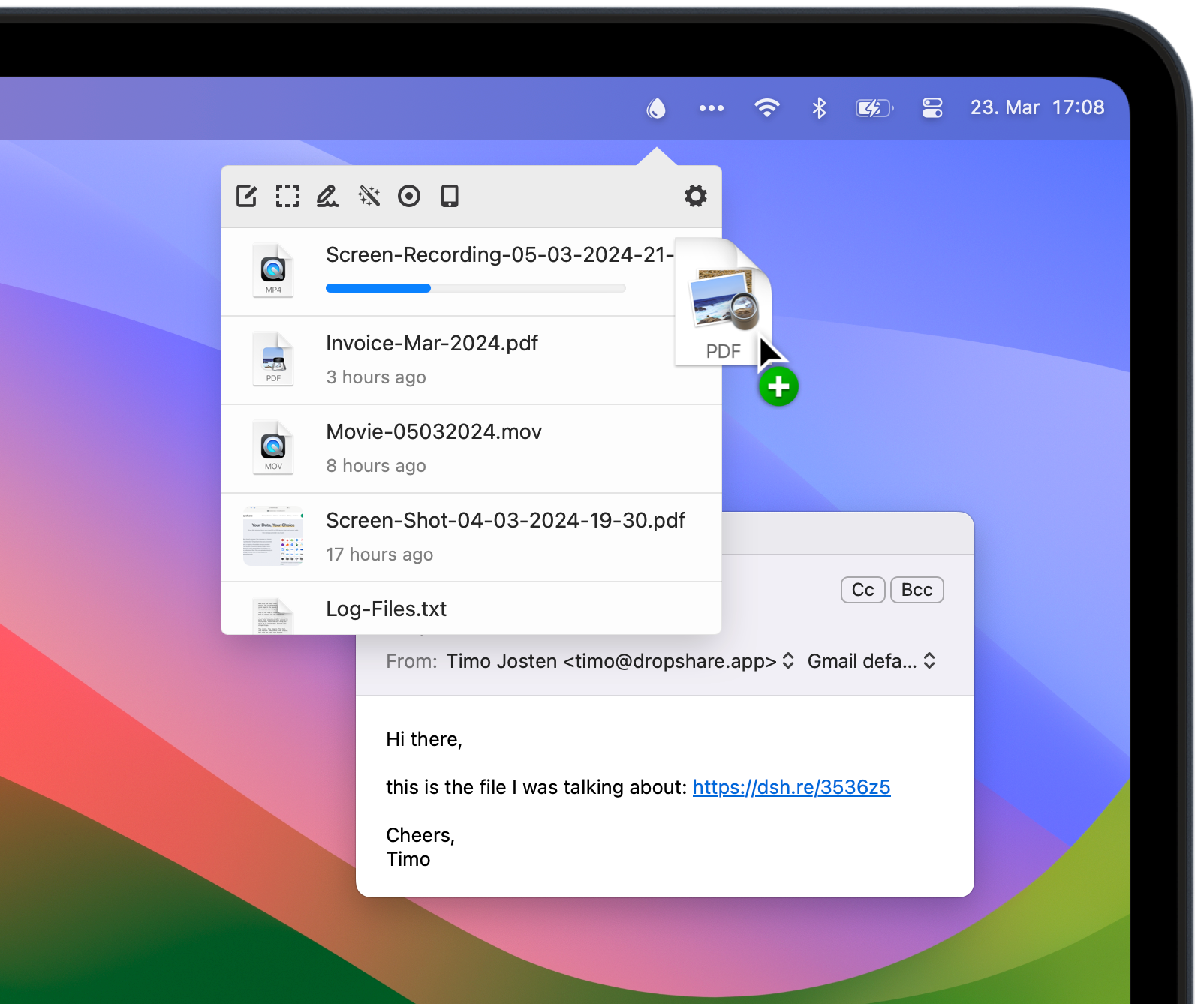
2. Who Is Dropshare Best For?
✅ Designers, developers & power users on macOS
If you share visual work or files all day and want your own storage plus a fast link, this is squarely aimed at you.
✅ Privacy-conscious professionals
Because you connect your own storage and can encrypt uploads before they’re sent, it’s ideal if you don’t want files sitting on a third party’s consumer cloud.
✅ Teams that want a professional impression
Custom domains and branded upload links let you share files that look polished rather than generic.
❌ Windows or Android users
Dropshare is macOS and iOS only. If you’re not in the Apple ecosystem, it’s not for you.
❌ People who want zero setup
You need to configure a storage provider. If you just want a one-click consumer service with storage included, the setup step may feel like friction.
3. Core Features Breakdown
3.1 Drag-and-drop uploads to your own cloud
Drop anything from your desktop and Dropshare uploads it to your chosen storage, then hands you a shareable link automatically.
3.2 Screenshot capture & annotation
Capture and annotate screenshots, and record your screen as 60 FPS video or GIF — all within the app, no separate tools needed. There’s also a companion Annotate app for iPhone and iPad.
3.3 Encryption & privacy controls
You can encrypt uploads before they’re sent to storage, giving you real control over sensitive files.
3.4 Sync, AI & professional branding
It syncs across your macOS and iOS devices, includes built-in AI features, and lets you brand links with custom domains for a professional look.
4. Pricing
Here’s my honest note: Dropshare’s site displays prices through an animated counter, so I won’t quote an exact dollar figure I can’t verify cleanly — check the live number yourself. What I can confirm about the structure: there’s a free 7-day trial; a Personal License sold as a one-off purchase (not a subscription) with free updates for the 6.x line, 36+ storage providers, and the native macOS app; and a Small Team Bundle (available for 3, 5, or 10 Macs) also as a one-time purchase. Separately, Dropshare is included in the Setapp subscription (which bundles 230+ apps) if you prefer a subscription route. Student/education discounts and business/enterprise options are also offered. Always confirm current pricing on their page before buying.
5. Pros & Cons
Pros: One-off purchase option (no forced subscription); bring-your-own-storage across 36+ providers; native, fast macOS/iOS apps; built-in screenshot capture, annotation, and 60 FPS screen recording; upload encryption and custom-domain branding; founder-built with personal support; free 7-day trial; also available via Setapp.
Cons: Apple-only (no Windows/Android); requires configuring your own storage provider; the animated pricing counter makes it hard to read the exact cost at a glance; storage costs are separate (you pay your provider); AI features are newer and still maturing.
6. Dropshare vs Dropbox / CloudApp (Zight)
The usual alternatives are Dropbox and Zight (formerly CloudApp). Those bundle storage and are cross-platform, which is convenient — but you’re renting space on their cloud, on their terms, usually via ongoing subscription. Dropshare’s trade is the opposite: you bring your own storage, pay once for the app, and keep full control (including encryption and custom domains). If you value data ownership and hate recurring fees, Dropshare wins; if you want storage included and multi-OS support out of the box, Dropbox/Zight fit better.
7. Final Verdict: Is Dropshare Worth It in 2026?
For Mac-centric professionals who share files and screenshots constantly, Dropshare is one of the most satisfying utilities I’ve added to my dock. The bring-your-own-storage model plus a one-time purchase is a refreshing antidote to subscription fatigue, and the capture/annotation tools are genuinely good. It’s not for Windows users or people who want zero setup, but if you’re in the Apple ecosystem and care about owning your data, it’s absolutely worth the free trial.
Frequently Asked Questions
What platforms does Dropshare support?
macOS (12.3+) and iOS. There’s no Windows or Android version.
Do I need my own storage?
Yes — Dropshare connects to 36+ storage providers (like S3 or your own server). You bring the storage; the app handles uploading and sharing.
Is Dropshare a subscription?
The Personal License and Team Bundle are one-off purchases with a free 7-day trial. It’s also available via the Setapp subscription if you prefer that model.
Can I encrypt my uploads?
Yes, Dropshare can encrypt uploads before they’re sent to your storage provider.
Are there discounts?
Yes — the site mentions student/education discounts and business/enterprise options, plus upgrade pricing for existing licenses.
👉 Where to Get Dropshare
If you want fast, private file and screenshot sharing on your Mac, grab the free trial here: Visit Dropshare →
Affiliate disclosure: This post contains an affiliate link. If you purchase through it, I may earn a commission at no extra cost to you. My assessment is based only on real, publicly available product information.