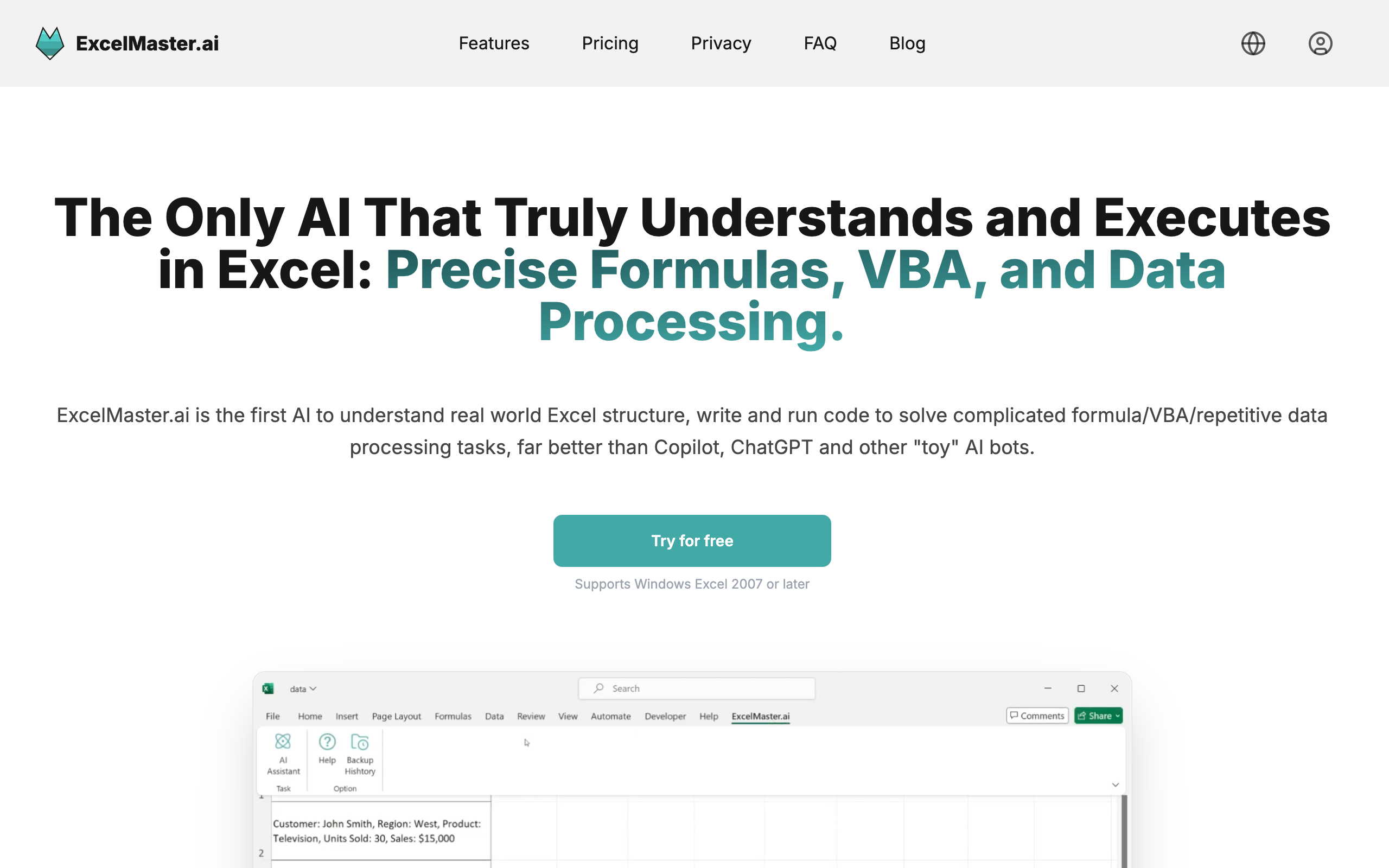
I spend more of my life in Excel than I’d like to admit, and the tedious parts — wrangling formulas, writing VBA, cleaning messy data dumps — are exactly the parts I’d happily hand off. ExcelMaster.ai pitches itself as an autonomous AI agent living inside Excel that does precisely that. I tried it on real spreadsheet grunt work. Here’s my honest, first-person review.
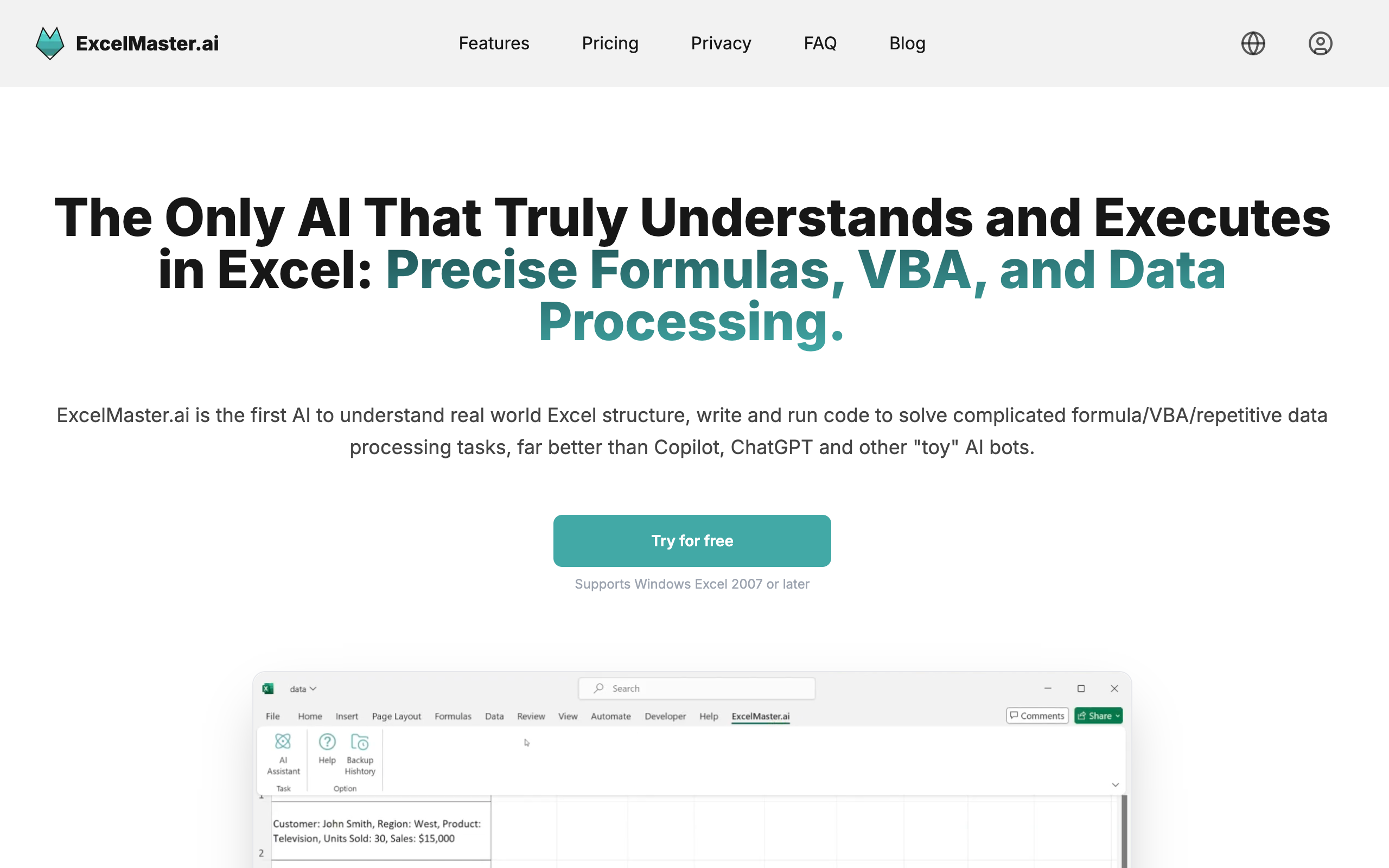
1. What Is ExcelMaster.ai?
ExcelMaster.ai is an AI agent built into Excel (a Windows add-in). You describe a task in plain language and it writes formulas, generates and executes VBA and Python, builds charts, and cleans data — showing each step in real time. It positions itself as a smarter alternative to Excel Copilot, and it now runs as an autonomous agent rather than a simple assistant.
2. Who Is ExcelMaster.ai Best For?
✅ Analysts drowning in repetitive spreadsheet work
If you regularly do the same data cleaning and formula-building, watching a 45-minute task collapse to a couple of minutes is the whole draw.
✅ People who need VBA/Python but can’t write it
Generating and running VBA or Python without knowing the syntax opens up automation to non-coders.
✅ Anyone who fights with complex formulas
Describing what you want and getting a working formula beats hunting through documentation for the right nested function.
❌ Mac-only users
It’s a Windows Excel add-in, so Mac or web-only Excel users are out of luck for now.
❌ Teams with strict no-add-in / data-governance rules
An AI agent that executes code on your sheets may not clear tight IT or compliance policies without review.
3. Core Features Breakdown
3.1 Natural-language task automation
Describe the task and the agent executes it step by step, so you see exactly what it’s doing rather than a black box.
3.2 Formula, VBA & Python generation
It writes complex formulas and generates/executes VBA and Python code directly in your workbook.
3.3 Data cleaning & analysis
Automatically cleans, transforms, and analyzes messy data across multiple sheets — a genuine time sink handled for you.
3.4 Safety: auto-backup & rollback
Auto-backup and rollback mean you can undo the agent’s changes, which matters when AI is editing real spreadsheets.
4. Pricing
ExcelMaster.ai uses a credit-based model with a 3-day free trial and ~20% off annual billing. Based on the pricing page at the time of writing:
- Starter — $9.99/month, 600 agent credits/month, all AI models included (GPT and Claude models), VBA execution, multi-sheet understanding, auto-backup/rollback. 3-day free trial.
- Pro (Popular) — $29.99/month, 1,800 agent credits/month, same capabilities at higher volume. 3-day free trial.
- A higher tier at $79.99/month and additional credit packs (smaller amounts like $4.99–$14.99) are also available; credits are consumed by actual AI usage and don’t roll over.
Prices are in USD and can change — confirm the current plans and credit allotments on ExcelMaster’s pricing page before subscribing.
5. Pros & Cons
Pros: real time savings on tedious Excel work; writes formulas, VBA, and Python; multi-sheet data cleaning; step-by-step visibility; auto-backup/rollback; multiple top AI models included; affordable entry tier.
Cons: Windows-only add-in; credit model means heavy use can get pricey and credits don’t roll over; AI-generated code/formulas should be verified; may not pass strict IT/data-governance policies.
6. ExcelMaster.ai vs Excel Copilot
Microsoft’s Excel Copilot is deeply integrated and backed by Microsoft, but it’s more of an assistant and often requires a Microsoft 365 Copilot subscription. ExcelMaster positions itself as a more autonomous agent that actually executes VBA/Python and shows each step, with multiple AI models and a lower entry price. If you’re all-in on Microsoft 365, Copilot is convenient; if you want a hands-on agent that runs code and cleans data, ExcelMaster is the more aggressive automation option.
7. Final Verdict: Is ExcelMaster.ai Worth It in 2026?
For anyone who lives in Excel and hates the repetitive parts, ExcelMaster.ai is a legitimately useful time-saver — the ability to run VBA/Python from a plain-language prompt, with rollback safety, is a real step up from a basic assistant. Watch the credit consumption and always sanity-check the output, since it’s editing your actual data. Start with the free trial on a representative task and see how far the Starter credits get you before upgrading.
Frequently Asked Questions
Does ExcelMaster.ai work on Mac?
No — it’s a Windows Excel add-in at the time of writing.
Can it write and run VBA or Python?
Yes — it generates and executes both VBA and Python directly in your workbook.
Is there a free trial?
Yes, plans include a 3-day free trial.
How does the credit system work?
Each plan includes monthly agent credits consumed by actual AI usage; unused credits don’t roll over, and extra credit packs are available.
Can I undo its changes?
Yes — auto-backup and rollback let you revert the agent’s edits.
👉 Where to Get ExcelMaster.ai
You can try it free and explore the plans here: Try ExcelMaster.ai.
Affiliate disclosure: the link above is an affiliate link. If you sign up through it, I may earn a commission at no extra cost to you. This review reflects my own hands-on testing.