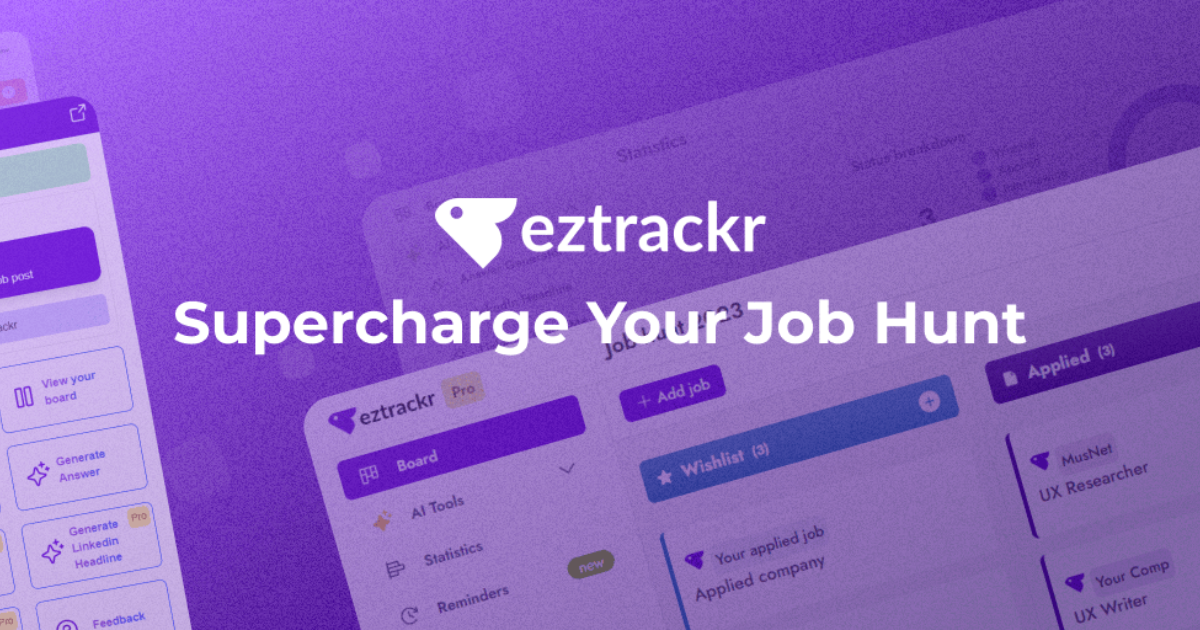
The worst part of my last job hunt wasn’t the interviews — it was the chaos of tracking 40+ applications in a messy spreadsheet. So when I found Eztrackr, a tool built specifically to replace that spreadsheet with a clean kanban board, I had to try it. Here’s my honest review after running my own job search through it.
1. What Is Eztrackr?
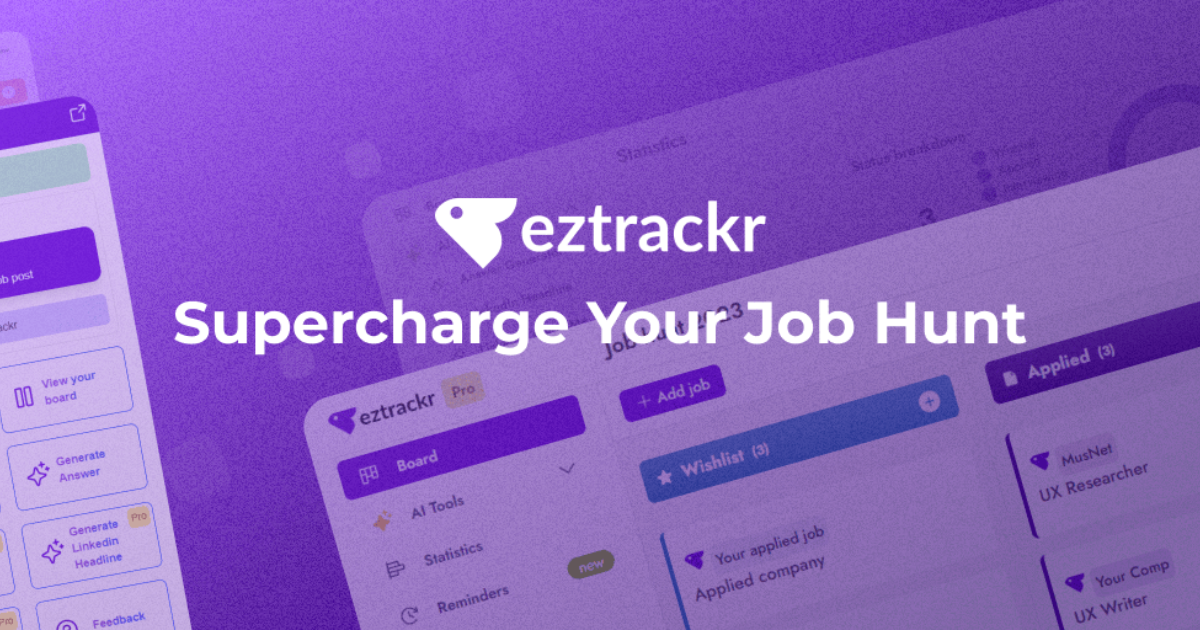
Eztrackr is a job-hunt management tool that helps job seekers stay organized during their search. Instead of a spreadsheet, you get a visual kanban board to move applications through stages (applied, interviewing, offer, etc.), plus statistics to track your progress. It also bundles a browser extension to save jobs in one click and a set of AI tools — resume builder, cover letter generator, interview prep — to speed up applications.
2. Who Is Eztrackr Best For?
✅ Active job seekers juggling many applications
If you’re applying to dozens of roles, the kanban pipeline keeps every application’s status visible at a glance.
✅ Spreadsheet-haters who want structure
It’s purpose-built to replace the DIY tracking spreadsheet, with none of the manual formatting.
✅ New grads and career switchers
The AI resume, cover letter, and interview tools lower the barrier when you’re writing a lot of tailored applications.
❌ Passive job seekers checking once a month
If you’re only loosely looking, a dedicated tracker may be more than you need.
❌ People who want a full CRM or recruiting suite
Eztrackr is built for the candidate side, not for recruiters managing pipelines of other people.
3. Core Features Breakdown
3.1 Kanban application board
The heart of the tool. Drag applications between stages and see your whole pipeline visually — far easier to read than rows in a sheet.
3.2 Browser extension for one-click saving
The extension lets you save a job listing straight from LinkedIn or a careers page into your board, capturing the details automatically.
3.3 Statistics and progress tracking
Built-in stats show your application volume, response rates, and pipeline health, which is genuinely motivating when the search drags on.
3.4 AI job-search tools
Resume builder, cover letter generator, LinkedIn headline and resume summary generators, plus interview question and answer generators help you produce tailored materials faster.
4. Pricing
Eztrackr is free to start — you can sign up, build your board, and track applications without paying, and several of the AI tools are offered free. There’s a paid upgrade that unlocks more advanced features for power users. Because the exact plan pricing isn’t consistently listed publicly and can change, I’d rather not quote a number that might be stale — check the current upgrade pricing inside the app before subscribing. The free tier is generous enough to get real value first.
5. Pros & Cons
Pros: Free to start; clean kanban replaces messy spreadsheets; one-click browser extension; useful statistics; bundled AI resume/cover-letter/interview tools; genuinely positive user testimonials.
Cons: Candidate-only (not for recruiters); paid plan pricing not clearly published; AI-generated resumes and cover letters still need personalizing; overkill for very passive searches.
6. Eztrackr vs Teal
Teal is the big name in job-tracking and bundles a deep resume builder and a polished extension. Eztrackr is leaner and more focused on the kanban-plus-stats workflow, often feeling simpler to get started with. If you want the most feature-packed platform, Teal is worth comparing; if you want a clean, no-nonsense tracker with handy AI extras and a free start, Eztrackr holds its own.
7. Final Verdict: Is Eztrackr Worth It in 2026?
If you’re in an active job search, yes — Eztrackr is worth setting up. Replacing a spreadsheet with a visual board genuinely reduces the mental load, the browser extension saves real time, and the free tier means you risk nothing to try it. The AI tools are a nice bonus, though you should always personalize what they produce. For organizing a serious job hunt, it does exactly what it promises.
Frequently Asked Questions
Is Eztrackr free?
Yes — you can sign up and track applications for free, and several AI tools are offered free too. A paid upgrade adds advanced features.
Does it have a browser extension?
Yes. The extension lets you save job listings to your board in one click, capturing the details automatically.
Can it help me write resumes and cover letters?
Yes — it includes AI resume, cover letter, LinkedIn headline, and interview prep generators. Personalize the output before sending.
Is it for recruiters or job seekers?
It’s built for job seekers managing their own applications, not for recruiters managing candidates.
How is it different from a spreadsheet?
You get a visual kanban pipeline, automatic stats, and one-click saving — no manual formatting or data entry grind.
👉 Where to Get Eztrackr
You can start organizing your job hunt here: Visit Eztrackr.
Affiliate disclosure: This post contains an affiliate link. If you sign up through it, I may earn a commission at no extra cost to you.