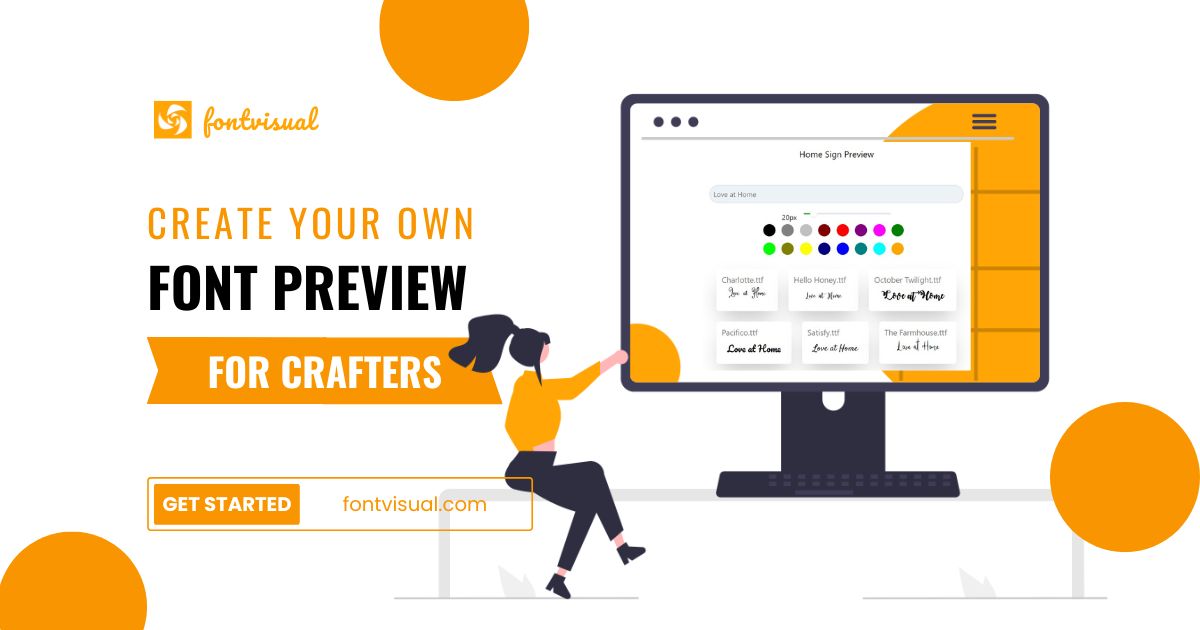
If you sell personalized products — engraved gifts, custom shirts, signs — you know the endless back-and-forth of “can I see my name in that font?” I tried FontVisual, a font preview tool built for crafters and designers, to see if it could kill that friction. Here’s my honest review.
1. What Is FontVisual?
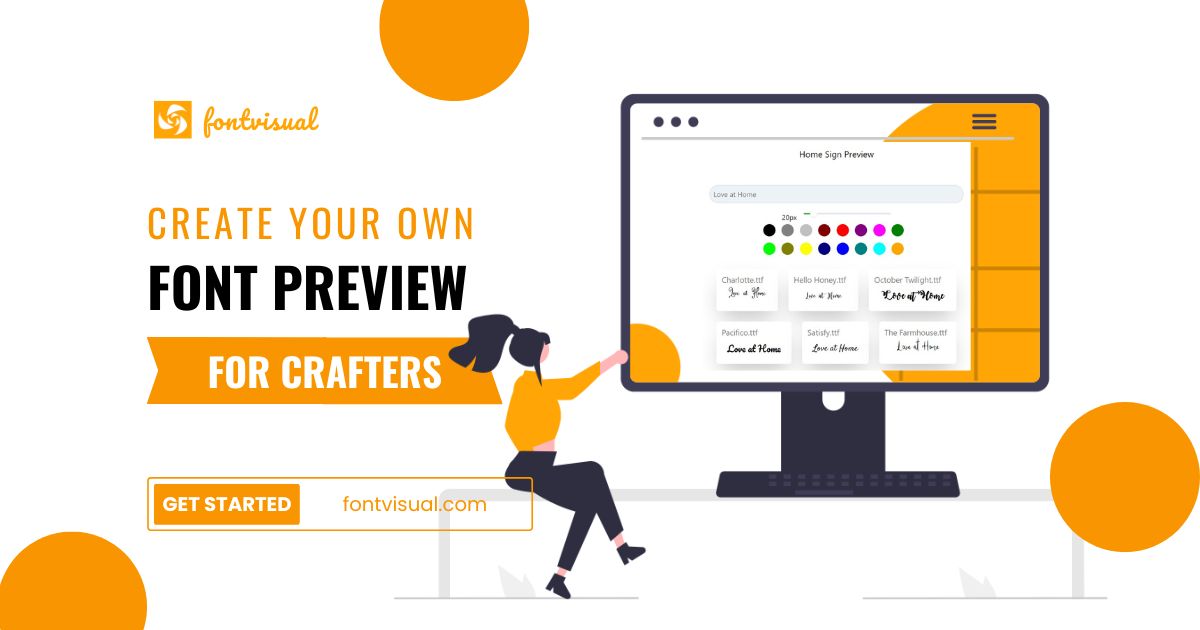
FontVisual is a font preview tool made specifically for makers who sell customized products. It lets customers type a name or text and instantly see it rendered in your available fonts — and you can embed that previewer on your own website or share it as a link. The point is to save the time you’d otherwise spend mocking up font options manually.
2. Who Is FontVisual Best For?
✅ Etsy sellers & crafters offering personalization
If you sell name signs, tumblers, jewelry or shirts with custom text, letting buyers preview fonts themselves cuts messages and mistakes dramatically.
✅ Small design studios
Designers who repeatedly show clients font choices can share a link instead of building mockups each time.
✅ Shop owners wanting fewer revision emails
Embedding the previewer on your product page means customers self-serve, reducing back-and-forth.
❌ Businesses without personalized products
If nothing you sell involves custom text or names, there’s little reason for a font previewer.
❌ Users needing full graphic-design software
FontVisual previews fonts; it’s not a Canva/Illustrator replacement for full design work.
3. Core Features Breakdown
3.1 Instant Name Previews
Customers type text and see it live across your fonts, so they choose confidently before ordering.
3.2 Embeddable & Shareable
Embed the previewer directly on your website or share a link — the flexibility that makes it fit different selling platforms.
3.3 Custom & Google Fonts
Use 1,000+ free Google Fonts, and on the paid plan upload your own custom fonts (up to 1 GB) plus background images.
3.4 Showcase Pages
Build showcase pages to visualize designs, helping customers see exactly how their personalized product will look.
4. Pricing
FontVisual has a genuinely useful Free plan at $0/month (upload your own fonts up to 1 GB, up to 10 background images, in-app preview only, plus 1,000+ Google Fonts). The Plus plan is $9.99/month and unlocks embedding and external sharing, with a 7-day free trial (no credit card) and roughly two months free on annual billing. It’s affordable for a tool that directly reduces support load. Confirm current pricing on their site.
5. Pros & Cons
Pros: Purpose-built for personalization sellers; real free tier; cheap Plus plan; embeddable and shareable; supports custom and Google fonts; cuts customer back-and-forth; 7-day trial with no card.
Cons: Embedding requires the paid plan; niche use case (only for custom-text products); not a full design suite; value scales with how much personalization you sell.
6. FontVisual vs Manual Mockups
Doing font mockups by hand in Canva or Photoshop for every customer is slow and doesn’t scale. FontVisual turns that into instant self-service previews on your storefront. You give up bespoke, pixel-perfect mockups for speed and automation — a trade most personalization sellers will happily make.
7. Final Verdict: Is FontVisual Worth It in 2026?
For anyone selling personalized products, FontVisual is a small tool that solves a real, recurring annoyance. The free plan lets you try it risk-free, and at $9.99/month the embeddable previewer can easily pay for itself in saved time and fewer wrong orders. If personalization is core to your shop, it’s an easy yes.
Frequently Asked Questions
Is there a free version of FontVisual?
Yes — a Free plan at $0/month lets you upload custom fonts and use 1,000+ Google Fonts with in-app preview.
How much is the paid plan?
The Plus plan is $9.99/month (with a 7-day free trial, no card) and adds embedding and external sharing; annual billing gives about two months free.
Can I put the previewer on my own website?
Yes, on the Plus plan you can embed the previewer on your site or share it via link.
What fonts can I use?
Over 1,000 free Google Fonts, plus your own uploaded custom fonts on the paid plan.
Who is FontVisual for?
Crafters, designers and shops selling personalized products who want customers to preview text in different fonts.
👉 Where to Get FontVisual
You can start free here: Try FontVisual font preview tool.
Affiliate disclosure: this post contains an affiliate link. If you sign up through it, I may earn a commission at no extra cost to you. All opinions are my own based on hands-on testing.