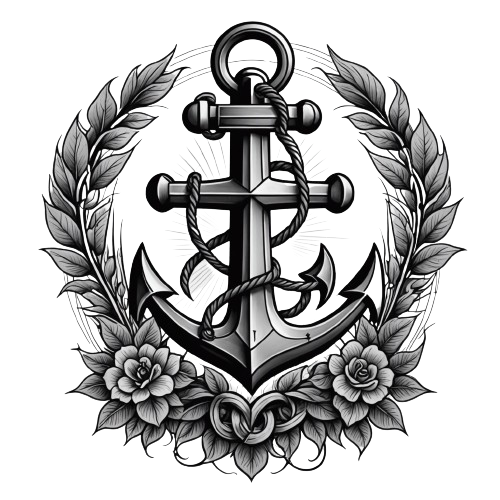
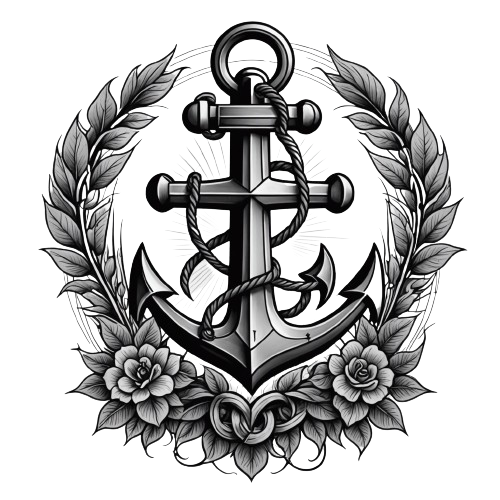
I’ve wanted a specific tattoo for years but could never explain the idea well enough to an artist. So I tried Ink Studio AI to see if an AI tattoo generator could turn my vague concept into an artist-ready design. Here’s my honest review after generating a stack of designs.
1. What Is Ink Studio AI?
Ink Studio AI is an AI tattoo generator. You describe your idea in plain words, pick a professional tattoo style, and it produces custom, download-ready designs in minutes — no waiting on an artist’s schedule just to see a concept. It also has an image-to-tattoo feature and a tattoo style transfer tool that turns any picture into a tattoo-styled design. You can start free with no credit card.
2. Who Is Ink Studio AI Best For?
✅ People planning a tattoo who want to visualize first
It’s perfect for exploring concepts and styles before you ever sit in the chair, so you walk into the studio with a clear reference.
✅ Tattoo artists needing quick concept mockups
Artists can rapidly generate references and style variations to discuss with clients.
✅ Idea-rich, words-poor dreamers
If you can’t sketch but can describe, the prompt-to-design flow bridges that gap nicely.
❌ Anyone expecting a final tattooable stencil with zero edits
AI designs are references and starting points; a real artist still needs to adapt them for skin, placement, and longevity.
❌ Budget users who need unlimited free forever
The free tier is limited; unlimited generations sit behind time-based paid passes.
3. Core Features Breakdown
3.1 Text-to-tattoo generation
Describe the idea, choose a style, and get multiple design options fast. This is the core and it works impressively well for concepting.
3.2 Image-to-tattoo & style transfer
Upload a photo and convert it into a tattoo-style design, or transfer a tattoo style onto any image — handy for portraits and pets.
3.3 Professional style library
Pick from a range of pro tattoo styles (traditional, fine-line, realism, and more) so the output matches the aesthetic you’re after.
3.4 AI prompt optimizer & premium credits
The prompt optimizer refines your description for better results, and paid passes include premium credits plus priority support.
4. Pricing
Ink Studio AI is free to start (no credit card), and paid access is sold as one-time, time-based passes rather than a recurring subscription: 7-Day Access $12.99 (unlimited generations, 10 premium credits), 14-Day Access $16.99 (down from $31.98, ~47% off, 20 credits), and 30-Day Access $23.99 (down from $55.96, ~57% off, 30 credits). All paid passes include unlimited generations, the AI prompt optimizer, image-to-tattoo, style transfer, and priority support. Prices can change, so confirm current rates on their pricing page.
5. Pros & Cons
Pros: Free to start, no credit card; one-time passes instead of a subscription; unlimited generations on paid passes; image-to-tattoo and style transfer; solid style library; genuinely useful for concepting before a real tattoo.
Cons: Access is time-limited (expires after 7/14/30 days); free tier is restricted; outputs are references, not final tattooable stencils; results still need an artist’s adaptation.
6. Ink Studio AI vs Tattoos AI
Both generate AI tattoo designs from prompts. Ink Studio AI stands out with its time-based one-time passes (no ongoing subscription) plus image-to-tattoo and style transfer tools. If you only need a quick one-off concept, its 7-day pass is cheap and commitment-free; if you want ongoing monthly access, compare the subscription models of alternatives before choosing.
7. Final Verdict: Is Ink Studio AI Worth It in 2026?
For anyone planning ink, yes — Ink Studio AI is a genuinely useful way to visualize your idea before committing to permanent art. The free start lets you test it, and the one-time passes are a refreshing alternative to yet another subscription. Just treat the designs as references to bring to a professional artist, who will adapt them for a safe, lasting tattoo.
Frequently Asked Questions
Is Ink Studio AI free?
You can start for free with no credit card. Unlimited generations require a paid time-based pass.
Is it a subscription?
No — paid access is a one-time payment for 7, 14, or 30 days rather than a recurring subscription.
Can it turn a photo into a tattoo?
Yes — the image-to-tattoo and style transfer features convert photos into tattoo-style designs.
Are the designs ready to tattoo?
They’re artist-ready references. A professional artist should still adapt them for placement, skin, and longevity.
What styles are available?
A range of professional tattoo styles, so you can match traditional, fine-line, realism, and more.
👉 Where to Get Ink Studio AI
You can generate your first designs free here: Visit Ink Studio AI.
Affiliate disclosure: This post contains an affiliate link. If you sign up through it, I may earn a commission at no extra cost to you.