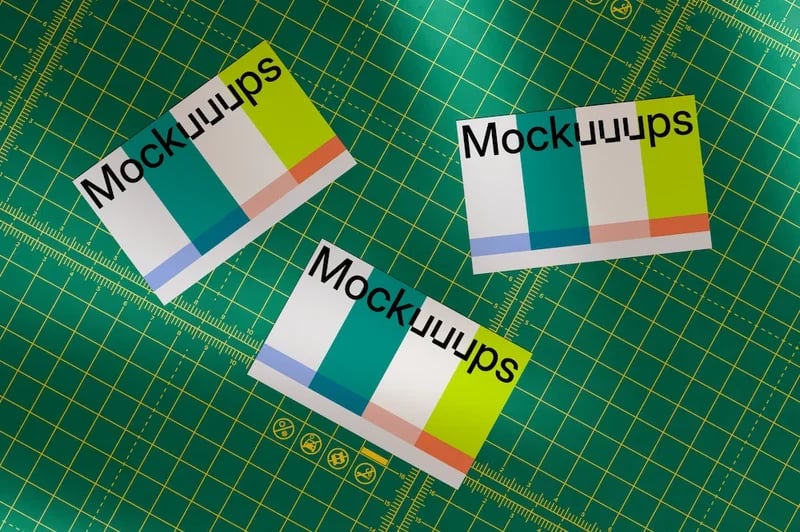
Spending 30 minutes hunting for a free mockup template, then another 30 minutes wrestling with Photoshop just to showcase one screenshot, adds up fast — so I went straight to Mockuuups.studio to see whether its "drag, drop, done" pitch actually holds up. Here's my honest, first-hand breakdown after exploring the live site and its full pricing page.
What Is Mockuuups Studio?
Mockuuups Studio bills itself as a mockup generator with 5,200+ (growing toward 5,300+) mockups, letting designers and marketers drop a design or screenshot into a realistic scene without licensing headaches. The site states it's used by 500,000+ design professionals, with 94% reporting themselves as "Happy Designers."
Key Features
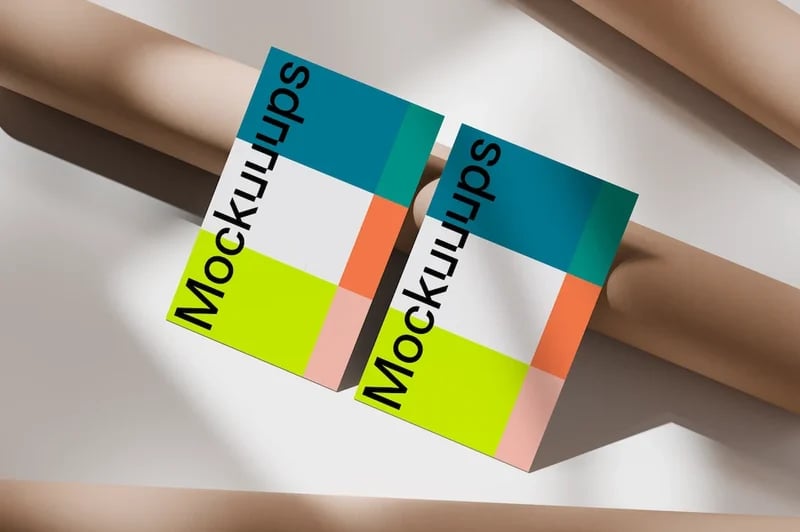
5,200+ Mockup Library
Browse categories like Apple Devices, Book, Monochrome, Poster, Diverse Hands, Device in Pocket, and E-Commerce, plus dedicated free mockups and print mockup collections.
Instant Preview & Drag-and-Drop Editing
Drop your design in and see it placed into countless mockups instantly, with an advanced editor for unlimited device mockups including hands and custom backgrounds.
Website Screenshot Capture
Capture a screenshot directly from a live website inside the studio, without needing to open a separate browser or screenshot tool.
Figma, Adobe Express & Sketch Plugins
Mockuuups Studio integrates directly into design workflows via a Figma plugin (1,672 designers installed it in a single recent week, per the site), an Adobe Express Add-On, a Sketch plugin, and a Penpot plugin.
Desktop App
A native desktop app is available for Mac, Windows, and Linux for designers who prefer working outside the browser.
Commercial Use License
Paid plans include a commercial use license so exported mockups can be used in client projects without separate licensing concerns.
Pricing
Mockuuups Studio's live pricing page lists two paid tiers (billed monthly or yearly, with yearly saving 40%), plus regional discounts shown automatically based on location:
- Professional: For commercial projects — includes the full 5,300+ mockup library, unlimited high-quality (4K) mockup exports, a commercial use license, advanced editor access, the Figma plugin, Adobe Express Add-On, shareable preview links, and website screenshot capture. The site's own FAQ copy states the plan "costs just $12 per month."
- Team: For agencies and startups — includes everything in Professional plus team management, SAML single sign-on, unified billing, pay by invoice/bank transfer, and priority support (priced per user, per year).
Note: Mockuuups Studio displays regional pricing (the live page showed a Vietnam-region discount of 65% off list price at the time of this review). Since pricing varies by region and can change, check Mockuuups Studio's live pricing page for the exact numbers in your location before subscribing.
What Real Designers Are Saying
Mockuuups Studio's site features named social proof directly from its own user community. Juanjo calls the tool "simply INSANE," saying "you can find mockups in literally any context." Erica says, "So easy to use and there are so many photos to choose from. I love being able to get screenshots of websites directly from within the studio." Greg notes the plugin "fits perfectly into my workflow. Worth every cent," while Scott says he "showed someone how I make product mockups in under 5 seconds. Blew their mind."
Pros and Cons
Pros
- Large, proven user base — 500,000+ design professionals and a 94% happy-designer rate per the site
- Massive mockup library (5,200+ and growing) spanning devices, print, posters, and e-commerce scenes
- Native plugins for Figma, Adobe Express, Sketch, and Penpot, plus a dedicated desktop app
- Built-in website screenshot capture removes a manual step from the mockup workflow
- Commercial use license included on paid plans, avoiding the licensing gray areas of free templates
- Transparent cost-comparison messaging (own pricing vs. Photoshop + manual editing time)
Cons
- Full commercial library and unlimited exports require a paid Professional or Team subscription
- Displayed pricing varies by region/currency, so shoppers need to confirm the exact local price before buying
- Team plan pricing is per-user, per-year, which can add up quickly for larger agencies
FAQ
Is there a free plan available for Mockuuups Studio?
The site offers free mockups and a way to try the tool, though full commercial-use access to the 5,300+ library requires a paid Professional or Team subscription.
What is the difference between personal and commercial licenses?
Paid plans include a commercial use license so exported mockups can be used in your own or client projects, per the pricing page.
Can I cancel my subscription at any time?
Yes, the pricing page confirms you can activate or deactivate your subscription at any time.
Can I keep using mockups I created after my subscription ends?
This is addressed directly in Mockuuups Studio's FAQ section on the pricing page — check the live FAQ for the current policy.
Are there discounts available?
Yes — the site mentions a 50% discount for students and teachers, plus automatic regional pricing discounts shown at checkout.
Final Verdict
Mockuuups Studio stands out because of its sheer scale (500,000+ design professionals, 5,200+ mockups) and how directly it plugs into existing design workflows through Figma, Adobe Express, Sketch, and a native desktop app. If you're tired of the 30-minutes-searching, 30-minutes-editing cycle of free mockup templates, the Professional plan's advertised $12/month price point is a reasonable way to test whether the full library and commercial license are worth it for your workflow.
Try Mockuuups Studio's mockup generator →
#MockuuupsStudio #MockupGenerator #DesignTools #FigmaPlugin #ProductDesign #UIDesign