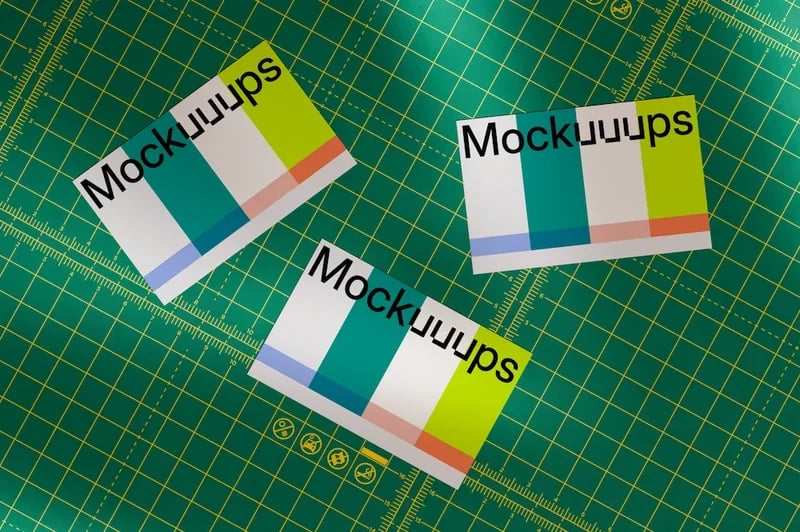
When it comes to creating stunning visuals for apps or marketing materials, I often find myself searching for tools that can transform basic screenshots into eye-catching mockups. That's where Mockuuups Studio comes into the picture. This drag-and-drop tool promises an effortless way to design app previews and other promotional content, making the process seem almost too good to be true. After using it for a while, I can confidently say that it lives up to the hype, offering a user-friendly experience that caters to both novices and professionals alike.
One of the standout features of Mockuuups Studio is its simplicity. The platform allows you to easily insert your screenshot into various device frames or print mockups. This means that you can showcase your app's functionality in a visually appealing manner without needing extensive design skills. I was eager to dive in and see just how easy it was to create beautiful mockups, and I wasn't disappointed.
Another factor that caught my attention is the array of templates available. With a diverse selection to choose from, I felt like I had the freedom to express my brand's unique identity. As someone who appreciates a polished aesthetic, being able to customize my marketing materials with just a few clicks was a game-changer.
First Impressions
As I landed on the Mockuuups Studio homepage, I was immediately struck by its clean design and intuitive interface. The site navigated smoothly, making it easy to find the tools I needed. I could tell right away that this was designed with the user experience in mind. The drag-and-drop feature seemed simple enough—just upload your screenshot, and voilà! You have a mockup that you can use for presentations, websites, or social media.
Upon signing up, I was thrilled to discover that the tool not only offers free mockups but also allows for a generous variety of customization options. As someone who values both functionality and aesthetics, these initial impressions set a positive tone for my overall experience.
Quality and What You Get
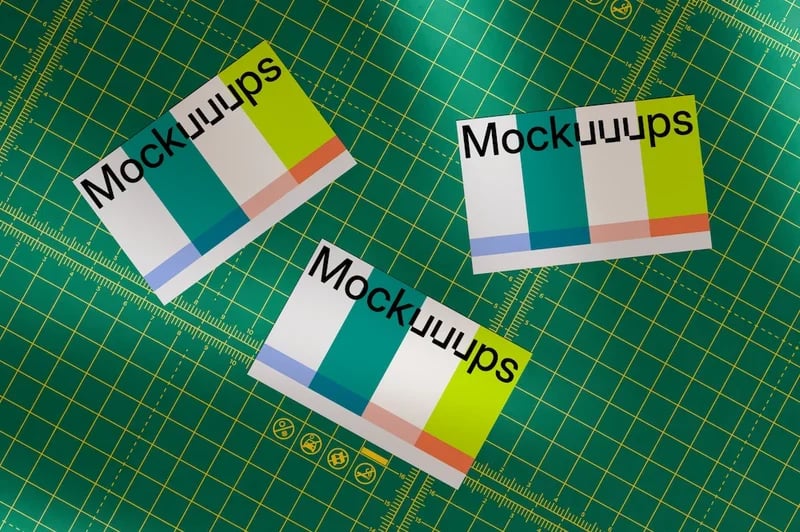
Diving deeper into the quality of Mockuuups Studio, I was pleasantly surprised by the range of high-resolution templates. Whether you’re looking for a sleek smartphone, a tablet, or even a laptop, it covers all bases. The images are crisp and professional, which is crucial when showcasing your app or product.
The platform also supports multiple formats, ensuring that I had the flexibility to choose the perfect mockup for my needs. Importantly, I noticed that the mockups are designed to be visually coherent, which is a significant plus for maintaining a strong brand identity. The ease of use combined with the quality of the templates truly makes this tool stand out in a crowded marketplace.
Real-World Experience
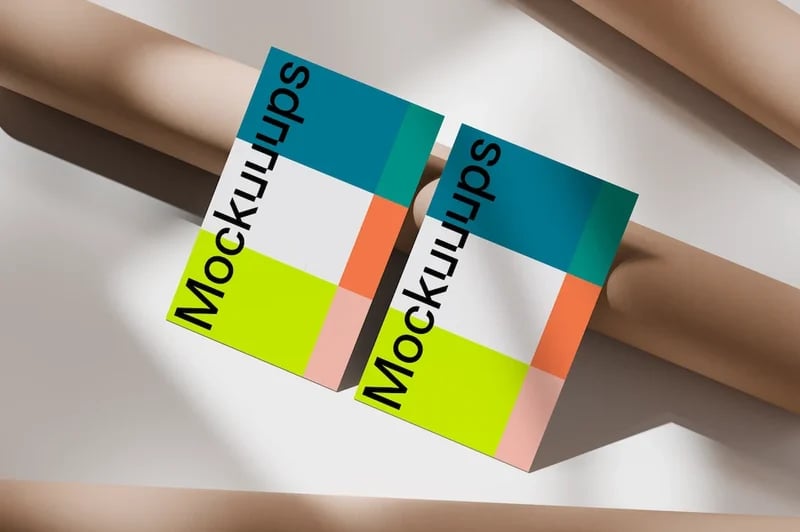
As I began creating mockups for my app, I found the drag-and-drop interface to be refreshingly straightforward. Uploading screenshots was a breeze, and within moments, I had several polished mockups ready for use. This efficiency has been invaluable for my workflow, allowing me to focus on the creative aspects rather than getting bogged down by complicated software.
What truly impressed me was the immediate visual feedback. As I adjusted elements, I could see how my changes impacted the overall look of the mockup in real-time. This kind of interaction is vital for someone like me who thrives on visual stimulation.
Additionally, I enjoyed the convenience of being able to export my mockups directly from the platform, making it easy to share them on social media or incorporate them into presentations. I experienced no hiccups along the way, which is often a concern when using online tools.
How It Compares to Alternatives
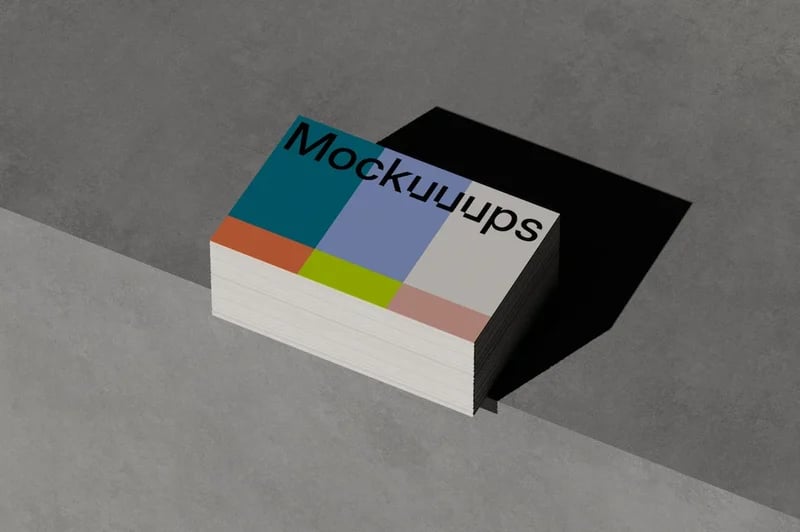
In my quest for the best mockup tool, I've tried a number of alternatives. While many offer similar features, I found that Mockuuups Studio excels in terms of usability. Unlike some competing platforms that can be cumbersome and overly complicated, this tool strikes a balance between power and simplicity. Many alternatives charge a premium for basic features, while Mockuuups offers a free version that still provides substantial value.
Moreover, the diversity in mockup styles sets it apart. I appreciated that Mockuuups Studio continuously updates its offerings to reflect current design trends, which is not always the case with other tools that can feel stale. For someone looking to keep their marketing materials fresh and engaging, this is an important factor to consider.
Pros and Cons
- User-Friendly: The drag-and-drop functionality makes it accessible for all skill levels.
- High-Quality Templates: A wide variety of resolutions and device types available.
- Real-Time Editing: Changes are visible instantly, enhancing the design process.
- Free Version: Offers substantial features without cost, making it great for startups and freelancers.
- Frequent Updates: Regularly adding new templates to keep up with design trends.
- Easy Sharing: Export options that streamline the sharing process on social media and presentations.
- Limited Advanced Features: Professional designers might find some advanced options lacking.
- Dependency on Internet: Requires a stable internet connection to use effectively.
- Template Variety: While diverse, some might desire more niche options for specific industries.
Price and How to Get the Best Deal
Mockuuups Studio offers a free version, which is a fantastic way to dip your toes into the platform without any financial commitment. For those looking to take full advantage of all features, I recommend checking the website for any ongoing promotions or discounts for a premium subscription.
They often offer promotional rates, particularly for students or startups, so it’s worth exploring their homepage regularly to snag a good deal. Utilizing their referral program can also be advantageous if you know others who could benefit from this tool.
Check today's price and current deals at Mockuuups Studio
Tips
1. **Start with the Free Version:** Before committing to a subscription, explore the free version to understand if it meets your needs.
2. **Utilize Templates:** Don’t hesitate to browse through various templates rather than sticking to one. Different styles can yield surprising results.
3. **Stay Updated:** Keep an eye on their site for new mockups and updates to ensure you’re using the latest styles.
4. **Leverage Social Media:** Share your mockups on social media for feedback; it can help you improve your designs.
5. **Experiment:** Don’t be afraid to mix and match different styles and color schemes until you find what works best for your brand.
Who This Is Best For
Mockuuups Studio is ideal for app developers, designers, marketers, and anyone looking to create professional-looking mockups quickly and easily. If you lack extensive design skills but want high-quality visuals, this tool is perfect for you. It's also great for startups and freelancers on a budget, allowing them to create impactful marketing materials without breaking the bank.
FAQ
**Q: Is there a free trial available?**
A: Yes, Mockuuups Studio offers a free version with substantial features.
**Q: Can I use Mockuuups Studio on mobile devices?**
A: While it is primarily designed for desktop use, some functionalities might be accessed on mobile browsers.
**Q: Are there any hidden fees?**
A: No, the free version does not have hidden fees. Premium features require a subscription, which is clearly outlined.
**Q: How often are new templates added?**
A: New templates are added regularly to keep the selection fresh and relevant.
**Q: Can I cancel my subscription at any time?**
A: Yes, you can cancel your subscription whenever you choose without penalties.
Final Verdict
After thoroughly exploring Mockuuups Studio, I can confidently say it has become an essential tool in my design toolkit. Its user-friendly interface combined with high-quality templates makes creating professional mockups a breeze. Whether you're an aspiring designer or a seasoned marketing professional, this tool enhances your ability to present your ideas effectively.
If you’re looking for a reliable way to create beautiful app previews or marketing materials quickly, I highly recommend giving Mockuuups Studio a try. You won't be disappointed, and the free version is more than enough to get you started on transforming your visuals. Don't miss out—explore the platform today to elevate your branding efforts!
See the latest Mockuuups Studio coupons and offers here
#MockuuupsStudioReview #MockuuupsCouponCode #MockuuupsDiscount #MockuuupsBestPrice #MockuuupsDeals #AppMockupTool #MarketingMaterialsMockup #FreeMockups #MockuuupsStudioAlternatives #MockuuupsFeatures #MockuuupsStudio #MockuuupsStudioCouponCode