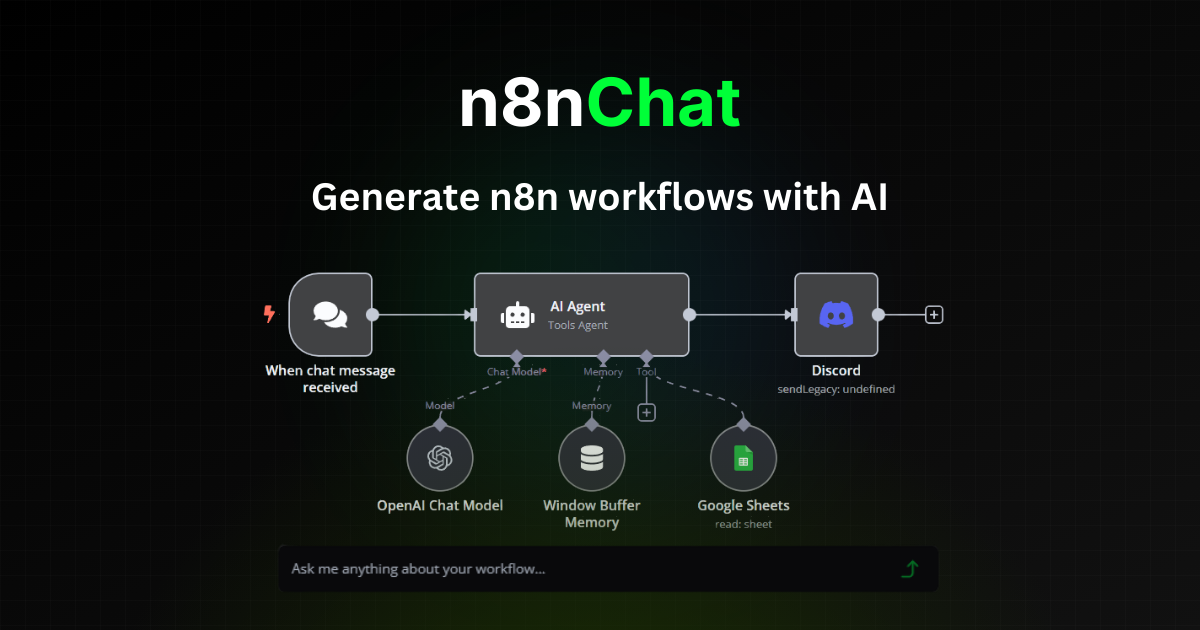
I love n8n for automation, but wiring up complex workflows node-by-node can be slow. So I installed n8nChat, a browser extension that builds n8n workflows from plain-English prompts, to see if it actually speeds things up. Here’s my honest review.
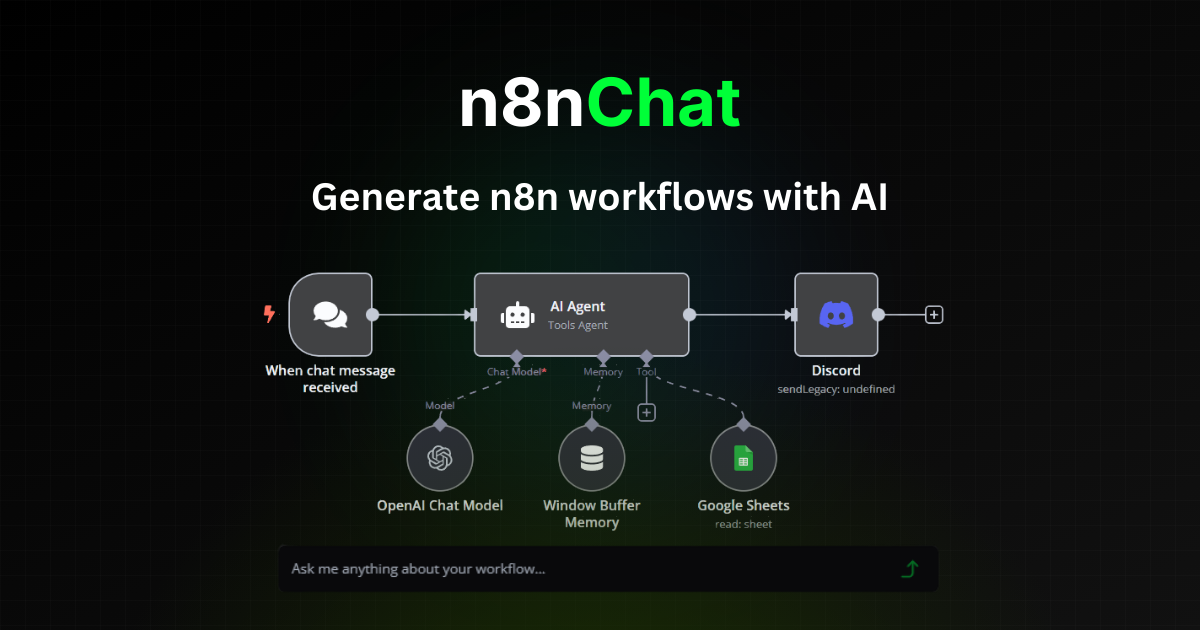
1. What Is n8nChat?
n8nChat is an AI-powered browser extension (for Chrome and Firefox) that helps you create, edit, debug, and optimize n8n workflows using natural language. You describe what you want to automate, and it generates the workflow — including custom Code nodes with JavaScript — without you building everything by hand. Worth noting up front: it’s an unofficial third-party tool developed independently, not affiliated with n8n or n8n.io.
2. Who Is n8nChat Best For?
✅ n8n users who want to build faster
If you already use n8n, this can dramatically cut the time to stand up a working workflow.
✅ Non-coders who need Code nodes
The Code Helper generates custom JavaScript for Code nodes, so you get advanced functionality without knowing JS.
✅ People learning n8n
Generating and then inspecting workflows is a fast way to learn how n8n nodes fit together.
❌ Teams not using n8n at all
This tool only makes sense if n8n is your automation platform; it’s not a standalone builder.
❌ Anyone needing official vendor support
Because it’s unofficial, support comes from the independent developer, not n8n itself.
3. Core Features Breakdown
3.1 Natural-language workflow creation
Describe the automation in words and n8nChat generates a complete workflow — the core time-saver and it works surprisingly well for common patterns.

3.2 Workflow editing & debugging
Point it at an existing workflow to identify issues and get suggested improvements, which beats hunting for a broken node manually.
3.3 Code Helper for JavaScript
Generate custom Code nodes with JavaScript from a description — great for logic that stock nodes can’t handle, no JS knowledge required.
3.4 Browser extension convenience
It runs right inside your n8n editor via the Chrome or Firefox extension, so there’s no separate app to switch to.
4. Pricing
n8nChat is distributed as a browser extension and you can get started for free. The marketing site doesn’t publish a detailed pricing table, so rather than quote a figure that might be wrong, I’d point you to install the extension and check the current plans and any paid tiers there. Since it’s an actively maintained indie tool, pricing and limits can change — confirm inside the extension before upgrading.
5. Pros & Cons
Pros: Builds n8n workflows from plain English; edits and debugs existing flows; generates Code nodes without JS knowledge; convenient in-browser extension; free to get started; genuine time-saver for n8n users.
Cons: Only useful if you use n8n; unofficial/third-party (support from the indie dev, not n8n); pricing not clearly published on the site; AI-generated workflows should be reviewed before running in production.
6. n8nChat vs Building Manually in n8n
Building manually gives you full control but is slow, especially for complex flows and Code nodes. n8nChat trades a little control for a lot of speed, generating a working draft you then refine. For prototyping and learning it’s a clear win; for mission-critical flows, use it to draft and then review carefully before deploying.
7. Final Verdict: Is n8nChat Worth It in 2026?
If n8n is part of your stack, yes — n8nChat is worth installing. Turning descriptions into workflows and generating Code nodes without JavaScript removes the two slowest parts of building automations. Just remember it’s an unofficial tool, so review generated workflows before running them in production, and check current pricing in the extension. For n8n power users, it’s a handy accelerator.
Frequently Asked Questions
Is n8nChat official?
No — it’s an unofficial, independently developed tool and is not affiliated with n8n or n8n.io.
Which browsers does it support?
It’s available as an extension for Chrome and Firefox.
Can it write JavaScript for me?
Yes — the Code Helper generates custom n8n Code nodes with JavaScript from your description, no JS knowledge required.
Is it free?
You can get started for free. Check the extension for current plans and any paid tiers.
Can it fix broken workflows?
Yes — it can debug and modify existing workflows, flag issues, and suggest improvements.
👉 Where to Get n8nChat
You can install the extension and start free here: Visit n8nChat.
Affiliate disclosure: This post contains an affiliate link. If you sign up through it, I may earn a commission at no extra cost to you. n8nChat is an unofficial third-party tool not affiliated with n8n.