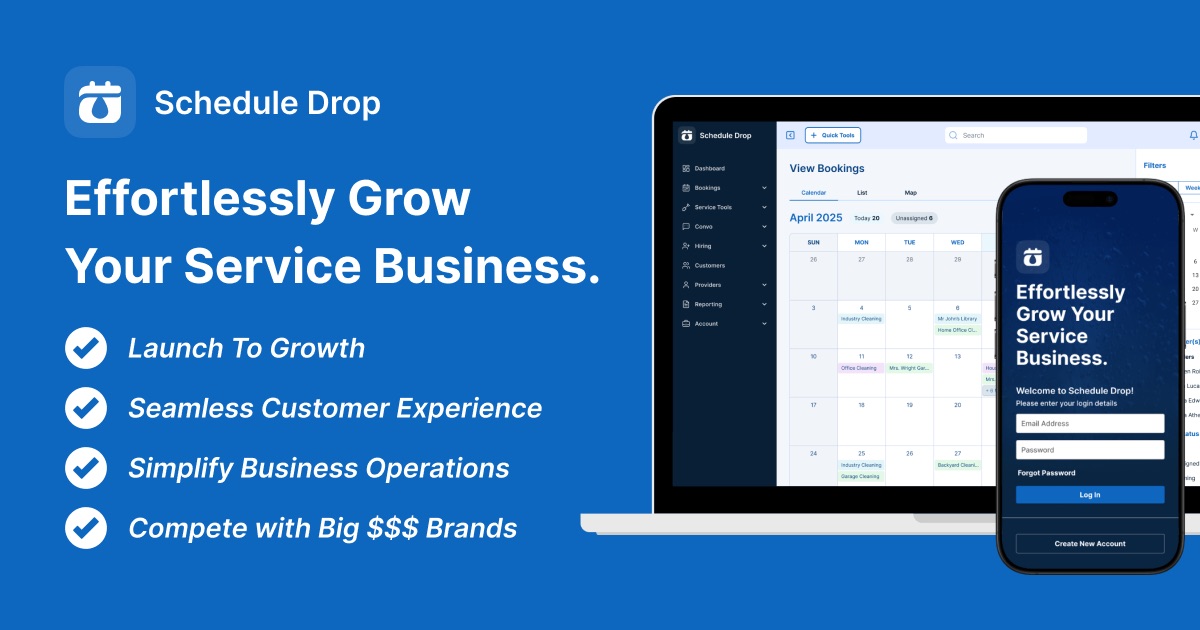
If you run a cleaning crew, a pressure-washing outfit, or any home service business, you already know the chaos: jobs in one app, texts in another, payments somewhere else, and a team that never quite knows where to be. That is exactly the problem ScheduleDrop set out to solve — and since it was built by service business owners, I was curious whether it actually gets the details right. Here is my honest, first-person review for 2026.
1. What Is ScheduleDrop?
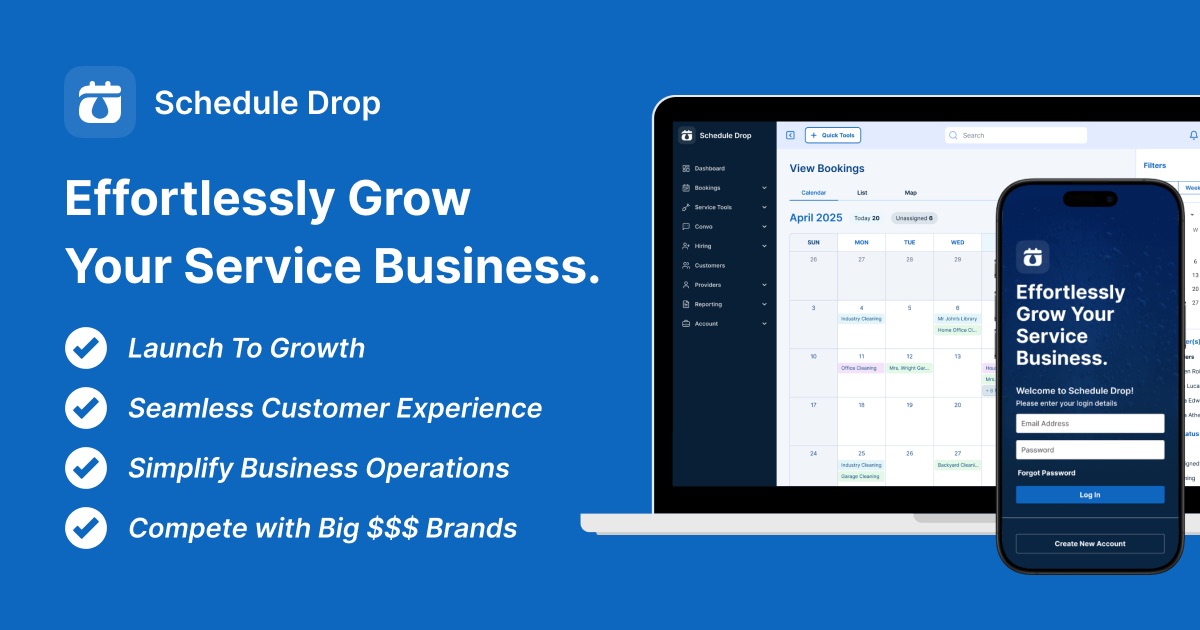
ScheduleDrop is an all-in-one scheduling and management platform built specifically for home service businesses. It was created by cleaning business owners for home service pros, and it combines scheduling, payments, team communication, and customer management into a single tool. The pitch is simple: stop juggling five apps and run your whole operation — from booking to provider payouts — in one place.
It is trusted by hundreds of home service business owners across a wide range of trades: residential and commercial cleaning, pressure and soft washing, auto detailing, window cleaning, pool cleaning, junk removal, landscaping, pest control, carpet cleaning, and painting.
2. Who Is ScheduleDrop Best For?
✅ ScheduleDrop is a great fit if…
You run a home service business with a field team — cleaning, detailing, washing, landscaping and the like — and you need scheduling, dispatch, and team coordination in one place.
You are scaling from solo to a crew and the spreadsheet-and-group-chat approach has stopped working. The provider management and scorecard tools are built for exactly this stage.
You want to cut down no-shows and admin time with automated reminders, recurring job scheduling, and a single conversation hub for calls, texts, and emails.
❌ ScheduleDrop may not suit you if…
You are not in the home/field service space — the whole product is tailored to service crews, so a purely online or retail business would be a poor fit.
You need a huge enterprise fleet beyond 50 providers; the published plans top out at the 26–50 provider tier, so very large operators would need to talk to the team.
3. Core Features Breakdown
3.1 Dynamic Scheduling & Job Management
At its core, ScheduleDrop lets you create and manage bookings in seconds with customizable forms for residential, commercial, and specialty jobs. You get recurring job scheduling, direct provider assignment, custom booking forms, and editable job details — the kind of flexibility a real-world service calendar demands.

3.2 Mobile Apps for Admins and Providers
You can run the whole business from your phone. ScheduleDrop offers both admin and provider mobile apps, so owners can manage schedules on the go and field techs can clock in and out, see their jobs, and stay coordinated in real time.

3.3 Unified Communication Hub
Instead of switching between your phone, email, and a separate texting app, ScheduleDrop puts calls, texts, and emails in one conversation hub. Automated notifications instantly alert customers, admins, and providers with custom messages — which is exactly how you cut down on no-shows.

3.4 Provider Management, Scorecards & Integrations
You can track provider performance with a scorecard and retain only your top performers. And because it connects to hundreds of apps through Zapier, you can automate workflows and sync data across your stack without writing any code.
4. Pricing
ScheduleDrop keeps pricing simple and transparent, billed every 4 weeks, and every plan includes unlimited jobs, clocking in/out, and admin + provider mobile access. At the time of writing, the plans are:
✅ Launch — $97 every 4 weeks (regularly $197) for 1–10 providers.
✅ Build — $197 every 4 weeks (regularly $297) for 11–25 providers.
✅ Dominate — $297 every 4 weeks (regularly $397) for 26–50 providers — the most popular tier.
Every plan comes with a 14-day free trial, personalized onboarding, and access to all features, with no commitment required.
5. Pros & Cons
✅ Pros
✅ Purpose-built for home service businesses by people who run them.
✅ Truly all-in-one: scheduling, payments, communication, and team management.
✅ Admin and provider mobile apps for running the business anywhere.
✅ Unlimited jobs on every plan, plus a provider scorecard.
✅ Zapier integration with hundreds of apps.
✅ 14-day free trial with onboarding and no commitment.
❌ Cons
❌ Only useful for home/field service businesses.
❌ Published plans cap at 50 providers — larger fleets need a custom conversation.
❌ Billed in 4-week cycles, which is slightly different from a standard monthly bill.
6. ScheduleDrop vs Generic Scheduling Tools
General-purpose scheduling apps and calendars can book appointments, but they do not understand recurring crews, provider payouts, job-specific forms, or field communication. ScheduleDrop bakes all of that in. Compared to stitching together a calendar, a texting tool, and a payments app, ScheduleDrop replaces the whole stack with one platform designed around how home service work actually flows — which is the entire point.
7. Final Verdict: Is ScheduleDrop Worth It in 2026?
If you run a home or field service business and you are tired of duct-taping multiple tools together, ScheduleDrop is genuinely worth a trial. It nails the things service owners actually struggle with — recurring scheduling, provider coordination, automated reminders, and unified communication — in one reasonably priced platform with unlimited jobs on every tier. The fact that it was built by service owners shows in the details. With a 14-day free trial and no commitment, there is little risk in seeing whether it fits your operation.
Frequently Asked Questions
What is ScheduleDrop?
ScheduleDrop is an all-in-one scheduling, CRM, and team-management platform built specifically for home service businesses like cleaning, detailing, washing, and landscaping crews.
How much does ScheduleDrop cost?
Plans are billed every 4 weeks: Launch at $97 (1–10 providers), Build at $197 (11–25 providers), and Dominate at $297 (26–50 providers), each with unlimited jobs and a 14-day free trial.
Is there a free trial?
Yes. ScheduleDrop offers a 14-day free trial with personalized onboarding and access to all features, with no commitment required.
What industries does ScheduleDrop work best for?
It is built for home service trades including residential and commercial cleaning, pressure and soft washing, auto detailing, window cleaning, pool cleaning, junk removal, landscaping, pest control, carpet cleaning, and painting.
Does ScheduleDrop have a mobile app?
Yes. It offers both admin and provider mobile apps, so owners can manage the business and field techs can clock in and out and view jobs from anywhere.
Where to Get Started
Ready to simplify your scheduling and grow your home service business? You can start your free trial here: Start your ScheduleDrop free trial.
Affiliate disclosure: This article contains an affiliate link. If you sign up through it, I may earn a small commission at no extra cost to you. I only recommend products and services I believe offer real value.