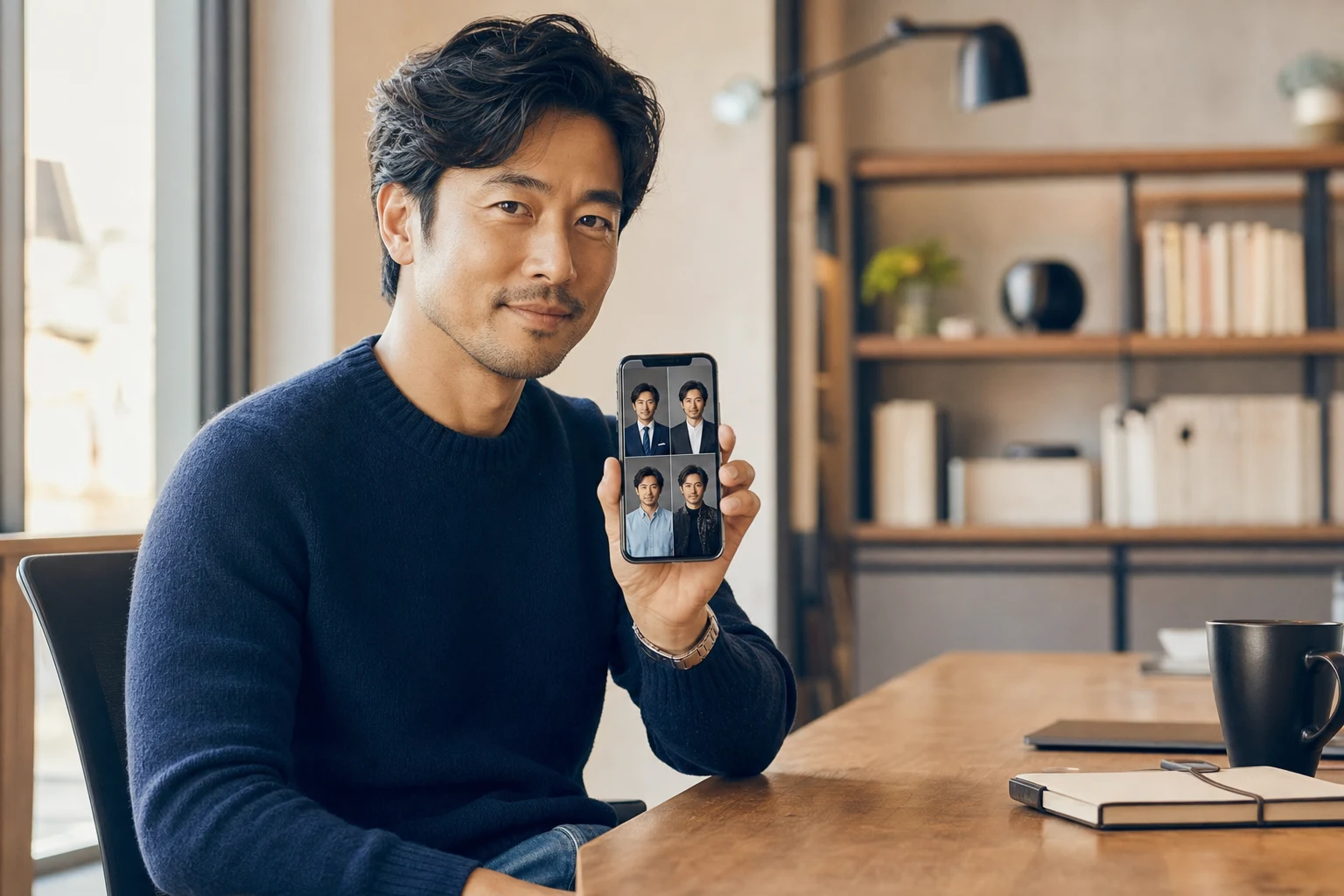
Getting a passport or visa photo rejected is maddening — wrong background, bad crop, head too big. I tested Snap2Pass, an AI passport photo generator that promises compliant photos from a phone selfie in about 60 seconds, to see if it actually saves the trip to a photo booth. Here’s my honest review.
1. What Is Snap2Pass?
Snap2Pass is an online visa and passport photo tool that turns a regular selfie into a compliant document photo. You snap a photo, the AI validates biometric and technical requirements, swaps the background and crops it to the correct size (like 2x2). The company advertises AI-verified compliance with a 99.8% acceptance rate and free reshoots if a photo is rejected.
2. Who Is Snap2Pass Best For?
✅ Travelers who need a photo fast
If you’re applying for a passport or visa tonight, getting a compliant photo from your couch in a minute beats hunting for an open photo shop.
✅ Families doing multiple applications
Doing photos for the whole family at home is far cheaper and less stressful than booth photos for each person.
✅ People who’ve been rejected before
The AI compliance check catches common failure reasons (head size, lighting, background) before you submit.
❌ Anyone without a decent phone camera or light
Results depend on your input photo; poor lighting or a low-res camera will fight the AI.
❌ Documents with unusual in-person requirements
Some agencies mandate photos taken on-site; always verify your specific document’s rules first.
3. Core Features Breakdown
3.1 AI Compliance Validation
Before you pay, the tool checks biometric compliance, technical quality and official standards, flagging problems so you can reshoot.
3.2 Automatic Background & Crop
It swaps in a compliant background and crops to the exact size for your document — the two things people get wrong most.
3.3 60-Second Turnaround
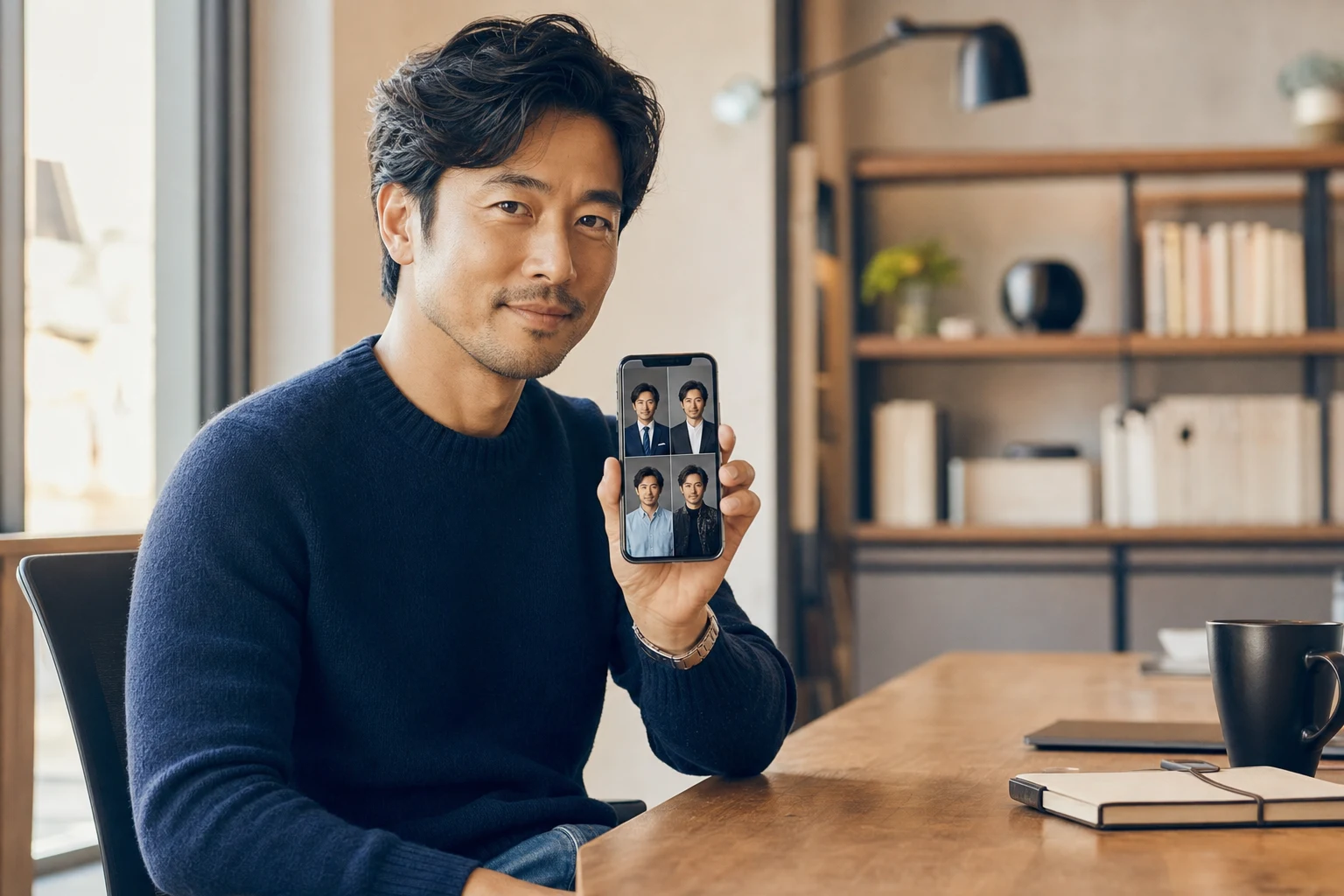
From selfie to finished photo takes about a minute, with digital files ready to print or upload.
3.4 Reject-Free Guarantee & Bonus Headshots
If a photo is rejected you can reshoot free, and the tool can also generate studio-style headshots from a single selfie as a bonus.
4. Pricing
The AI photo check is free to run, and you pay only when you download a finished photo — priced at $9.95 at the time I checked. That’s typically cheaper than a photo booth or pharmacy print, especially for multiple people, and it includes the free-reshoot policy if a photo gets rejected. Confirm the current price on their site, as promotions vary.
5. Pros & Cons
Pros: Fast (about 60 seconds); free AI compliance check before paying; automatic background swap and correct crop; free reshoot if rejected; cheaper than booths for families; bonus AI headshots.
Cons: Output quality depends on your selfie and lighting; per-photo cost adds up for many separate documents; some agencies still require in-person photos; you handle printing yourself.
6. Snap2Pass vs Photo Booth / Pharmacy
A pharmacy or booth photo often costs more, requires a trip, and gives you no compliance feedback until it’s too late. Snap2Pass flips that: instant AI validation, retries at home, and a lower price — at the cost of relying on your own camera and printing. For most travelers, the convenience and pre-check are the deciding factors.
7. Final Verdict: Is Snap2Pass Worth It in 2026?
For fast, low-stress passport and visa photos — especially for families — Snap2Pass earns its place. The free compliance check and reshoot policy remove most of the risk, and $9.95 is reasonable. Just take your selfie in good, even lighting and verify your document’s specific rules, and it’s a genuine time-saver.
Frequently Asked Questions
Are Snap2Pass photos accepted by official agencies?
Snap2Pass advertises AI-verified compliance with a 99.8% acceptance rate and offers free reshoots if a photo is rejected. Always check your specific document’s requirements too.
How much does Snap2Pass cost?
The AI check is free; a finished downloadable photo was $9.95 when I checked.
How does it work?
Snap a selfie, the AI validates it, the background is swapped and the image is cropped to the correct size — in about 60 seconds.
What if my photo is rejected?
Snap2Pass offers a free reshoot policy if a photo is rejected.
Can I use it for visa photos too?
Yes — it supports both passport and visa photo formats for many documents.
👉 Where to Get Snap2Pass
You can try it here: Create your passport/visa photo with Snap2Pass.
Affiliate disclosure: this post contains an affiliate link. If you sign up through it, I may earn a commission at no extra cost to you. All opinions are my own based on hands-on testing.