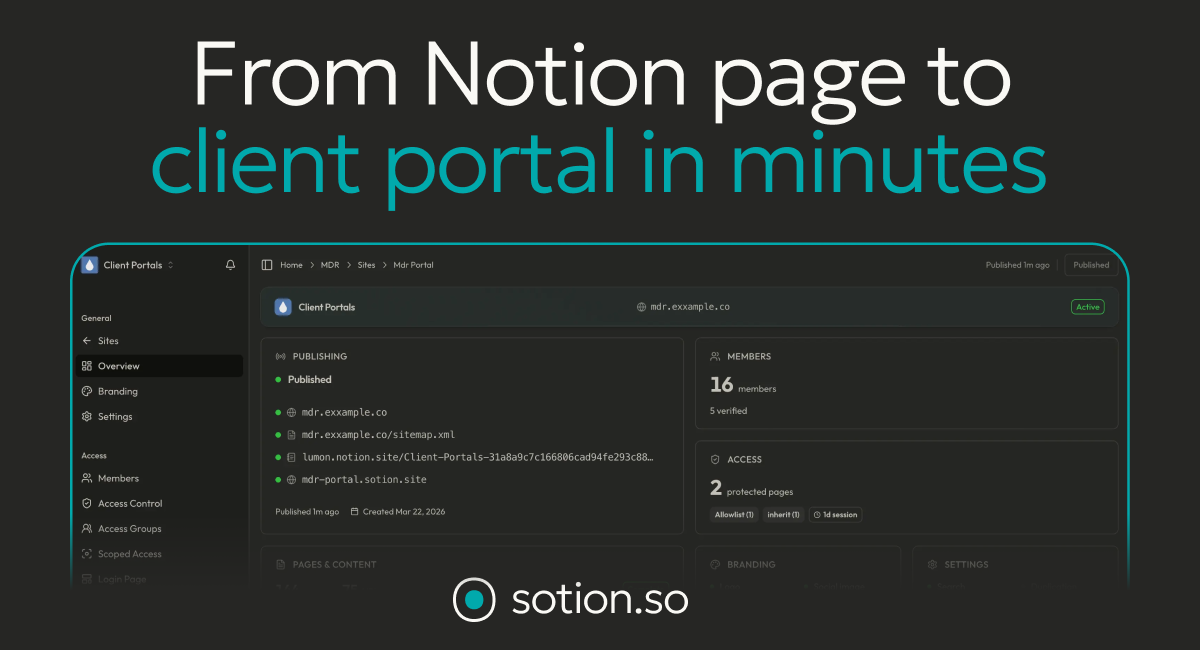
I build a lot in Notion, but sharing it with clients always felt clumsy — ugly links, no branding, no control over who sees what. Sotion promises to turn any Notion page into a branded, access-controlled membership site or client portal in minutes. I tried it, and here’s my honest, first-person review.
1. What Is Sotion?
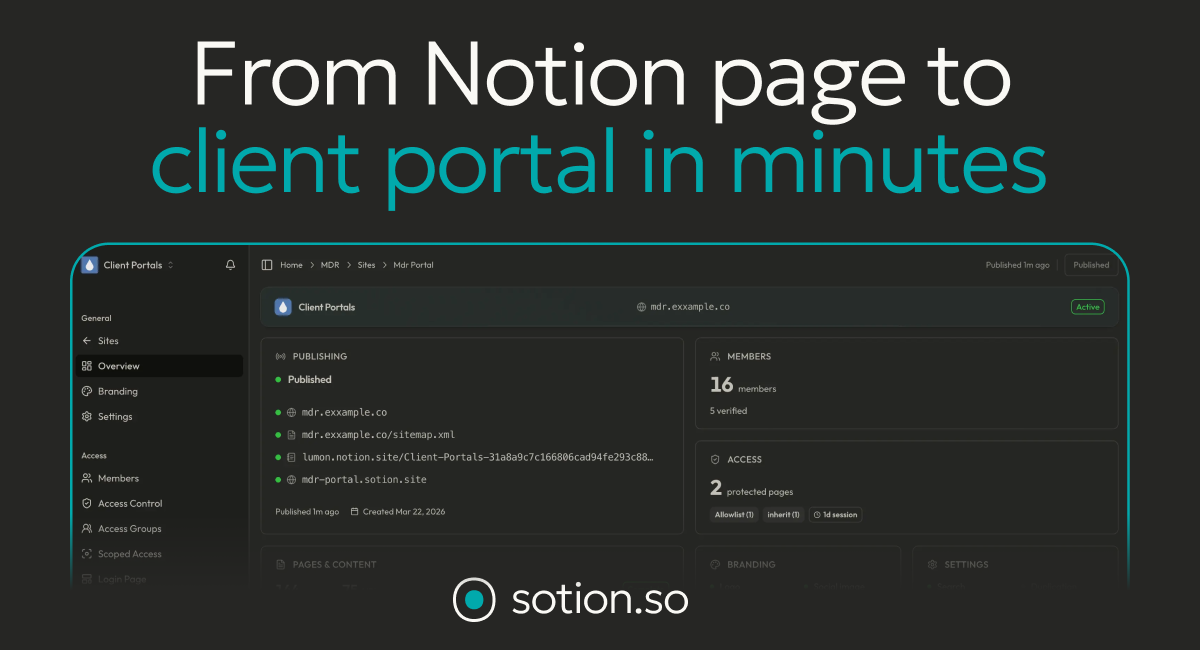
Sotion is a membership management and website tool for Notion. It takes your Notion pages and publishes them as a professional site or client portal — with your own domain, branding, SEO metadata, and controlled access. On top of that it adds membership features: email sign-up, allowlists, password-protected pages and page-level access control, so you can manage members, subscriptions and content without leaving Notion.
2. Who Is Sotion Best For?
✅ Notion creators selling memberships or courses
If you want to gate Notion content behind a login or paywall, Sotion’s membership and access control is exactly the missing piece.
✅ Agencies and consultants sharing client portals
Publish branded client portals with controlled access instead of raw Notion links — a big trust upgrade for client work.
✅ Solopreneurs who live in Notion
If Notion is already your workspace, keeping your public site in Notion avoids rebuilding everything in another tool.
❌ Users who need a full custom CMS or app
Sotion is Notion-powered; if you need complex custom app functionality, a dedicated platform will suit better.
❌ People who don’t use Notion
The whole value is turning Notion into a site, so it’s not for non-Notion users.
3. Core Features Breakdown
3.1 Notion-to-Website Publishing
Publish Notion pages as a real site with custom page URLs, custom domains, and a professional look — no rebuilding required.
3.2 Membership & Access Control
Email sign-up, allowlists, password-protected pages and page-level (and database-scoped) access control let you decide exactly who sees what.
3.3 Branding & SEO
Custom branding, SEO metadata, social sharing previews, and custom JS/CSS make the published site look and rank like your own.
3.4 Analytics
Site and member analytics on higher tiers help you see traffic and engagement across your portals.
4. Pricing
Sotion offers a 7-day free trial on any plan, billed monthly or yearly (2 months free yearly):
Basic — $7/month: 1 published site, custom page URLs, custom branding, SEO metadata, social previews, custom JS/CSS, Sotion subdomain and custom domains (with a “Made with Sotion” badge). No access control.
Starter — $27/month: everything in Basic plus 5 published sites/client portals, 50 portal members, full access control (password, membership management, page-level and scoped access), and site/member analytics.
Higher tiers at $57/month and $97/month add more sites, members and features. Confirm current pricing and limits on the official site.
5. Pros & Cons
Pros: Turns Notion into a branded site fast; strong access control and membership management; custom domains and SEO; affordable $7 entry tier; 7-day free trial; analytics on higher plans.
Cons: Access control requires the Starter tier or above (Basic has none); site/member limits per tier; and you’re inherently tied to Notion as your content source.
6. Sotion vs Super.so
Super.so is the best-known Notion-to-website tool, focused on fast, beautiful marketing sites. Sotion’s differentiator is membership and access control — gated content, allowlists, portal members and page-level permissions — which makes it better suited to client portals and paid memberships rather than just public sites. If you want a slick public website, compare Super.so; if you need to gate and manage members inside Notion, Sotion is the more targeted choice. Both offer trials, so test which fits your use case.
7. Final Verdict: Is Sotion Worth It in 2026?
If you already build in Notion and need to share it professionally — especially with gated access or memberships — Sotion is well worth trying. It removes the ugly-link problem, adds real access control, and starts at just $7/month for basic publishing. The main caveats are that access control needs the $27 tier and everything is tied to Notion, but for Notion-centric creators and agencies that’s exactly the point. With a 7-day free trial, it’s low-risk to see if it fits.
Frequently Asked Questions
What does Sotion do?
It turns Notion pages into branded, access-controlled websites and client portals, with membership management built in.
How much does Sotion cost?
Basic is $7/month and Starter is $27/month, with higher tiers at $57 and $97. All plans include a 7-day free trial, and yearly billing gives 2 months free.
Can I gate content behind a login?
Yes — from the Starter tier you get password protection, email sign-up, allowlists and page-level access control.
Can I use my own domain?
Yes, custom domains are supported (Basic shows a “Made with Sotion” badge; higher tiers add more).
Do I need to use Notion?
Yes — Sotion publishes and manages sites built from your Notion content.
👉 Where to Get Sotion
You can start a free trial and publish your Notion portal here: Try Sotion.
Affiliate disclosure: This post contains an affiliate link. If you sign up through it, I may earn a commission at no extra cost to you. All opinions are my own based on hands-on use.