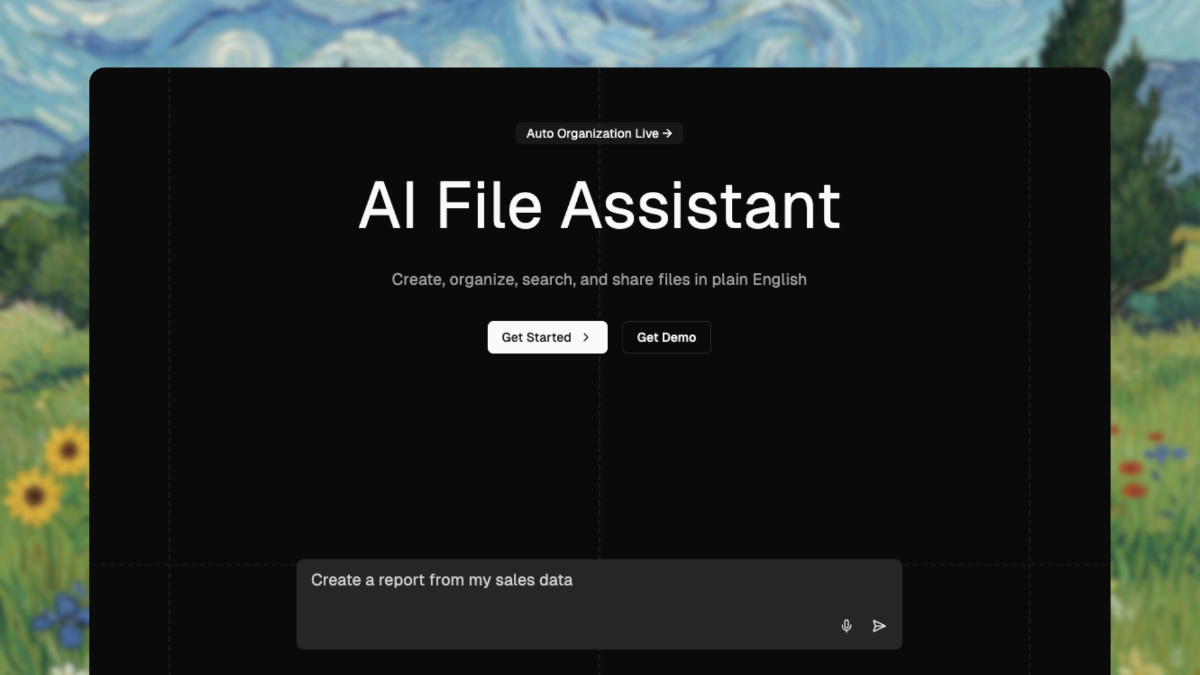
My files are a disaster — downloads folder full of untitled PDFs, screenshots everywhere, and I can never find the one document I need. The Drive AI promises an AI file assistant that organizes, searches by content, and creates files in plain language, so I connected my mess and let it work. Here’s my honest review.
1. What Is The Drive AI?
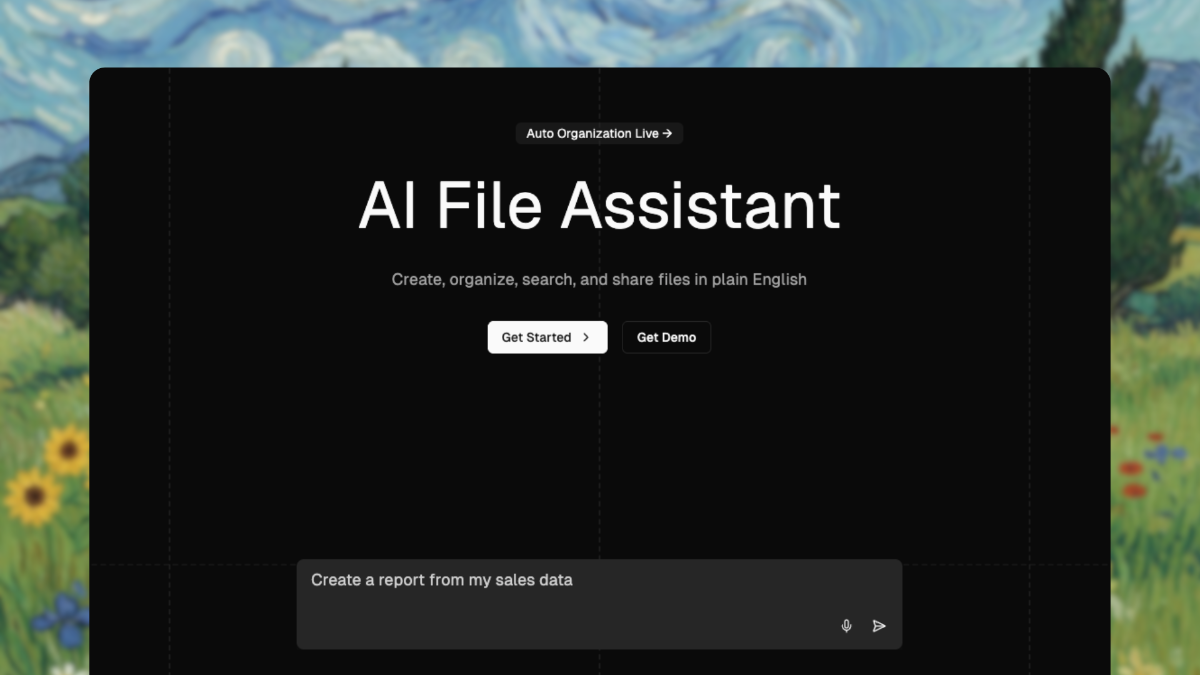
The Drive AI is an AI-powered file management and document organization tool. You connect your sources (email, uploads, drag-and-drop), and its AI agent auto-organizes your documents, lets you search by content rather than filename, creates files in natural language, and shares securely. It works on web, iOS, Android, and now desktop.
2. Who Is The Drive AI Best For?
✅ People drowning in disorganized files
If your folders are chaos, automatic organization is the headline benefit.
✅ Knowledge workers who search by content
Finding documents by what’s inside them, not their name, is genuinely useful.
✅ Small teams needing shared, organized workspaces
Team plans add collaborative, tidy shared spaces.
❌ Users happy with their current folder system
If you’re already meticulous, you may not need the automation.
❌ Anyone with strict data-locality requirements
Cloud-based AI processing may not suit highly restricted environments.
3. Core Features Breakdown
3.1 Automatic File Organization
The AI sorts incoming files into a sensible structure so you stop doing it manually.
3.2 Search by Content
Ask for what’s inside a document and it finds it — no need to remember filenames.
3.3 Natural-Language File Creation
Describe the document you want and the agent creates it for you.
3.4 Email Sync & Multi-Model AI
Higher tiers sync Gmail/Outlook/Slack and use multiple AI models (GPT-5, Claude, etc.).
4. Pricing
Here’s the real pricing at the time of writing (Personal plans; annual billing shown):
- Free — $0 forever: 10 AI steps/day (300/month), 5 files auto-organized/month, 1 GB storage (up to 50 files), text files only.
- Premium — $199.99/year (saves $39.89 vs monthly): 100 AI steps/day (3,000/month), 100 files auto-organized/month, all file types, 20 GB storage, multiple AI models.
- Max — $999.99/year (saves $199.89): unlimited AI steps and auto-organization, 500 GB storage, email sync (Gmail, Outlook, Slack).
There are also Team plans for collaborative workspaces — check the site for the latest team pricing.
5. Pros & Cons
Pros: Genuinely useful auto-organization, content-based search, natural-language file creation, a real free tier, and multi-platform apps.
Cons: The higher tiers get pricey, cloud AI processing may not suit restricted data, and the free tier’s limits are quite tight.
6. The Drive AI vs Google Drive
Google Drive is excellent storage with basic search, but you still organize files yourself. The Drive AI layers an AI agent on top that actively sorts, finds, and creates documents for you. If you just need reliable cloud storage, Google Drive is fine; if you want the organizing done for you and smarter content search, The Drive AI adds real intelligence — at a higher cost.
7. Final Verdict: Is The Drive AI Worth It in 2026?
If file chaos genuinely costs you time, yes — the auto-organization and content search can pay for themselves. Start on the free tier to see how well it handles your files, then Premium is the reasonable step up for everyday use. Max is really for power users with large libraries. Just weigh the annual cost against how much disorganization is actually hurting you.
Frequently Asked Questions
What does The Drive AI do?
It auto-organizes your files, searches documents by content, creates files in natural language, and shares them securely.
Is there a free plan?
Yes — a free-forever tier with 300 AI steps/month, 5 auto-organized files/month, and 1 GB storage.
How much does The Drive AI cost?
Premium is $199.99/year and Max is $999.99/year, with a free tier and Team plans also available.
Which platforms does it support?
Web, iOS, Android, and a desktop app.
Can it search inside my documents?
Yes — you can search by content rather than just filename.
👉 Where to Get The Drive AI
You can start free and explore the plans here: Visit The Drive AI.
Disclosure: This post contains an affiliate link. If you sign up through it, I may earn a commission at no extra cost to you.