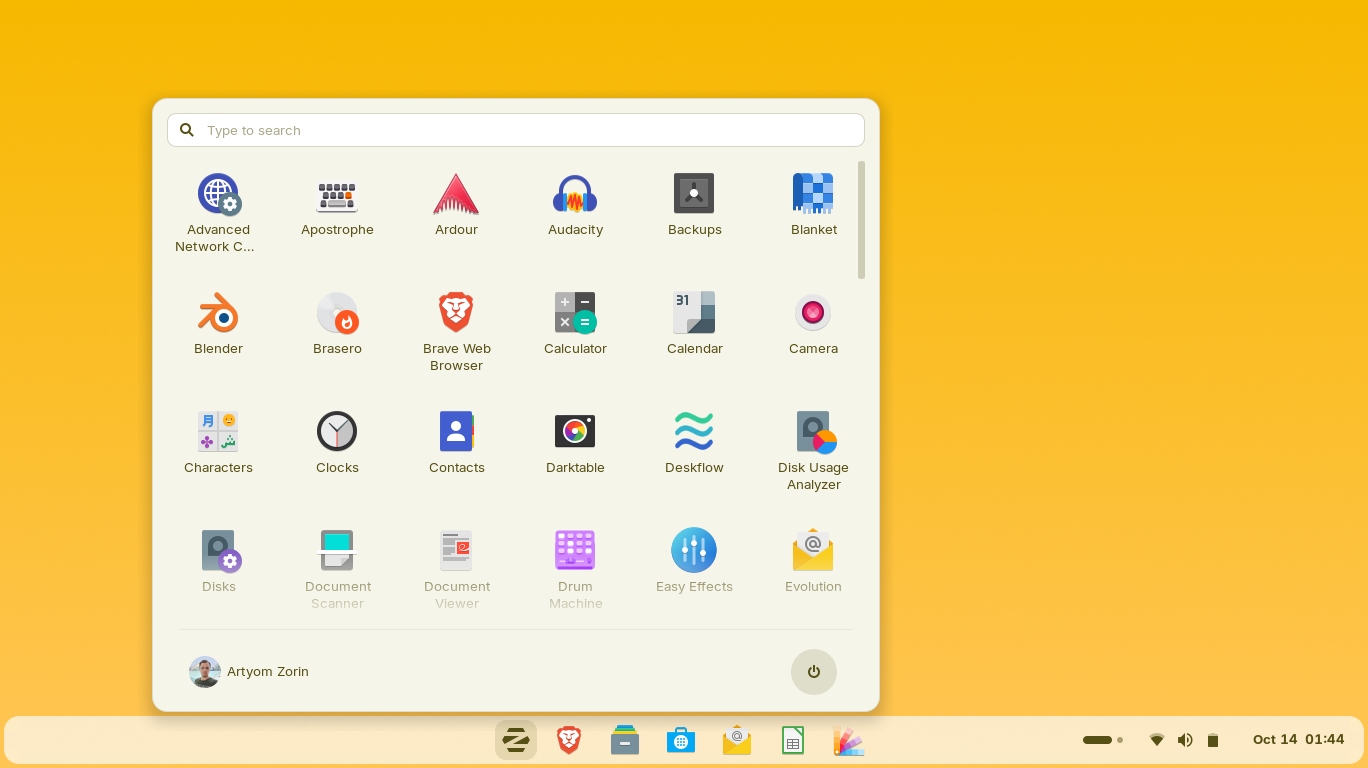
I have nudged a lot of friends off aging Windows PCs and onto Linux, and the number one fear is always the same: "it will look weird and nothing will work." Zorin OS Pro is the distro I reach for to make that fear disappear - it feels familiar from the first boot. Here is my honest 2026 review.
Disclosure: this post contains an affiliate link. If you buy through it I may earn a commission at no extra cost to you. I only recommend software I actually use.
1. What Is Zorin OS Pro?
Zorin OS is a polished, Ubuntu-based Linux distribution designed to be approachable for people coming from Windows or macOS. Zorin OS Pro is the paid edition (currently version 18.1) that adds premium desktop layouts, the full bundle of pre-installed productivity and creative apps, and advanced features for power users. Crucially, it is a one-time purchase of $47.99 - not a subscription.
2. Who Is Zorin OS Pro Best For?
✅ Windows and macOS switchers
If you want Linux that looks and behaves like what you already know, the Pro layouts make the transition almost seamless.
✅ People reviving older PCs
Zorin runs well on modest hardware, breathing life into machines that struggle with the latest Windows.
✅ Power users and creative pros
The Pro edition's extra apps and advanced features are aimed squarely at people who want to get real work done out of the box.
❌ Hardcore tinkerers who want to build from scratch
If you love configuring Arch by hand, Zorin's curated polish is not really the point for you - and the free version may be enough.
3. Core Features Breakdown
3.1 12 Desktop Layouts
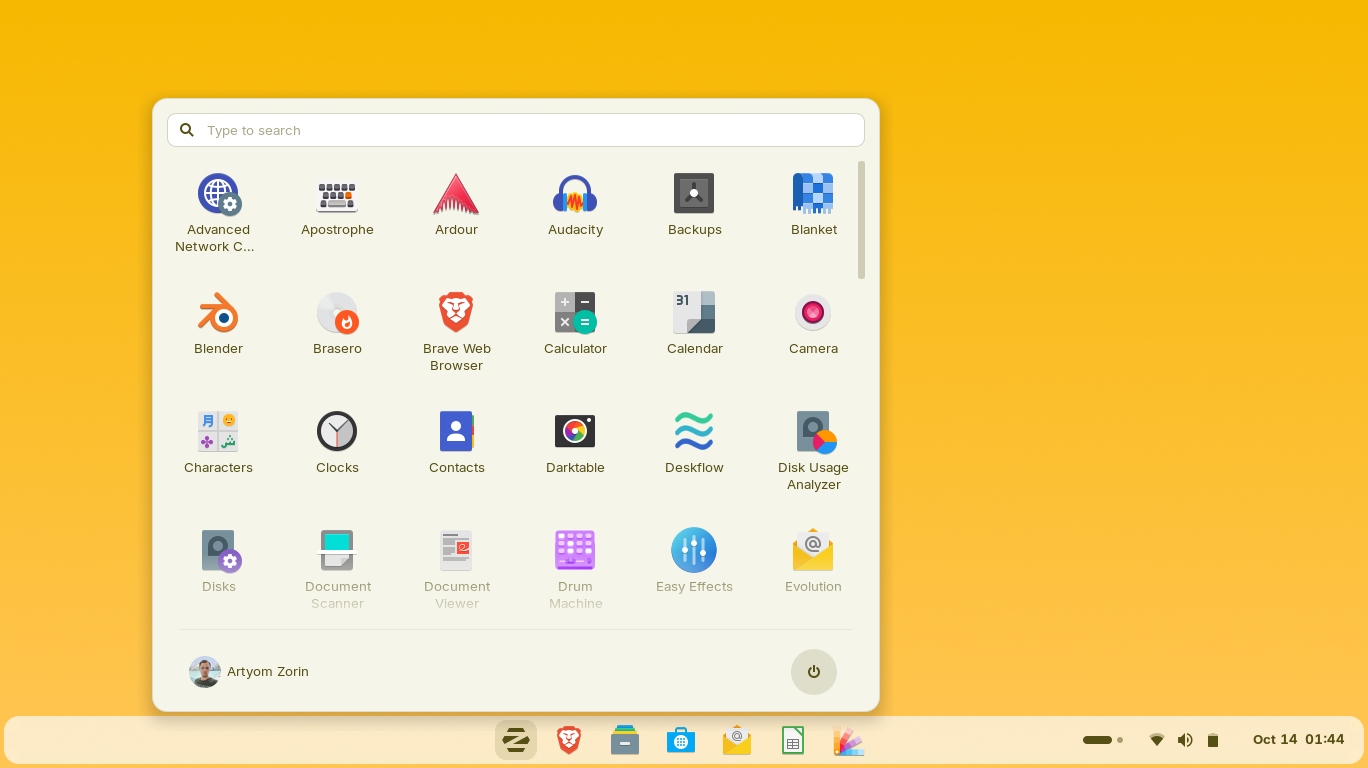
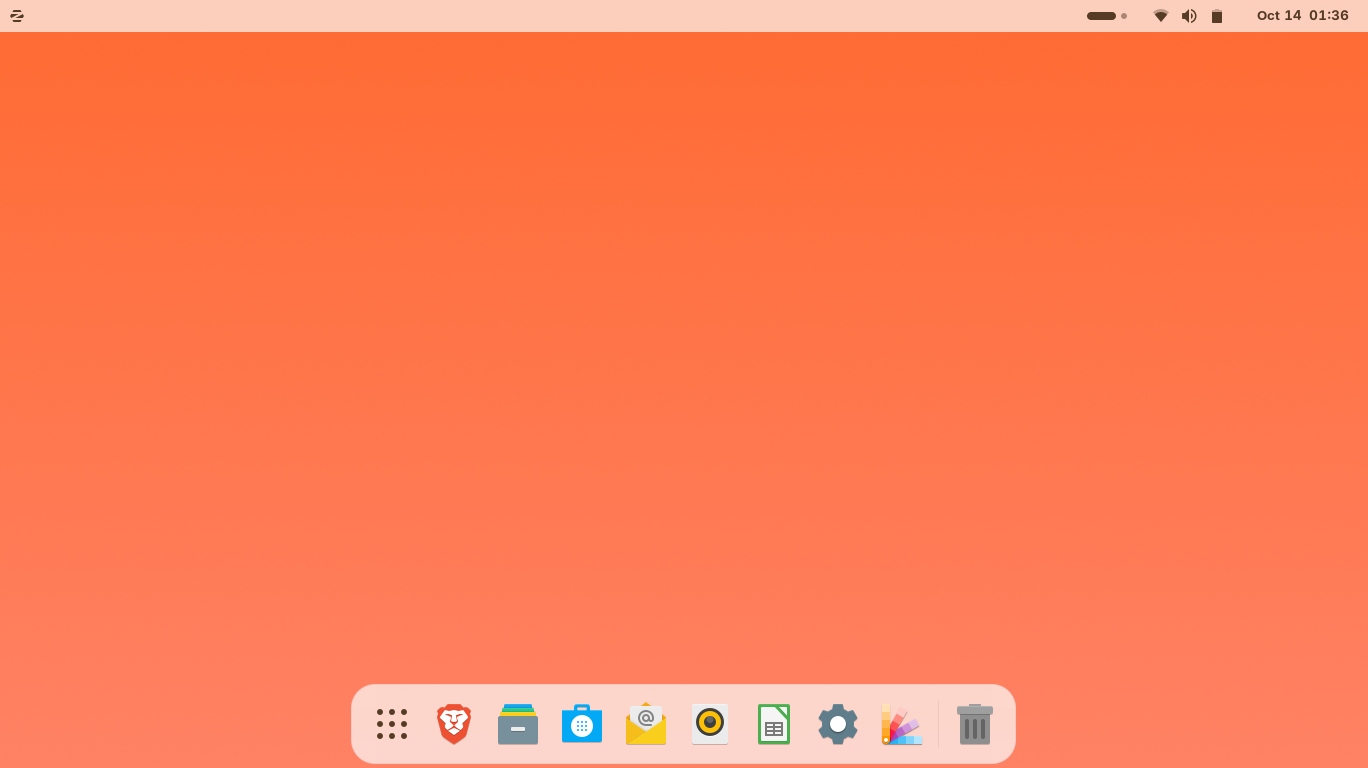
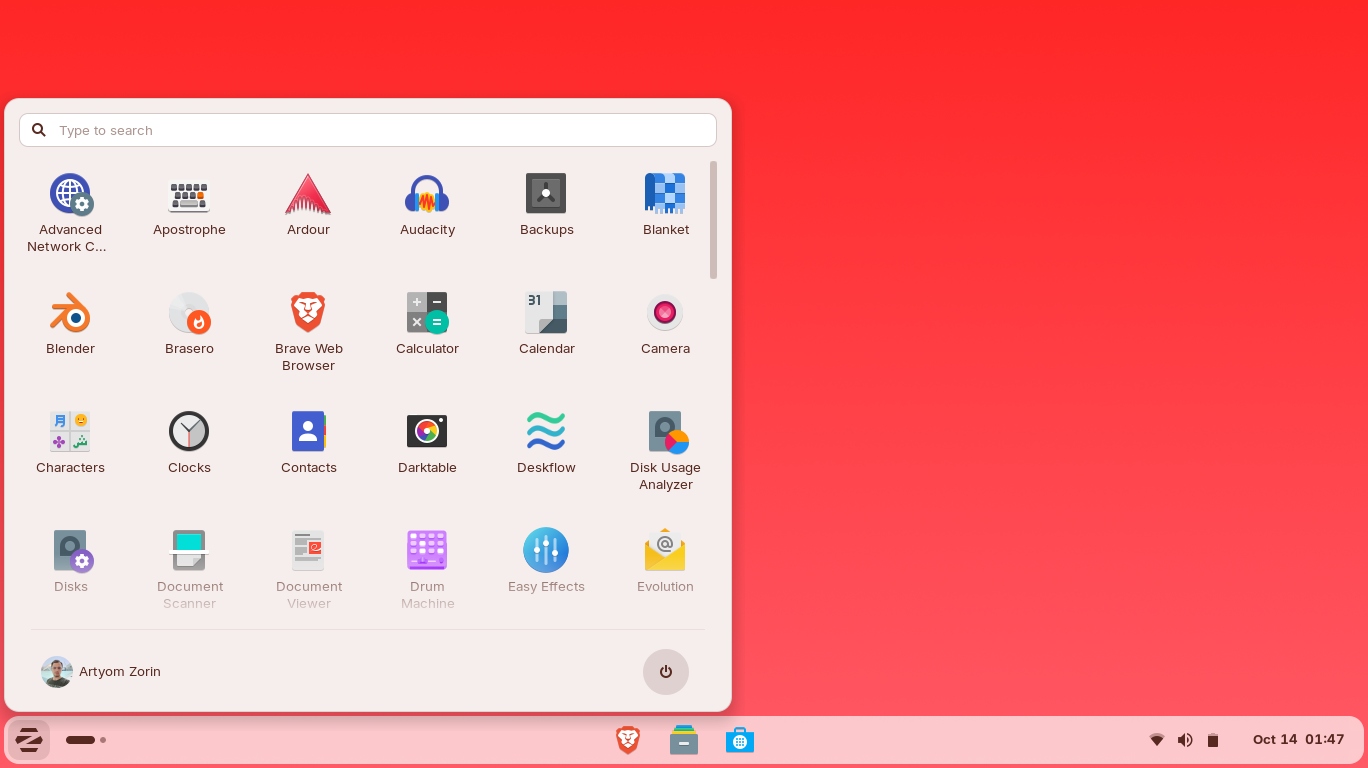
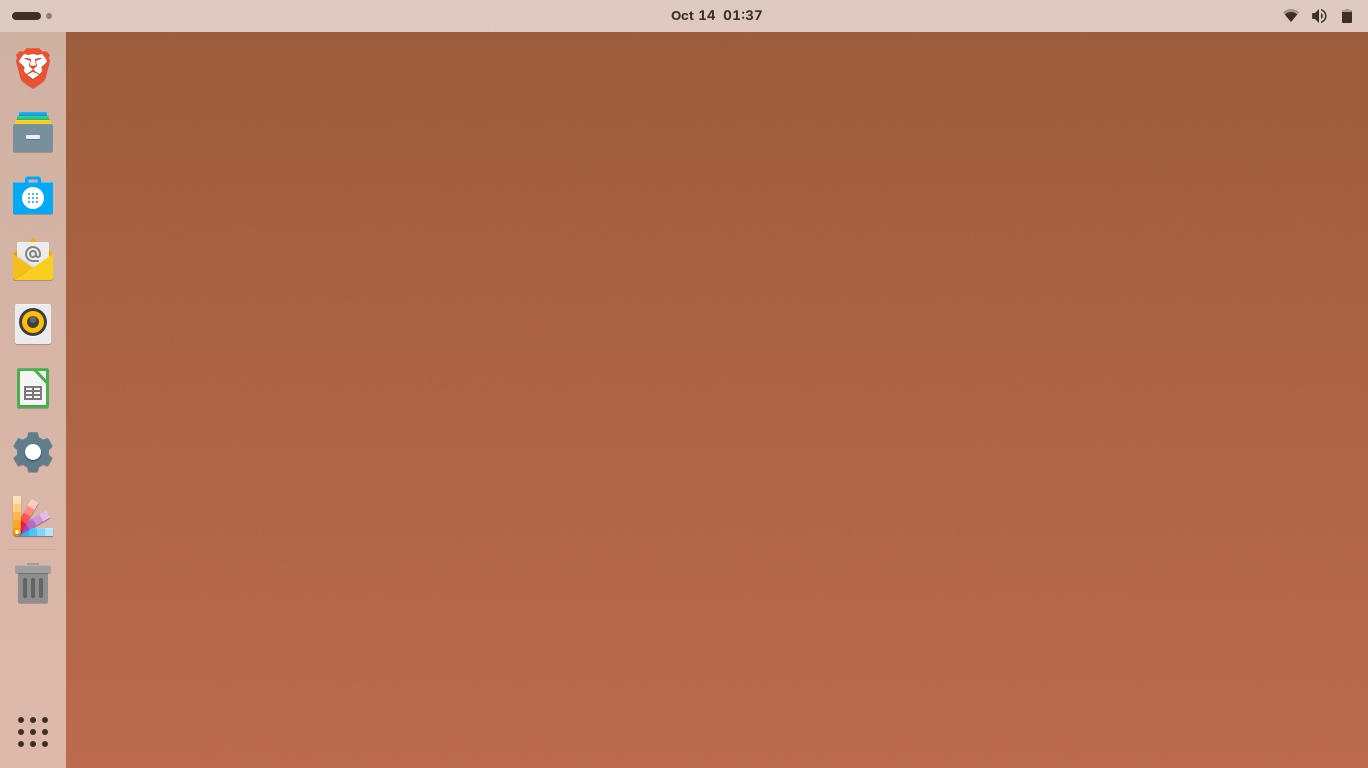
This is Zorin Pro's signature feature. The Appearance app lets you switch between 12 desktop layouts - macOS-like, Windows 11-like, Windows Classic, ChromeOS-like, Ubuntu-like, elementary OS-like, Cinnamon-like, a compact panel and more - so the desktop matches whatever you are used to.
3.2 Full Premium App Bundle
Pro comes preloaded with a curated set of productivity, creative and office apps, so a fresh install is ready for real work without hunting down software first.
3.3 Familiar, Polished Experience
Built on a stable Ubuntu base, Zorin is genuinely refined - smooth animations, sensible defaults, and broad app compatibility (including ways to run many Windows apps). It is the kind of polish that makes Linux feel mainstream.
3.4 Runs Great on Old and New Hardware
Zorin is light enough to revive older laptops yet capable on modern machines, which is part of why it is such an easy recommendation for switchers and second-life PCs alike.
4. Pricing
Zorin OS Pro is a one-time purchase of $47.99 - explicitly not a subscription. That single payment unlocks the premium layouts, the full app bundle and the advanced features, and your purchase also supports development of the free editions.
Worth knowing: Zorin OS also has excellent free editions (Core and Lite). So you can try Zorin for free first, and only pay for Pro if you want the extra layouts and bundled apps. At under fifty dollars one-time, the value proposition is strong compared to ongoing OS or app subscriptions.
5. Pros & Cons
✅ Pros
✅ 12 desktop layouts make switching from Windows/macOS painless
✅ One-time $47.99 price, not a subscription
✅ Full premium app bundle preinstalled
✅ Stable Ubuntu base with broad compatibility
✅ Runs well on old and new hardware
✅ Free editions available to try first
❌ Cons
❌ The free editions already cover many users' needs
❌ Some niche Windows apps still need workarounds
❌ Curated polish means less appeal to extreme tinkerers
❌ Release cadence is slower than rolling distros
6. Zorin OS Pro vs Ubuntu
Ubuntu is the powerful, free base Zorin builds on. The difference is experience: stock Ubuntu uses the GNOME desktop, which can feel unfamiliar to Windows users, while Zorin Pro hands you Windows/macOS/ChromeOS-style layouts and a ready-to-go app bundle. If you are comfortable configuring GNOME yourself, Ubuntu is free and great. If you want a familiar, polished setup with zero fuss, Zorin Pro is worth the one-time fee.
7. Final Verdict: Is Zorin OS Pro Worth It in 2026?
For Windows and macOS switchers, yes. The familiar layouts genuinely lower the intimidation factor, the bundled apps mean you are productive immediately, and a one-time $47.99 with no subscription is refreshing in 2026. I would download a free Zorin edition first to confirm your hardware is happy, then buy Pro if you want the premium layouts and app bundle. As a way to make Linux feel like home, it is the distro I keep recommending.
Frequently Asked Questions
Is Zorin OS Pro a subscription?
No. It is a one-time purchase of $47.99 that unlocks the premium layouts, app bundle and advanced features.
Can I try Zorin OS for free?
Yes. Zorin OS offers free Core and Lite editions, so you can test it before deciding whether Pro's extras are worth it for you.
Will my Windows programs run on Zorin OS?
Many do via compatibility tools, and Zorin includes ways to run common Windows apps. Some specialized software may still need alternatives or workarounds.
Is Zorin OS good for old computers?
Yes. It is light enough to revive older hardware while still running well on modern machines, which is a big part of its appeal.
Where to Get Zorin OS Pro
You can get it here: Get Zorin OS Pro.
Affiliate disclosure: the link above is an affiliate link. If you purchase through it, I may earn a commission at no additional cost to you.