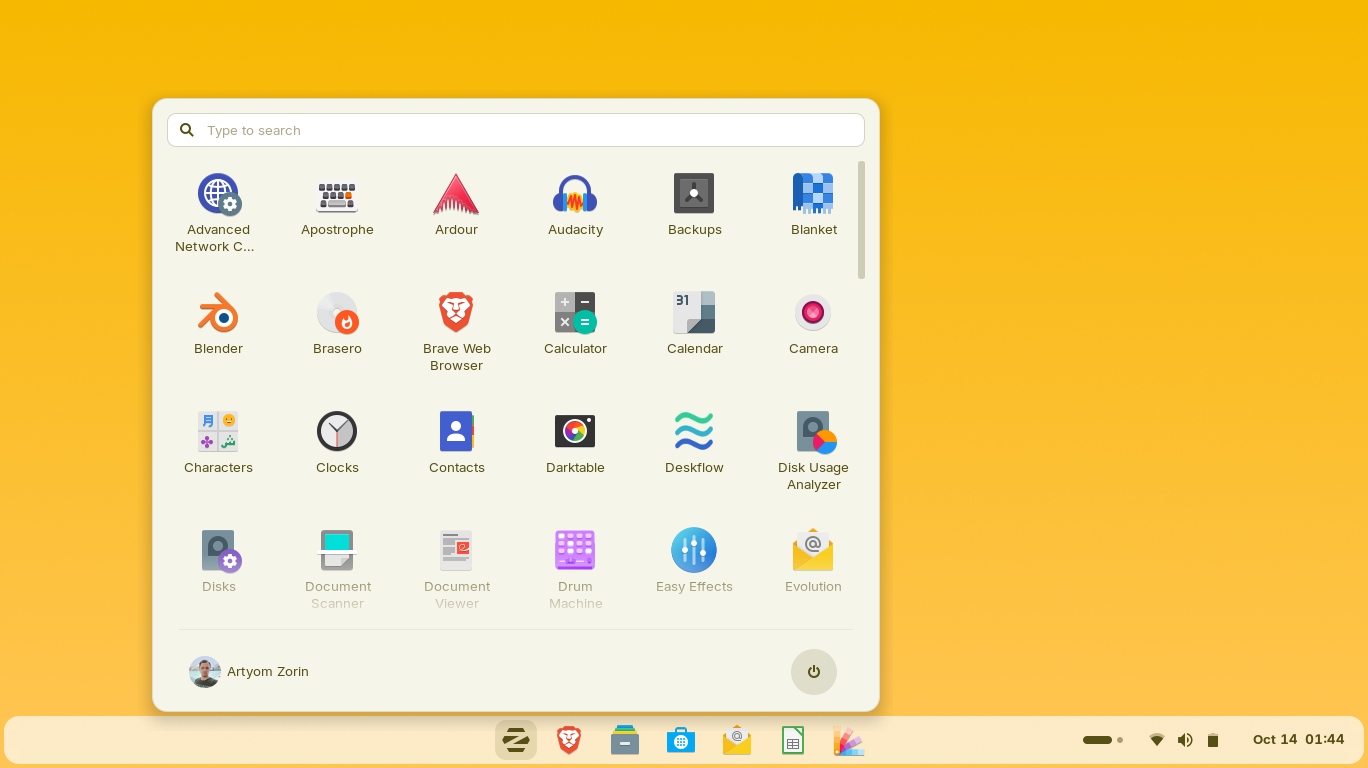
I’d been dreading the day my old Windows laptop stopped getting updates, and I really didn’t want to buy a new machine just to keep working. So I finally tried switching to Linux – and the distro that actually made it painless was Zorin OS Pro. What sold me was that it didn’t feel like learning a new computer; it felt like my old one, but faster. Here’s my honest take after running it as my daily driver.
1. What Is Zorin OS Pro?
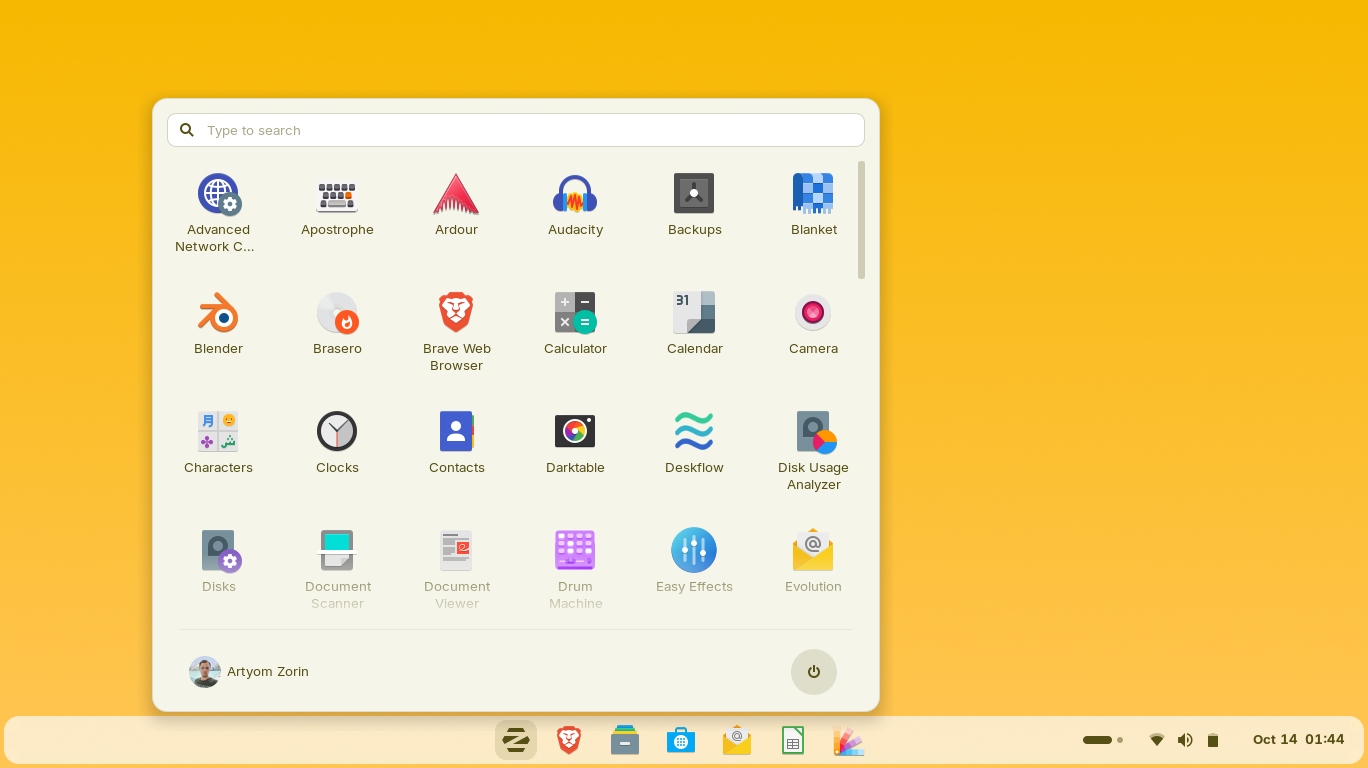
Zorin OS is a Linux operating system built to be easy for people coming from Windows or macOS, and Zorin OS Pro is its premium edition. It bundles the most advanced features and a full set of apps so you can “unleash the full potential of your computer.” It’s aimed at power users and creative professionals, but it’s simple enough for anyone. The current release I tested is Zorin OS 18.1 Pro. The big selling point: it can look and behave like the desktop you’re used to – Windows 11, macOS, ChromeOS and more – so the transition barely registers.
2. Who Is Zorin OS Pro Best For?
✅ People reviving an older PC
This is exactly my situation. If your machine is too old for the latest Windows, Zorin OS runs lighter and breathes new life into hardware you’d otherwise replace – saving money and keeping a working laptop out of landfill.
✅ Windows/macOS switchers who hate relearning
The premium desktop layouts let you mimic Windows 11, macOS, or ChromeOS, so the learning curve is tiny. If “Linux is too complicated” has held you back, this is the edition that answers that.
✅ Creators and power users
Pro bundles a professional-grade creative suite and advanced productivity tools out of the box, so you’re not hunting down and configuring software on day one.
❌ Hardcore Windows-only gamers
Linux gaming has come a long way, but if your library leans on anti-cheat titles that don’t support Linux, you may still hit walls. Check your specific games first.
❌ People who need specific Windows-only pro apps
If your job depends on a particular Windows-exclusive application (certain industry CAD or accounting suites), confirm a Linux-compatible workflow before switching.
3. Core Features Breakdown
3.1 Premium desktop layouts
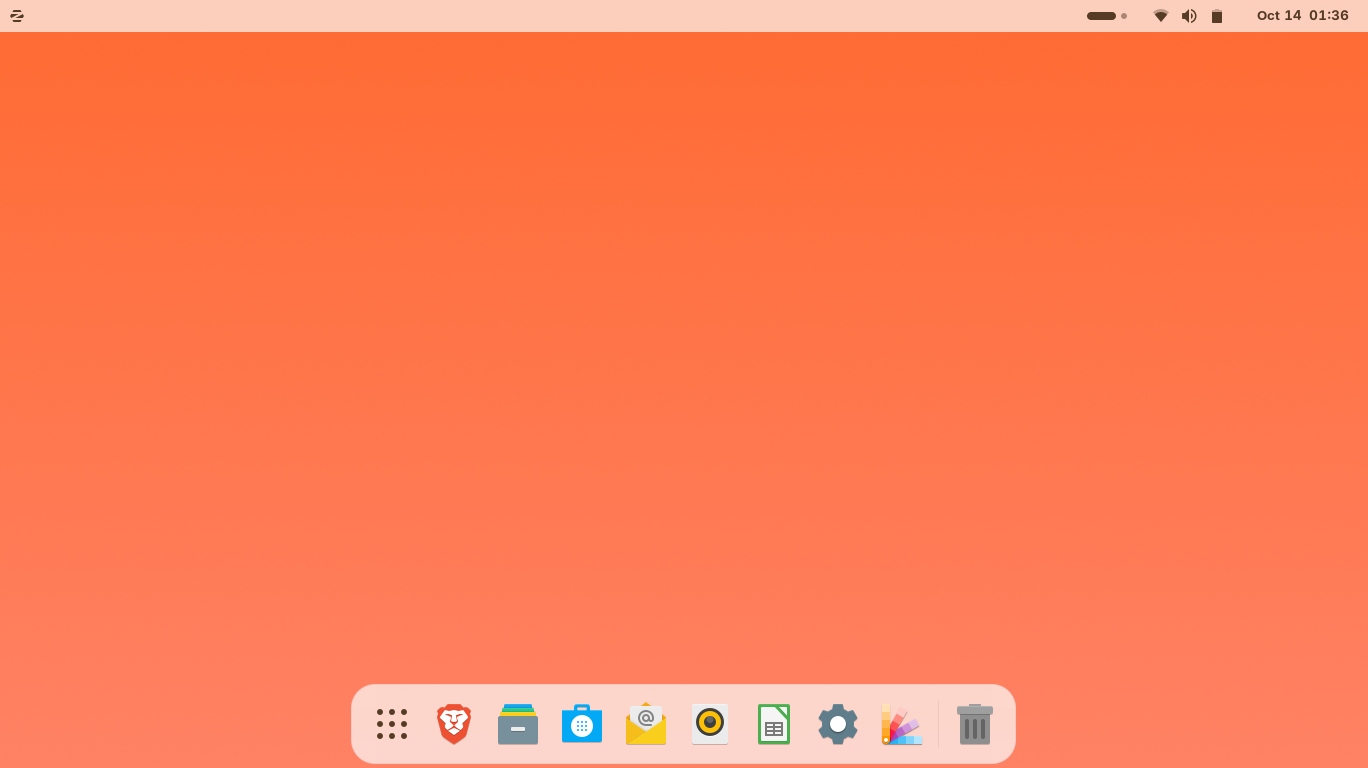
This is the headline feature of Pro. You get premium layouts – pick a desktop, any desktop – including Windows 11, macOS, ChromeOS and classic styles. Being able to make Linux feel like the OS you already know is the single biggest reason the switch felt effortless to me.
3.2 Professional-grade creative suite
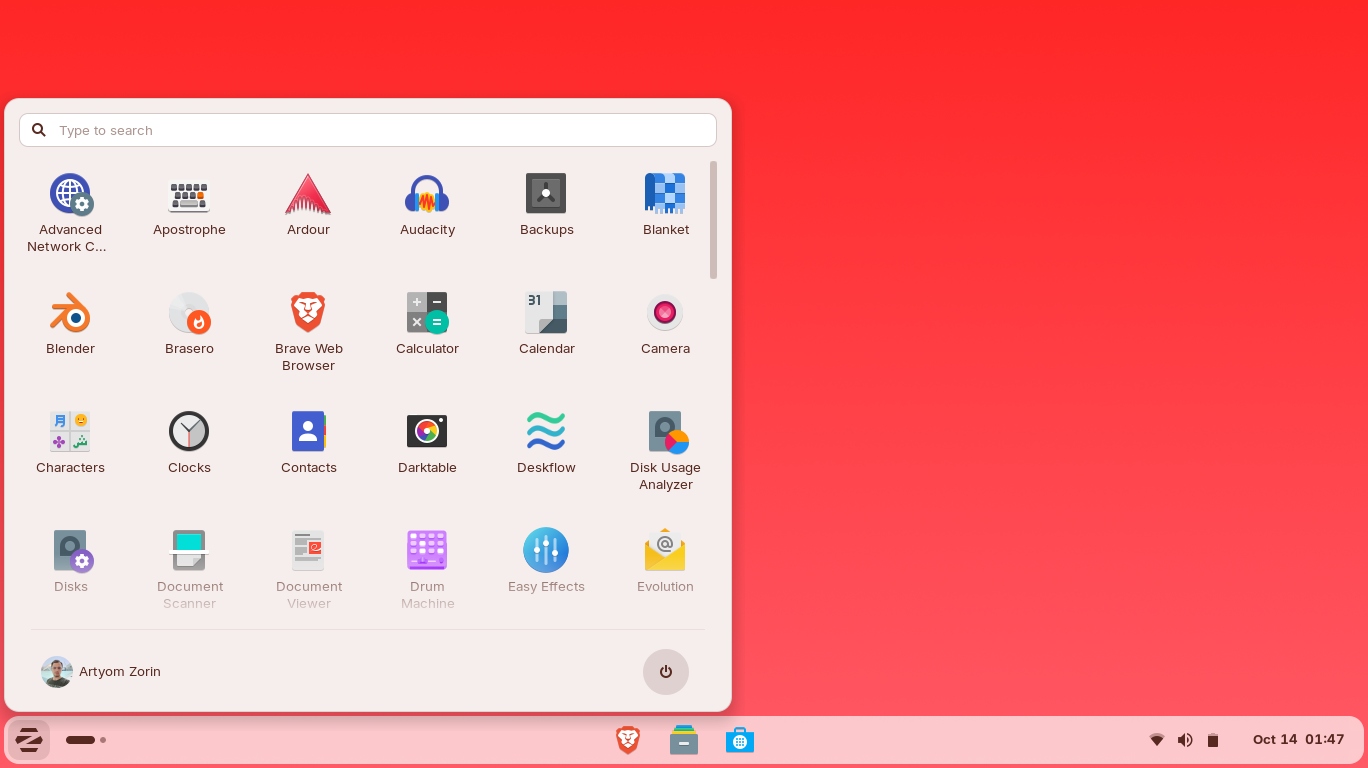
Pro comes bundled with a creative suite for photo, video, audio, and design work, plus advanced productivity tools. Instead of installing a dozen apps yourself, the pro workflow is largely ready to go after install.
3.3 Productivity & connected-device tools
There are genuinely useful extras – share your mouse and keyboard across computers, cast your desktop to a big screen, a flexible notes app you can write, sketch, and speak into, and goal-tracking tools. These are the little things that make a workday smoother.
3.4 Installation support & supporting development
Pro includes Zorin Installation Support to help you get set up, and buying it directly funds the continued development of Zorin OS. So your purchase doubles as support for the project – a nice bonus for an open-source-friendly OS.
4. Pricing
Here’s the honest detail I love about Zorin OS Pro: it’s a one-time purchase, not a subscription. On the page I saw it priced at roughly $47.99 (one-time), though the site localizes by region so the exact figure and currency you see may differ. There’s also a free edition of Zorin OS if you want to try the platform before paying for Pro. Compared to the cost of a new computer or a recurring OS-tied subscription, a one-off price for the premium edition feels very fair – check the link below for the current price in your region and any active deal.
5. Pros & Cons
Pros: one-time price, not a subscription; premium layouts make switching from Windows/macOS painless; revives older hardware; bundled creative suite and productivity tools; installation support included; purchase funds ongoing development; free edition available to test first.
Cons: some Windows-only or anti-cheat games may not run; a few specialized Windows-exclusive pro apps need workarounds; as with any OS switch, there’s a short adjustment period; regional pricing means the displayed currency varies.
6. Zorin OS Pro vs Ubuntu
Ubuntu is the well-known free Linux base Zorin builds on, and it’s fantastic and free. The difference is polish and hand-holding: Ubuntu’s default desktop is its own style and you configure extras yourself. Zorin OS Pro gives you the familiar Windows/macOS-style layouts, a curated creative suite, and installation support out of the box. If you’re comfortable tinkering, Ubuntu (or free Zorin) is great. If you want the smoothest possible switch with everything ready to go, Pro is worth the one-time cost.
7. Final Verdict: Is Zorin OS Pro Worth It in 2026?
For me, yes – it turned a laptop I was about to retire into a fast, modern machine, and the familiar desktop meant I was productive within an hour. The one-time price (no subscription) and the bundled apps make it an easy recommendation for switchers, older hardware, and creative power users. The only people I’d steer carefully are anti-cheat gamers and those tied to specific Windows-only software. If that’s not you, Zorin OS Pro is one of the most genuinely worthwhile purchases I’ve made in 2026.
Frequently Asked Questions
Is Zorin OS Pro a subscription?
No. Zorin OS Pro is a one-time purchase, not a recurring subscription, and your payment also helps fund development of the OS.
Can Zorin OS Pro look like Windows or macOS?
Yes – that’s its standout feature. Premium desktop layouts let you make it resemble Windows 11, macOS, ChromeOS, and more, which makes switching much easier.
Will Zorin OS run on my old computer?
It’s designed to run efficiently and is a popular way to revive older PCs that can no longer run the latest Windows. Check the system requirements for your specific hardware.
Is there a free version of Zorin OS?
Yes, Zorin OS has a free edition. Pro is the premium edition that adds the extra desktop layouts, bundled creative suite, and installation support.
How much does Zorin OS Pro cost?
I saw it at around $47.99 as a one-time purchase, but pricing localizes by region, so check the official site through the link below for your exact price and any current deal.
👉 Where to Get Zorin OS Pro
Ready to give your computer a fresh, fast start? Check the current price, the free edition, and any live offer here: Visit the official Zorin OS Pro website.
Affiliate disclosure: This article contains an affiliate link. If you buy through it, I may earn a commission at no extra cost to you. I only recommend products I find genuinely useful.