Klap Review: Is This the Best AI Tool to Turn Long Videos Into Viral Shorts?
I've tested a handful of "long video to short clip" AI tools, so I went straight to Klap's actual site to see what it really offers before writing this review. Here's an honest breakdown of what Klap does, how it works, its real pricing, and whether it's worth adding to your content workflow.
What Is Klap?
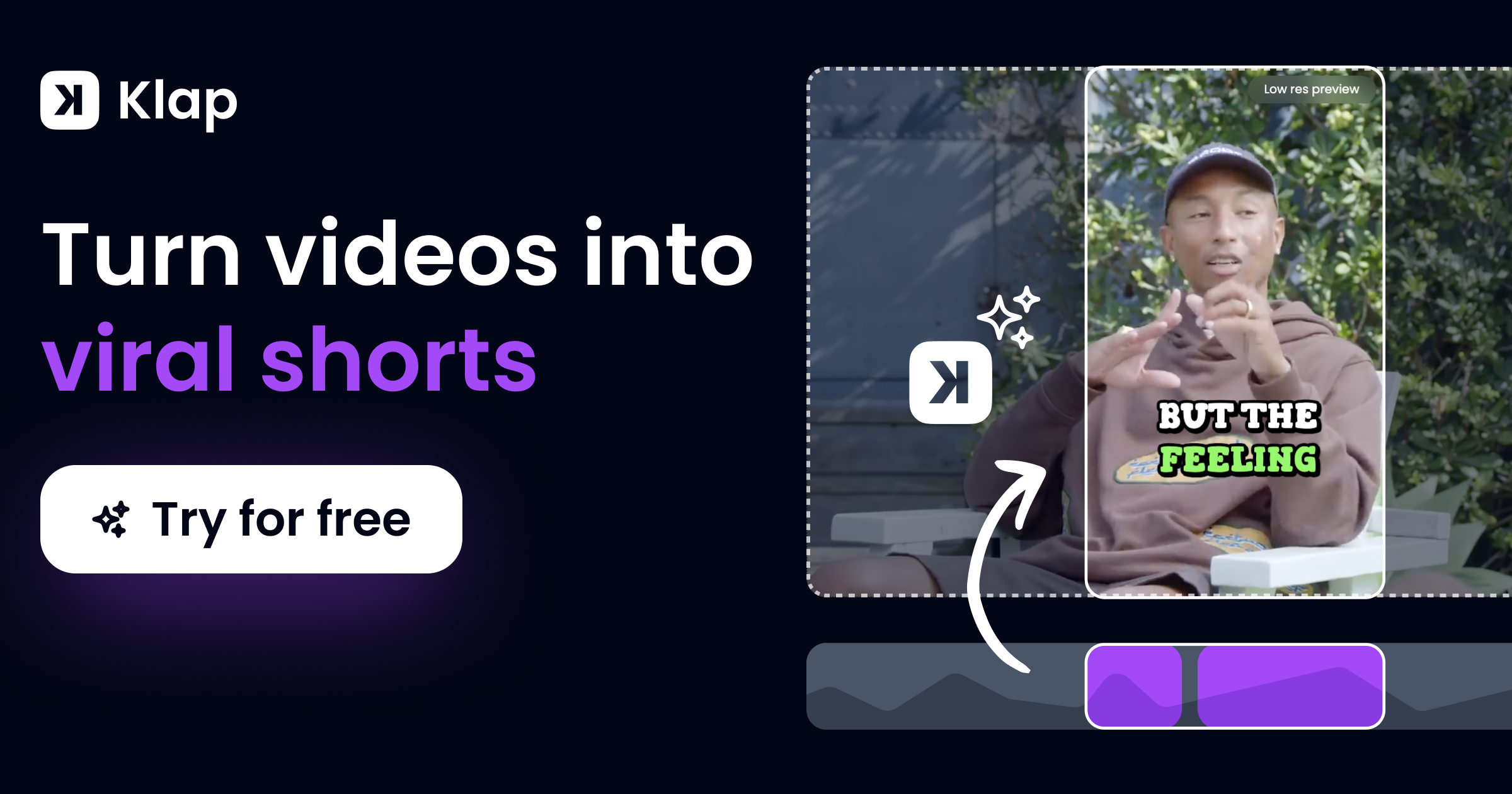
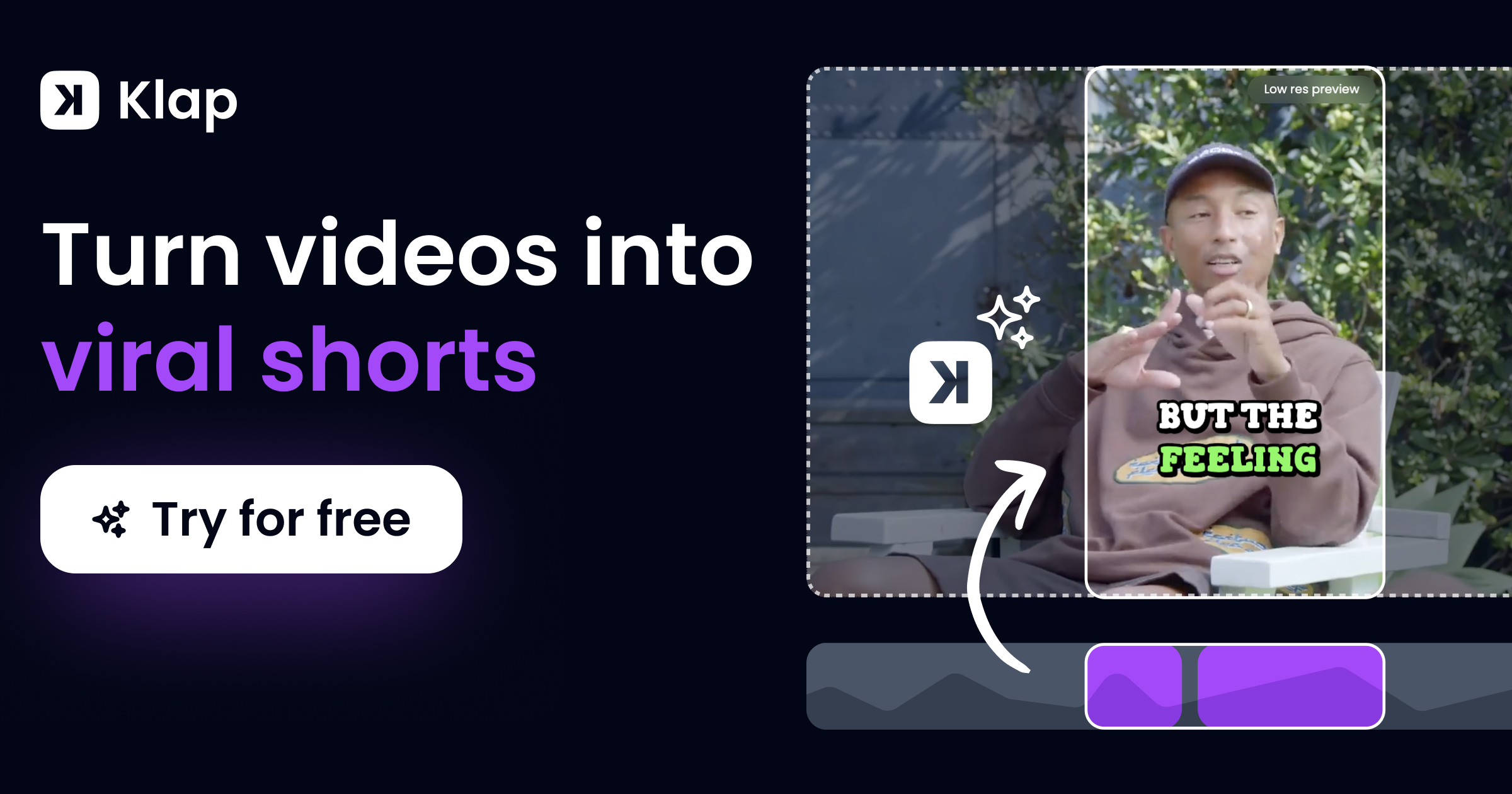
Klap is an AI-powered video repurposing tool that turns long-form videos — YouTube videos, podcasts, webinars, or uploaded files — into short, vertical, viral-ready clips for TikTok, Instagram Reels, and YouTube Shorts. The homepage states it's trusted by 3.5M happy users and has produced 8.5M clips to date. You simply paste a YouTube link or upload a video file, and Klap's AI extracts the best moments automatically — as a rule of thumb, the site notes a one-minute video typically produces about 5 clips.
Key Features
- AI Editing: Automatically extracts the best topics/moments from long videos and edits them into multiple viral-worthy short clips.
- AI Reframe: The newest "AI Reframe 2" analyzes scenes and applies the ideal layout — split screen, screencast, gaming, etc. — to resize videos for any platform in one click.
- Auto Reframing: Keeps the frame focused on the most important subject in each clip.
- Engaging Captions: Auto-generates styled subtitles and suggested captions designed to boost engagement.
- Customization: Adjust fonts, colors, logos, and framing to match your brand.
- Publish & Schedule: Share clips directly to TikTok, YouTube, Instagram, and LinkedIn, and schedule posts to fit your content calendar.
- Virality Scoring: Klap scores each generated clip's viral potential so you know which ones to prioritize posting.
Klap Pricing (Straight From the Site)
Klap's pricing page lists three core plans, with a toggle between monthly and yearly billing (yearly saves 50% according to the site). Yearly pricing shown was:
- Basic — $14/mo — 100 clips/month
- Pro — $39/mo — 300 clips/month
- Pro+ — $94/mo — 1,000 clips/month
There's also a "Need more? Let's talk" option for higher-volume/enterprise users, and the homepage advertises a free trial with no credit card required to get started.
What Users Are Saying
Klap's site features a large number of direct customer testimonials. A few standouts:
"We tested and analyzed all similar platforms, including Opus Clip, Vizard, and many others — around ten different platforms. I can confidently say that your product is the best on the market." — Alan D.
"I used Klap on my 2h long business video podcast and it generated high quality shorts I was able to post on my socials directly. Honestly impressed." — Dearbhail B.
Pros and Cons
Pros
- Free trial available with no credit card required
- Clear, published pricing tiers with a straightforward "clips per month" model
- One-click AI reframing and auto captions save significant manual editing time
- Direct publishing/scheduling to TikTok, YouTube, Instagram, and LinkedIn
- Large volume of genuine, specific customer testimonials comparing it favorably to competitors
Cons
- Clip limits are tied to plan tier, so heavy uploaders may need to move up to Pro+ or a custom plan
- Best yearly pricing requires committing to annual billing to get the discounted rate
- As with any AI clipping tool, output quality can vary depending on the source video's structure and audio clarity
Frequently Asked Questions
What kind of videos are supported?
Klap supports pasting a YouTube link directly or uploading your own video files to generate short clips.
Is Klap free?
Klap offers a free trial with no credit card required, with paid plans starting at $14/mo (Basic) for ongoing use.
Can I publish directly to social media?
Yes — Klap lets you publish and schedule your generated clips directly to TikTok, YouTube, Instagram, and LinkedIn from within the platform.
Does Klap add captions automatically?
Yes, Klap automatically generates styled subtitles and caption suggestions for every clip it creates.
Final Verdict
Klap is a genuinely useful tool if you're creating long-form content (podcasts, YouTube videos, webinars) and want to repurpose it into short-form clips without hours of manual editing. The combination of AI editing, auto-reframing, virality scoring, and direct publishing makes the whole workflow — from upload to posted clip — much faster. With a free trial available and tiered pricing starting at $14/mo, it's worth testing on your own footage to see the clip quality for yourself.
Try Klap free and turn your videos into viral shorts →
#Klap #VideoRepurposing #AIVideoEditor #ShortFormContent #TikTokTools #ContentCreation