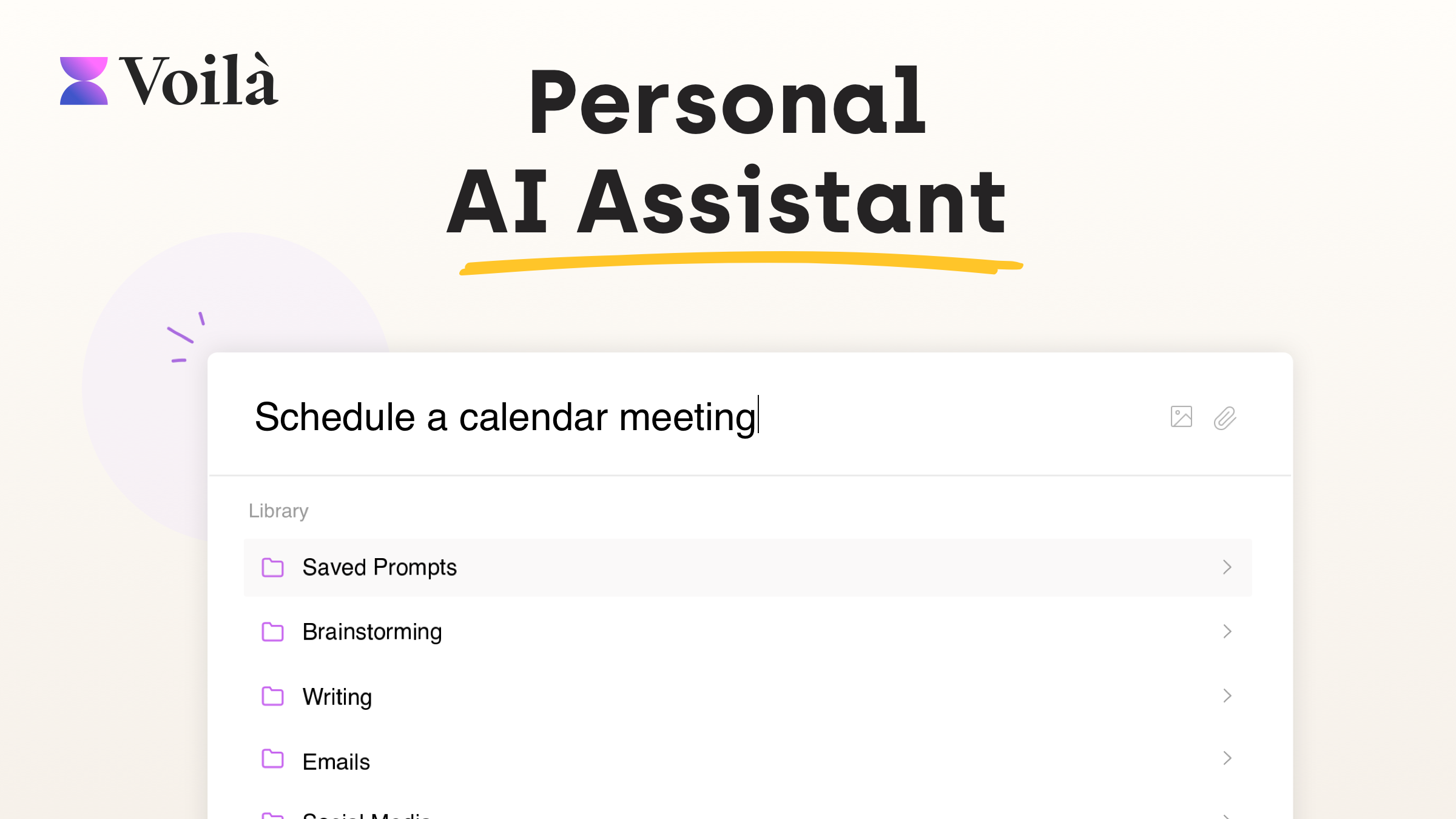
Switching between ChatGPT, a dozen browser tabs, and your inbox just to get one email drafted or one page summarized gets old fast. Voilà is a browser extension (plus desktop and mobile apps) that puts an AI assistant directly inside whatever you're already working in — no copy-pasting into a separate chat window required. I went through Voilà's site and pricing page in detail to see exactly what it does and what it costs.
What Is Voilà?
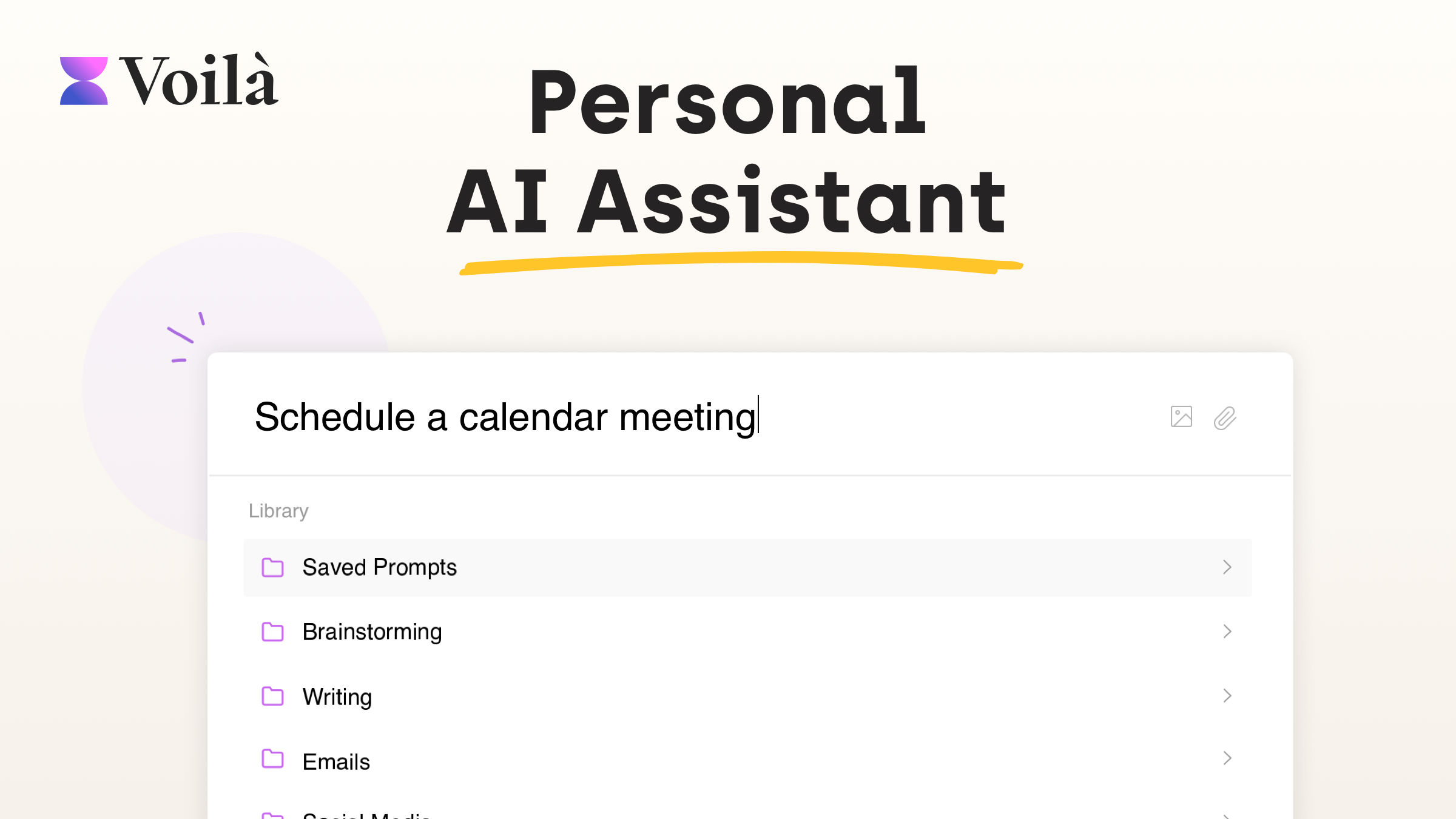
Voilà is an AI assistant that blends into the way you already work, helping you create, write, brainstorm, and research without leaving the page you're on. It's trusted by 100,000+ users, holds a 4.9-star rating from 250+ reviews, and has been recognized as a 2nd Place Winner and #1 in AI Tools on the Google Chrome Store. It's available as a browser extension, and now also as desktop apps for Windows and Mac and mobile apps for iOS and Android.
Core Features
Use AI Anywhere
Unlike tools that only work in their own chat window, Voilà works on any website and understands the context of your work, so you don't have to switch between tools to get something written or summarized.
Reads Any Webpage
Voilà can read websites, articles, URLs, and email conversations, then help you summarize, rewrite, translate, reply, or turn them into new content — like turning a product page into a blog post or a news piece into a quick summary.
Expert Prompt Library
A built-in library of battle-tested prompts helps with a huge range of content types — ad campaigns, landing page copy, blog posts, resumes, cover letters, LinkedIn posts, SEO content, product descriptions, and dozens more — plus the ability to save and organize your own prompts.
Draft and Reply to Emails
Voilà can draft or improve emails, including one-click, AI-powered Instant Reply, so your inbox can already have a draft response waiting when you open it.
Chat with Docs, Images, and YouTube
Upload documents, spreadsheets, or images to summarize, rewrite, translate, or analyze their contents, or ask Voilà to summarize and transcribe YouTube videos.
Research With Reliable Sources
Voilà can dig into any topic using comprehensive, relevant, and up-to-date information from across the web, helping you get instant answers instead of digging through search results yourself.
Generate Images
Create visual content directly from text prompts, without needing a separate image-generation tool.
Mobile, Desktop & Team Collaboration
Voilà is available on Windows, Mac, iOS, and Android, and teams can use shared workflows and templates to keep prompts and processes consistent across a whole organization.
Pricing
Voilà offers a genuinely usable free tier plus two paid plans, billed monthly or annually:
- Free — $0/month: 250 free requests, no credit card required, includes summarization and chat with webpages.
- Premium — $8/month: 3,000 requests/month, auto AI model (GPT-5.6 / GPT-5 mini), web access, summarization, chat with webpages, chat with YouTube videos, and image generation.
- Ultimate — $16/month: unlimited requests, GPT-5.6 / GPT-5 mini, web access, summarization, chat with webpages, chat with YouTube videos, image generation, chat with documents, chat with images, and early access to new features.
Voilà's fair usage policy for GPT-5.6 allows about 500,000 words per month (roughly seven average-length books) before requests fall back to the GPT-5 mini model. Users with their own OpenAI API key can use Bring Your Own Key (BYOK) to unlock all Ultimate plan features at a reduced price. Teams and businesses can get shared workflows, unlimited requests, and collaboration tools starting at $16/seat/month.
What Real Users Say
Voilà holds a 4.9-star average across 250+ reviews. Direct quotes from their site:
"Voila is like having a personal assistant who knows everything! It answers all my questions in seconds, making my research so much easier." — Rosemary M., Seattle, WA
"I was skeptical at first, but after using it for just a few days I was blown away by how much more efficient I am while writing." — John D., Sydney, Australia
"Voila is an exceptional tool for anyone who wants to write better emails and documents quickly. It's been a lifesaver and gets the job done effectively!" — Jack L., Fairfax, VA
Pros and Cons
Pros
- Genuinely usable free tier with 250 requests and no credit card required to start
- Works inside any website or app instead of requiring a separate chat window, saving constant copy-pasting
- Broad feature set: webpage chat, document/image chat, YouTube transcripts, image generation, and email drafting all in one tool
- Affordable entry-level paid tier at $8/month for 3,000 requests and web access
- Privacy-focused — content and AI conversations are not stored on servers or used for AI training, with GDPR compliance and CCPA readiness
- Available everywhere: browser extension, desktop apps, and mobile apps
Cons
- Free tier is capped at 250 total requests, which can run out quickly for heavy daily use
- Unlimited requests and document/image chat require the $16/month Ultimate plan
- Heavy GPT-5.6 usage beyond the fair-usage word limit falls back to the lighter GPT-5 mini model
FAQ
How much does Voilà cost?
Voilà has a free plan (250 requests, no credit card required), a Premium plan at $8/month (3,000 requests/month), and an Ultimate plan at $16/month (unlimited requests), with monthly or annual billing options.
Do I need my own OpenAI API key to use Voilà?
No — Voilà works without one. However, if you do have an OpenAI API key, you can use Bring Your Own Key (BYOK) to unlock all Ultimate plan features at a reduced price.
Can Voilà read webpages, documents, and images?
Yes, Voilà can chat with websites, documents, spreadsheets, and pictures, summarizing, rewriting, translating, or analyzing their content, with document and image chat available on the Ultimate plan.
Is Voilà available for teams?
Yes, Teams and Businesses plans start at $16/seat/month and include shared workflows and prompts, easy collaboration, unlimited requests, and support for any language.
Is my data private when using Voilà?
Yes — Voilà states that your content and AI conversations are never stored on its servers or used to train the AI, and the product is GDPR compliant and CCPA ready.
Final Verdict
Voilà earns its spot as a genuinely useful everyday AI layer rather than just another chatbot tab — the ability to summarize, write, and reply directly inside whatever website or app you're already using removes a lot of the friction that makes AI tools feel like extra work. If you're regularly drafting emails, summarizing articles, or writing marketing and social copy, the free tier is worth trying first, and the $8/month Premium plan is an easy upgrade once you outgrow the 250 free requests.
Try Voilà's AI assistant free →
#Voila #AIAssistant #ProductivityTools #ChromeExtension #AIWriting #ContentCreation