Between switching AI chat tabs, copy-pasting text back and forth, and never remembering which model gave the best answer last time, browsing with AI assistance can get messy fast. I went straight to MaxAI's site and pricing page to see whether its browser extension actually cleans that up — here's what I found.
What Is MaxAI?
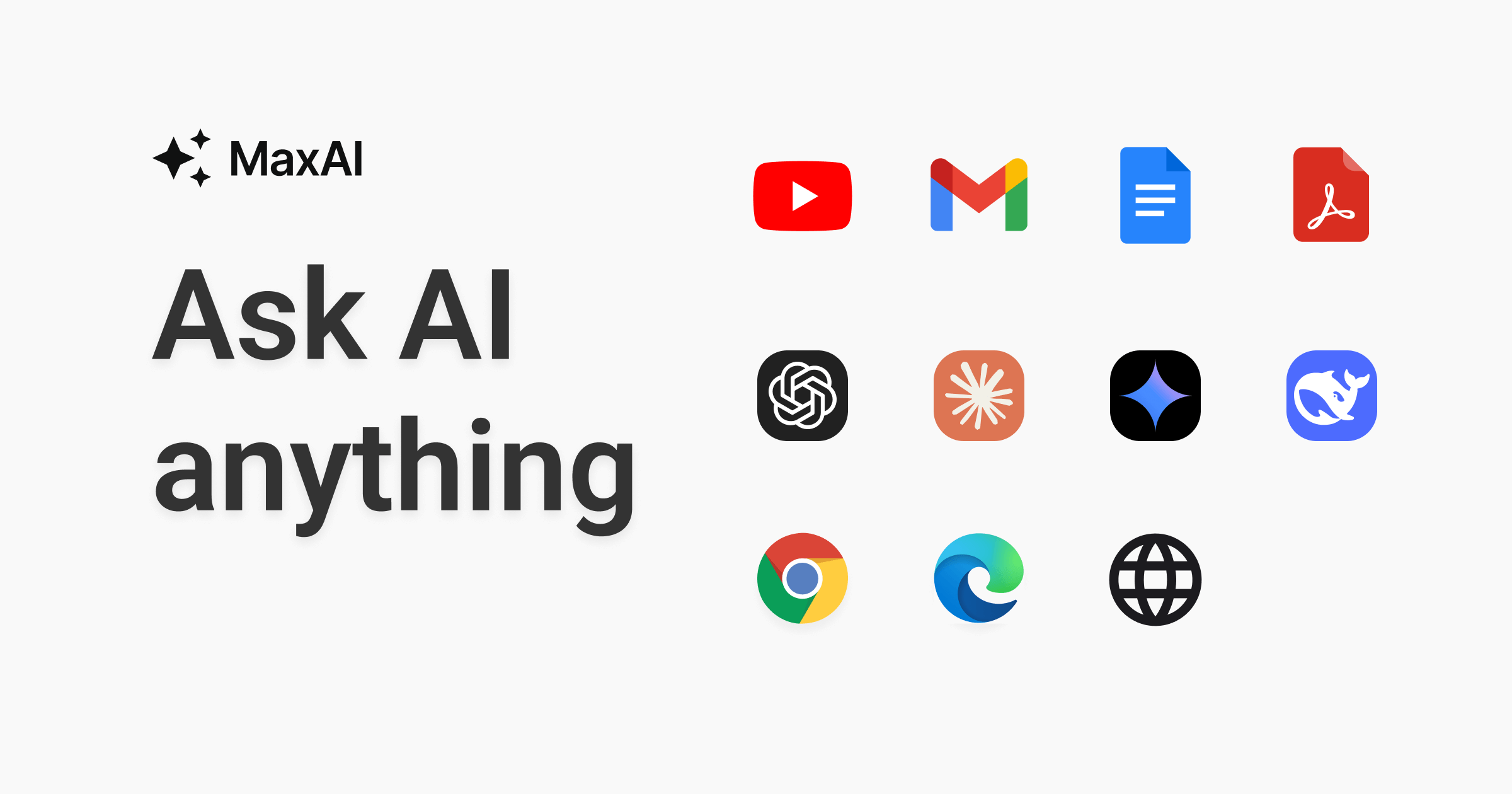
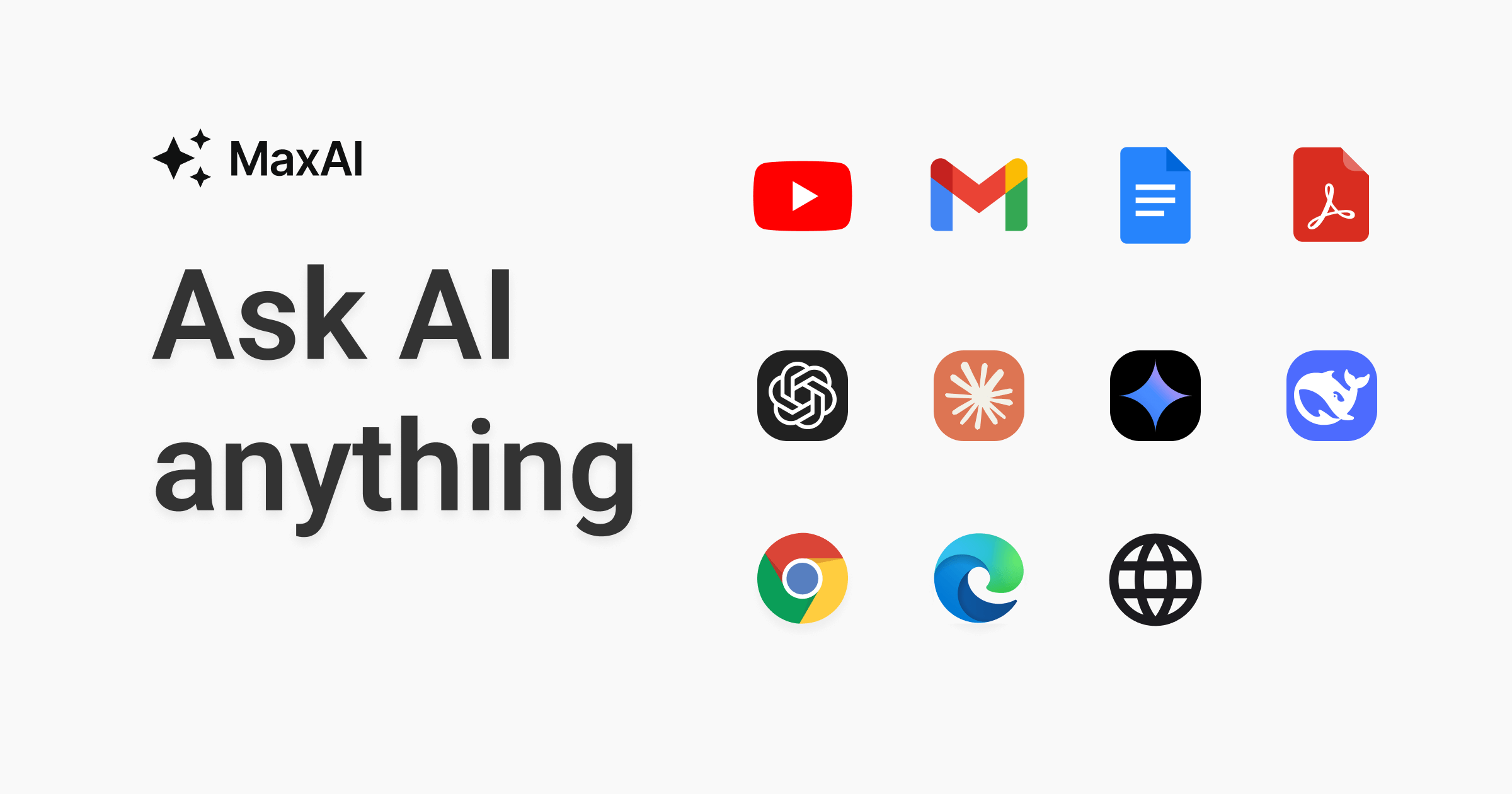
MaxAI is a browser extension built around one core promise: "Ask AI anything as you browse." Instead of opening a separate AI chat tab, MaxAI adds an AI sidebar directly into your browser so you can read, write, and search faster wherever you already work online.
According to the homepage, MaxAI has 1M+ active users and a 4.8/5.0 rating from 14K+ reviews, and is "trusted by businesses and universities across the world." The site also highlights that MaxAI was the #1 Product of the Week on Product Hunt.
Key Features
- AI sidebar — ask AI anything without switching tabs
- Top AI models in one place — access multiple leading AI models rather than being locked into one
- Contextual AI — ask questions about any webpage without copy-pasting content manually
- Cited sources — get answers that are accurate and always cited back to their source
- AI writing assistance — improve your writing across the web with a single click
- Bilingual translation — view original and translated text side by side
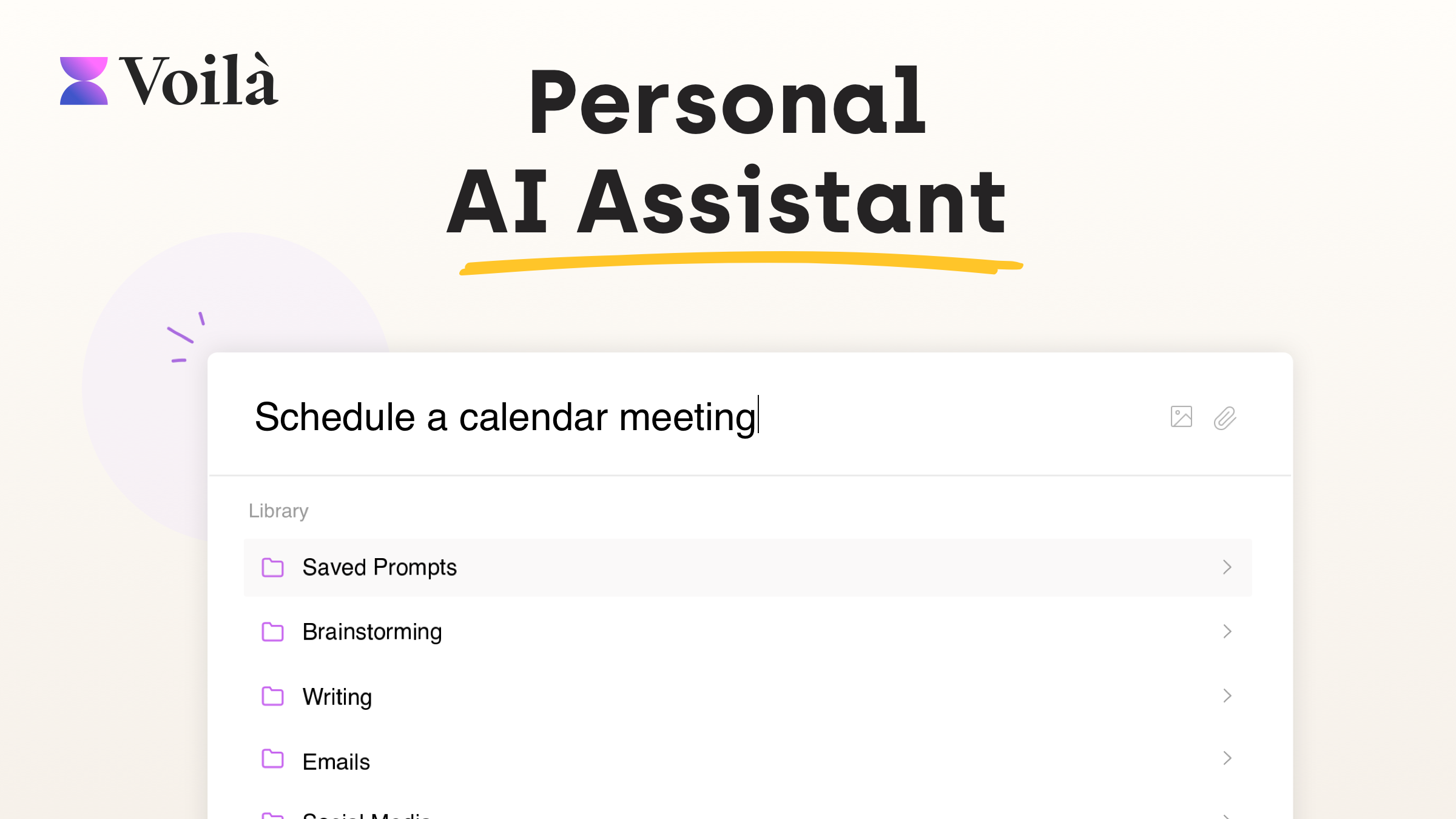
- Reusable prompts — save your own prompts and reuse them with one click
- Image generation — create images from text directly in the extension
- Use cases span writing, research, learning, marketing, data analysis, productivity, translation, and coding — from drafting long-form blog articles and summarizing YouTube videos to explaining unfamiliar code snippets line-by-line
- AI reply support built into Gmail, Outlook, LinkedIn, Facebook, YouTube, Twitter/X, Instagram, WhatsApp, Slack, Discord, Messenger, and Telegram
- Ask any source — webpages, YouTube videos, PDFs, emails, files, images, and audio
Real user-reported stats featured on the homepage include: 40+ hours saved per user per month (Idan Dalal), 300% better content understanding quality and depth (Kaleigh Weaver), 5x faster research (Nile Stanton), 80% fewer writing/editing hours (Gregg Maynard), 120% improvement in writing quality (Saleh Eddine Touil), and $1K saved per employee per month (Kylah Cruz, Lori).
MaxAI Pricing
MaxAI's pricing page (trusted by over 1 million people and 2,000 teams) lists two main tiers:
- Free — $0/member/month — unlimited Free chat, 3 Pro chats per day, fast free AI model, limited file uploads
- Pro ("Most popular," for power users) — $12/member/month billed yearly (a limited-time 60% discount vs. $30/month billed monthly) — unlimited Free chat, unlimited Pro chat, access to a smarter/choosable AI, higher file upload limits, image generation, and team member management
The AI model lineup on Pro spans Fast, Smart, and Think tiers, including models like GPT-5.1, GPT-5.1-thinking, Claude-Sonnet-4.5, Claude-Haiku-4.5, Gemini-3-Pro, Gemini-2.5-Pro, Grok-4, Grok-4-Fast, Llama-3.1-405B, DeepSeek-R1, and DeepSeek-V3, alongside image models GPT-Image-1, DALL·E 3, SD3-Medium, and the FLUX-1 family. The Free plan uses a fast, free AI model with only 3 Pro chats per day.
The site notes that subscribing enrolls you in automatic payments manageable via Stripe's customer portal, and that all payments are final and non-refundable.
Pros and Cons
Pros
- Genuinely free tier available with no credit card required to create an account
- Access to a huge range of top AI models (GPT-5.1, Claude Sonnet 4.5, Gemini 3 Pro, Grok-4, DeepSeek-R1 and more) under one subscription instead of paying for each separately
- Built directly into the browser via sidebar — no tab switching needed to get AI help while reading or writing
- Deep platform integrations for AI replies across major email, social, and messaging platforms
- Strong, quantifiable social proof — 1M+ users, 14K+ five-star ratings, #1 Product Hunt product of the week
- Pro plan currently discounted 60% ($12/mo vs. $30/mo) when billed yearly
Cons
- Free plan limits you to just 3 Pro chats per day — heavy users will bump into this quickly
- The advertised $12/month Pro price requires annual billing; the monthly rate is $30
- All payments are stated as final and non-refundable, so it's worth testing thoroughly on the free tier first
FAQ
Is MaxAI free to use?
Yes — the Free plan lets you use unlimited Free chat and up to 3 Pro chats per day at no cost, with an option to upgrade to Pro for unlimited Pro chat and more advanced models.
Where can I use MaxAI?
MaxAI works as a Chrome extension, an Edge extension, and a standalone web app, and it integrates with services like Gmail, Outlook, LinkedIn, Slack, and more for AI-assisted replies.
Does MaxAI offer team plans?
Yes — the Pro plan includes team member management, and the pricing page states MaxAI is trusted by over 2,000 teams.
How do I cancel my paid plan?
According to the site, you can cancel or manage your subscription through Stripe's customer portal from "Your Plan" in your account.
Final Verdict
If you're tired of juggling multiple AI chat tabs and manually feeding webpages or PDFs into them, MaxAI's sidebar approach — plus access to nearly every major AI model family in one subscription — is a legitimately useful upgrade to how you browse and work. The free tier is generous enough to test real workflows before paying, and the discounted $12/month Pro tier looks reasonable given how many separate AI subscriptions it can replace.
Ready to try AI-assisted browsing for yourself? Add MaxAI to Chrome for free here.
#MaxAI #AIBrowserExtension #ChatGPTAlternative #AIProductivity #AIWritingAssistant #BrowserAI