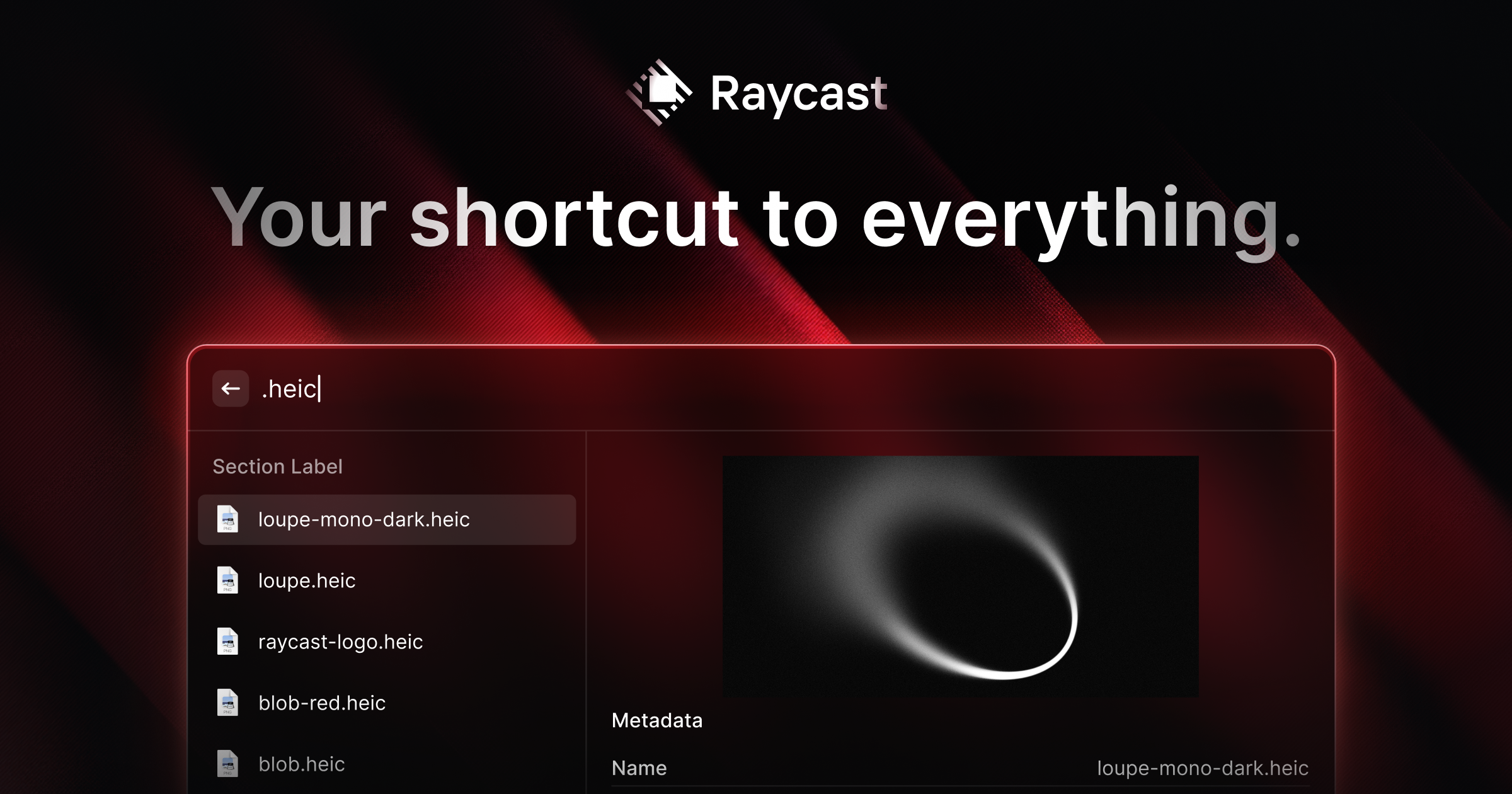
Praised as "your shortcut to everything" and used by names like the CEO of Vercel, MKBHD, and the creator of Tailwind CSS, Raycast promises to replace macOS Spotlight with a faster, more extendable command launcher — so I went straight to the source to see what it actually does. Here's my honest breakdown of the features, real pricing, and who it's built for.
What Is Raycast?
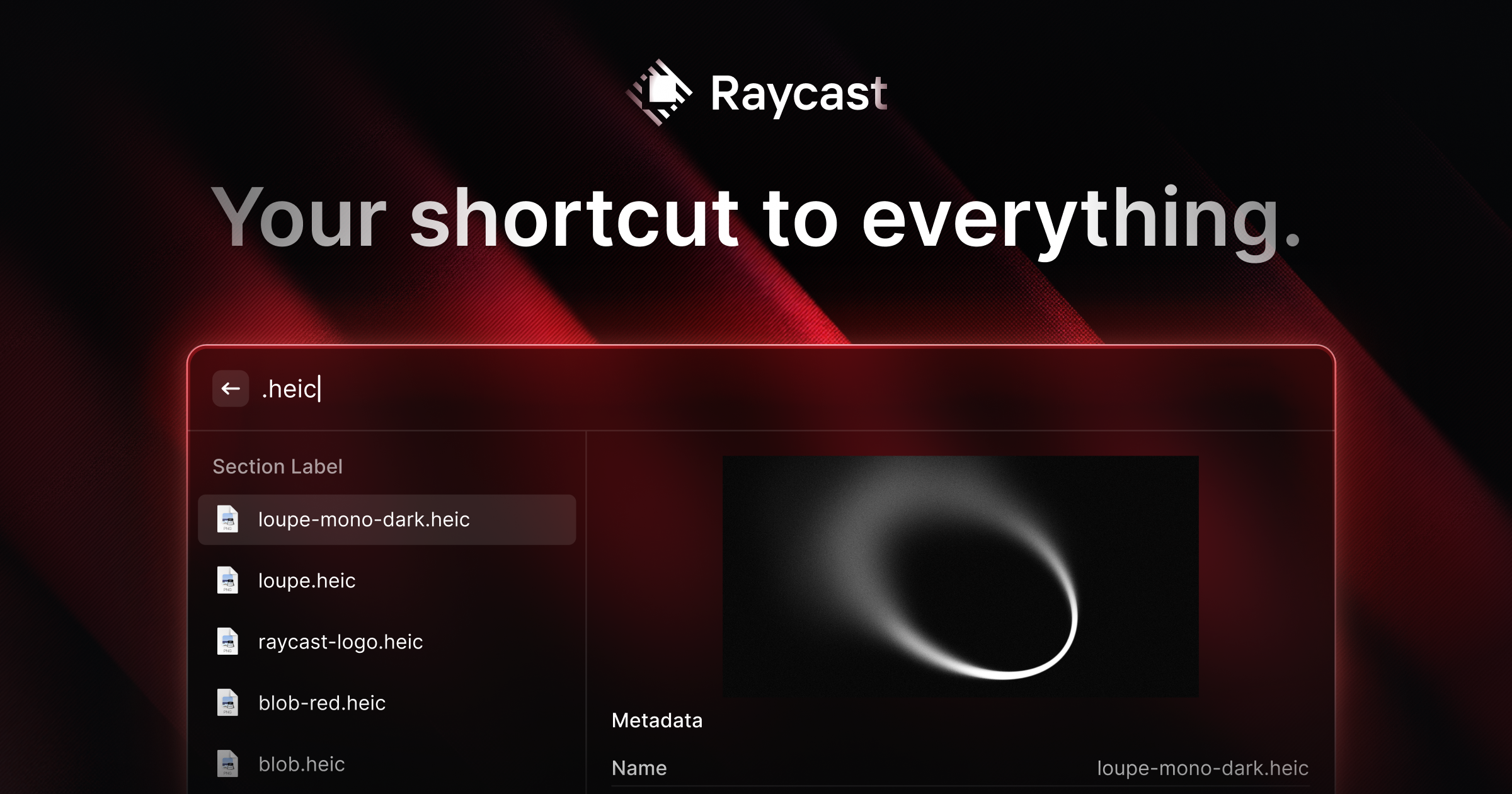
Raycast is a collection of powerful productivity tools built into an extendable launcher for Mac (with a Windows beta now available too). It's built to be fast, ergonomic, and reliable — the site cites a 99.8% crash-free rate — letting you search, launch, and control apps and workflows entirely from your keyboard instead of clicking through menus.
Key Features I Found Worth Highlighting
1. Extendable Launcher with Thousands of Extensions
Beyond the core launcher, Raycast connects to your favorite tools directly — Linear, Slack, Notion, JIRA, Spotify, 1Password, Zoom, Todoist, Google Translate, TinyPNG, Arc, Google Chrome, Obsidian, CleanShot X, and thousands more via the Raycast Store.
2. Raycast AI
AI built directly into your OS — Quick AI answers questions on the fly, an always-on ChatGPT-style assistant helps with coding or writing, and you can create custom AI Commands to automate repetitive tasks.
3. Snippets
Create a snippet once and insert it anywhere just by typing its keyword — useful for addresses, canned replies, or boilerplate text you type often.
4. Quicklinks & Hotkeys
Create quicklinks to launch anything from anywhere, and assign hotkeys or aliases to your most common commands or apps.
5. Window Management, Clipboard History & Calculator
Core built-in tools handle everyday tasks like managing app windows, searching clipboard history, and doing quick calculations, all without leaving the keyboard.
6. Raycast Notes
A quick way to capture a thought while working on something else, without switching to a separate notes app.
7. Developer-Friendly Extension API
Build rich, native extensions using React, TypeScript, and Node, with a built-in UI component library, hot-reloading, and the ability to publish your extension to the Raycast Store for others to use.
Pricing
Raycast is free forever for the core plan at $0/month, covering Clipboard History, Quicklinks, Calculator, Snippets, Emoji Picker, Window Management, thousands of extensions, 50 free AI messages, and 5 free Notes. Raycast Pro is $8/month (billed annually at $96/year, down from $120), adding full Raycast AI across OpenAI, Anthropic, Perplexity, Mistral, Google, xAI, and more, plus Cloud Sync, Translator, unlimited Notes, unlimited Clipboard History, and custom window management and themes. Pro + Advanced AI is $16/month ($192/year, down from $240) for access to the most advanced models across providers. For teams, Teams Pro is $12/user/month ($144/year) and Teams + Advanced AI is $20/user/month ($240/year), while Enterprise offers custom pricing with SOC2 Type II compliance, SAML/SCIM, and full admin controls. Raycast also offers a 50% student discount on the Pro plan.
Pros and Cons
Pros
- Genuinely free-forever core plan with no feature-crippled trial period
- Thousands of extensions covering nearly every popular productivity, design, and dev tool
- Raycast AI integrates multiple leading model providers directly into your OS
- 99.8% crash-free rate reported on the site
- Developer-friendly extension API (React, TypeScript, Node) for building your own tools
- Strong social proof — used and endorsed by well-known builders like Guillermo Rauch (Vercel), Adam Wathan (Tailwind CSS), and MKBHD
- 50% student discount available on the Pro plan
Cons
- Full AI functionality requires the $8-16/month Pro tiers once the 50 free messages run out
- Windows version is still in beta and doesn't yet include Cloud Sync or full Raycast AI parity
- Pro plans cannot be purchased without AI included — you can only disable AI after subscribing, not opt out of paying for it
What Are Real Users Saying?
Per the site's customer highlights, professionals across engineering, design, and content creation rely on Raycast daily. One user's favorite feature was AI Chat, describing it as "realtime knowledge, anywhere in your OS," while another highlighted a forked Notion Search extension used to "easily paste 'tokenized' doc links into Slack." A featured quote from the site sums up the sentiment: "Raycast is incrementally turning my Mac into an AI-native operating system and I'm so here for it." Raycast's Slack community has 37k members and its X/Twitter following sits at 90k, both described on the site as places to "learn how other people get the most out of Raycast."
FAQ
Is Raycast free?
Yes — Raycast's core plan is free forever at $0/month, including Clipboard History, Quicklinks, Snippets, Window Management, and thousands of extensions.
How much does Raycast Pro cost?
Raycast Pro is $8/month billed annually ($96/year, down from $120), or $16/month for Pro + Advanced AI ($192/year, down from $240).
Does Raycast work on Windows?
Yes, there is a Raycast for Windows beta, though Cloud Sync and full Raycast AI are currently exclusive to the paid plans on Mac.
Is there a student discount?
Yes — Raycast offers verified students a 50% discount on the Pro plan (not the Advanced AI add-on).
Final Verdict
Raycast delivers exactly what it promises: a fast, ergonomic, keyboard-first launcher that replaces dozens of separate tools and menu clicks with a single extendable command bar. With a genuinely free core plan, deep AI integration, and an enormous extension ecosystem backed by real endorsements from well-known builders, it's easy to see why so many productivity-focused Mac users have made the switch.
Download Raycast for free here →
#Raycast #Productivity #MacApps #AITools #Launcher #WorkflowAutomation