With over 1M 5-star reviews and 60M+ users, Speechify has become one of the most talked-about text-to-speech tools online, so I spent time testing it directly on their site to see if the hype about "lifelike AI voices" actually holds up. Here's my honest breakdown of the features, voice quality, use cases, and who this tool is really built for.
What Is Speechify?
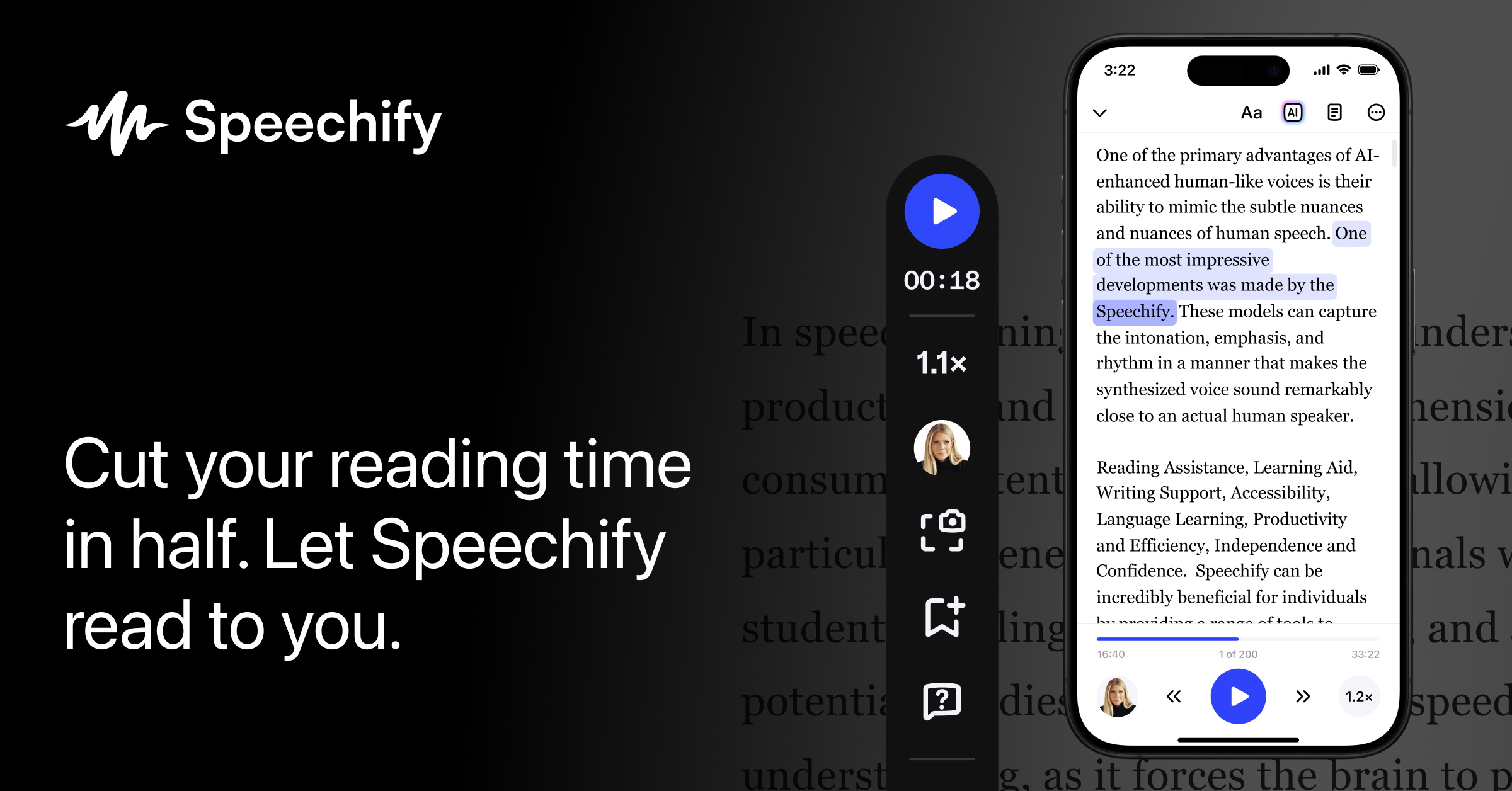
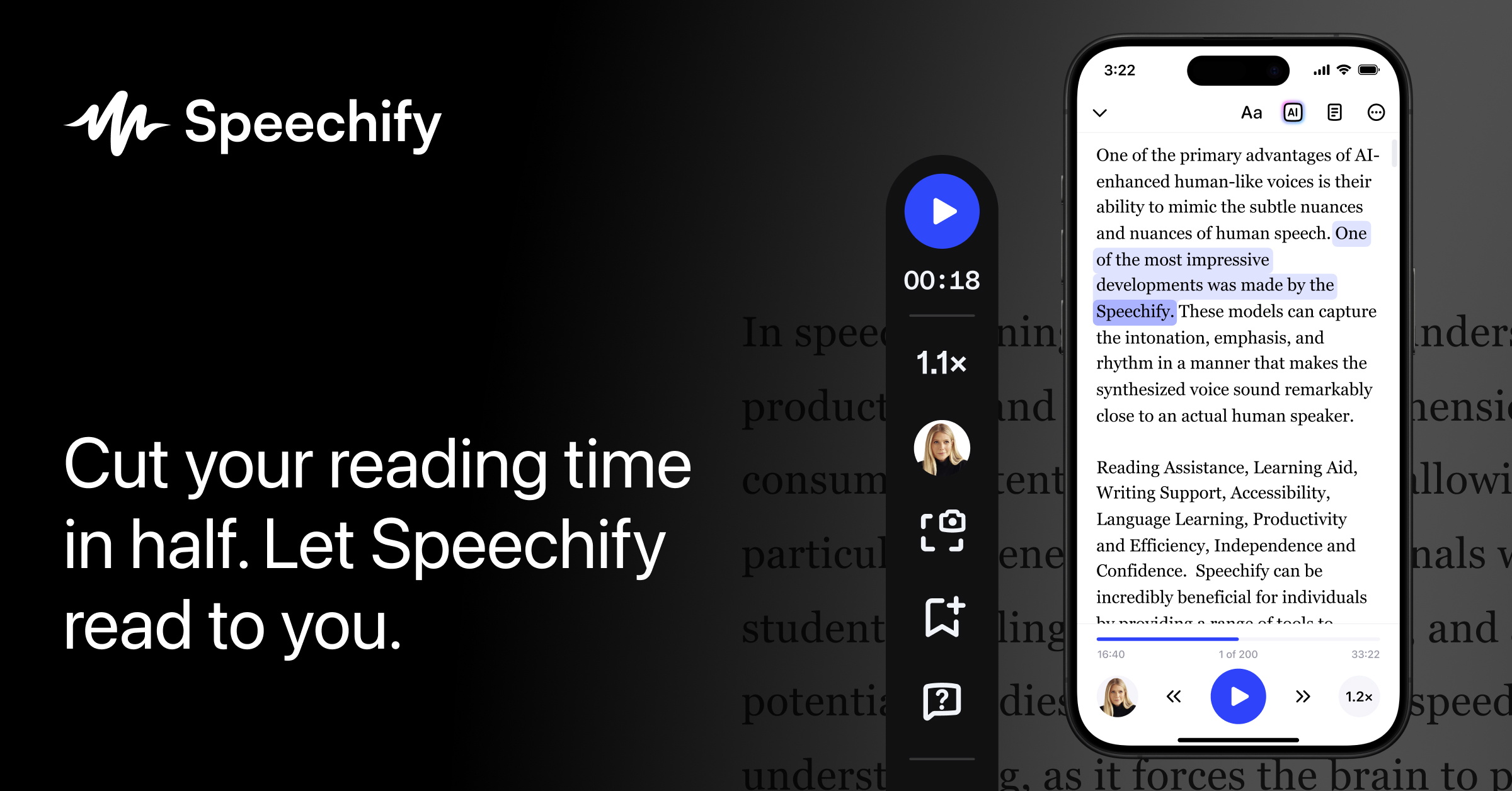
Speechify is a free text-to-speech (TTS) platform that converts written text, documents, and PDFs into natural-sounding spoken audio using AI voices. The tool works directly in the browser, with no downloads required, and boasts over 1,000 voices spanning different genders, ages, accents, and even celebrity-style voices like Snoop Dogg and Gwyneth Paltrow. It also supports 60+ languages, from English and Spanish to Tamil, Korean, and Swahili.
Key Features I Found Worth Highlighting
1. 1,000+ Lifelike AI Voices
You can browse voices by language, gender (male, female, or all), and age (young adult, middle aged, senior), and preview each one before converting your text. Voice options range from everyday narrators to recognizable names.
2. Adjustable Reading Speed
A speed selector lets you slow playback down to 0.75x for language learning and proofreading, or speed it up to 1.5x (and beyond) to get through long documents faster, while keeping the audio clear and natural.
3. File Upload Support
Beyond pasting text directly, you can upload PDF, DOCX, TXT, and EPUB files and have Speechify read them aloud instead of retyping or copy-pasting content.
4. 60+ Languages and Regional Accents
Speechify supports English (American, British, Australian, Indian, Nigerian, South African), Spanish, French, German, Chinese, Japanese, Arabic, and dozens more, making it useful well beyond English-only content.
5. Multiple Use Cases
The site highlights six core use cases: Studying (textbooks, research, notes — helpful for ADHD and dyslexia), Productivity (emails, reports, meeting notes while commuting), Leisure Reading (eBooks, articles, newsletters as audiobooks), Multitasking (listening while cooking, cleaning, exercising), Language Learning (pronunciation and listening comprehension), and Accessibility (support for visual impairments and reading challenges).
6. Cross-Device Syncing
Creating a free account saves your documents and voice preferences and syncs your library across devices, so you can start listening on desktop and pick up again on your phone.
Pricing
Speechify is free to start — you can convert text to speech, choose from 1,000+ voices, and download audio without paying. Free mobile apps for iOS and Android are also available for on-the-go listening, including features like scanning printed text. The homepage doesn't display detailed paid-tier pricing directly, so I'd recommend checking Speechify's own pricing page for any premium plan costs and limits.
Pros and Cons
Pros
- Completely free to start, no installation required — works right in the browser
- 1,000+ natural-sounding AI voices, including well-known celebrity-style voices
- Supports 60+ languages and multiple regional accents
- Upload and listen to PDFs, DOCX, TXT, and EPUB files, not just pasted text
- Adjustable playback speed for studying, proofreading, or fast consumption
- Clear accessibility use case for dyslexia, ADHD, and visual impairments
- 1M+ 5-star reviews and 60M+ users, according to the site's own figures
- Free iOS and Android apps for on-the-go listening
Cons
- Full pricing and premium plan limits aren't shown directly on the tool page
- With 1,000+ voices to browse, choosing the right one can take some trial and error
- Some advanced features may require creating a free account
What Are Real Users Saying?
Testimonials shared on Speechify's site describe how people use it in daily life. One user says: "I first heard about Speechify from my husband, who uses Speechify for all of his reading." Another shares: "I love using Speechify while driving, cooking, and going for a walk. I use it to listen to scripts for work and books for fun." A third mentions spreading the word further: "I showed Speechify to all my girlfriends, and now they use it too."
FAQ
Is this text-to-speech tool free?
Yes — you can start converting text to speech for free, with access to 1,000+ natural AI voices and a variety of listening features.
Do I need to install anything?
No. The tool works in any modern browser on any device — nothing to download. Signing in saves your documents, voices, and preferences across devices.
Can it read PDFs and documents aloud?
Yes. Click "Upload a File" to have Speechify read documents aloud instead of pasting text, supporting formats like PDF, DOCX, TXT, and EPUB.
Does it work on my phone?
Yes. The online tool works on desktop, tablet, and mobile browsers, and free Speechify iOS and Android apps are available for extra features like scanning printed text.
Do the voices sound natural or robotic?
Speechify's voices are built on neural AI models trained on human speech, producing natural pauses, intonation, and emotion rather than a flat, robotic sound.
Final Verdict
Speechify delivers on its promise of free, natural-sounding text-to-speech with an impressive breadth of voices, languages, and use cases — from studying and productivity to accessibility support. If you regularly deal with long documents, articles, or PDFs and want to turn reading time into listening time, it's worth trying the free tool directly in your browser.
Try Speechify's free text-to-speech tool here →
#Speechify #TextToSpeech #AIVoices #Accessibility #ProductivityTools #AudioLearning